Your Complete 3D Visualization and VR Training Solution
Create powerful VR training simulations and interactive 3D experiences from SolidWorks, Revit, SketchUp and 40+ CAD formats - no coding required.
 No-code VR training development
 Photorealistic 3D rendering
 Interactive 3D PDF creation
 Visual scripting for VR interactions

How to Convert CAD to VR
Five steps to create immersive VR training simulations - no coding required
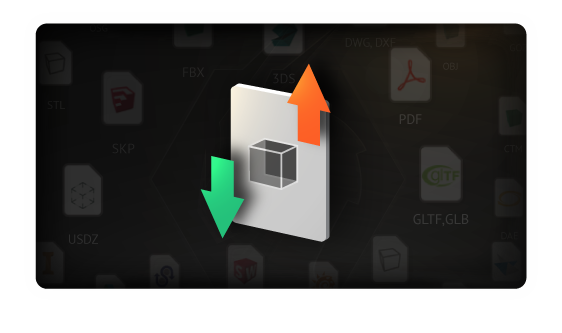
Import Your 3D Models
Bring in models from 40+ CAD formats
Start with your existing designs. SimLab Composer imports directly from all major CAD software including Revit, SolidWorks, SketchUp, Rhino, STEP, and many more.

Enhance Your Scene
Add realism with rendering, animation & simulation
Transform your models into stunning, lifelike scenes. Apply materials, set up lighting, add animations, and run physics simulations - all within the same environment.
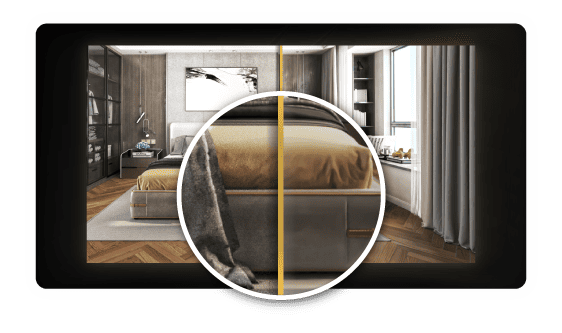
Photorealistic Rendering
Create stunning visuals with real time rendering and professional materials.
Learn More →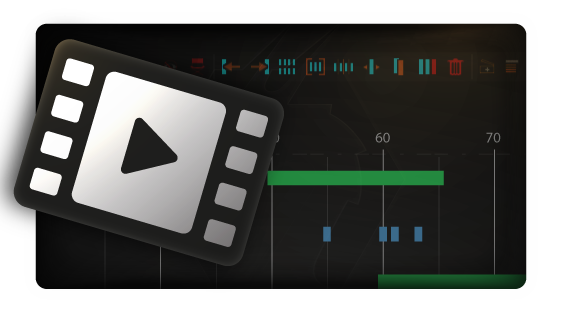
Animation
Bring objects to life with keyframe animation, motion paths, and mechanical movements.
Learn More →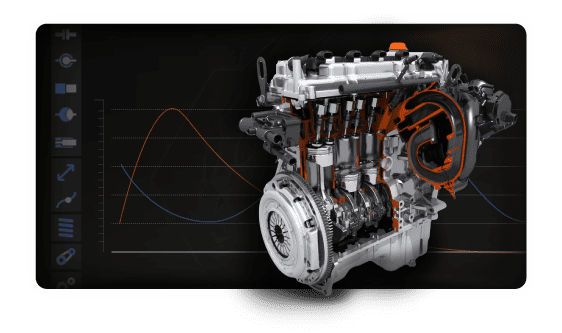
Physics Simulation
Add realistic physics with joints, collisions, and mechanical simulations.
Learn More →Build VR Interactions
Create interactive experiences without coding
This is where the magic happens. Use SimLab's Training Builder to create complex VR interactions, training scenarios, and user workflows - all without writing a single line of code.
- ✓ Drag-and-drop interaction builder
- ✓ Pre-built training templates
- ✓ Object behaviors & triggers
- ✓ Multi-user collaboration support
- ✓ Voiceover & guidance system
Publish & Share
Deploy to VR headsets, 3D PDF, 360° images, and more
One project, multiple outputs. Publish your work as a standalone VR application, interactive 3D PDF, immersive 360° images, or share via cloud - all from the same scene.

Advanced Features
Powerful tools for automation and customization
Take your projects further with advanced scripting, catalog management, and automation tools designed for power users.
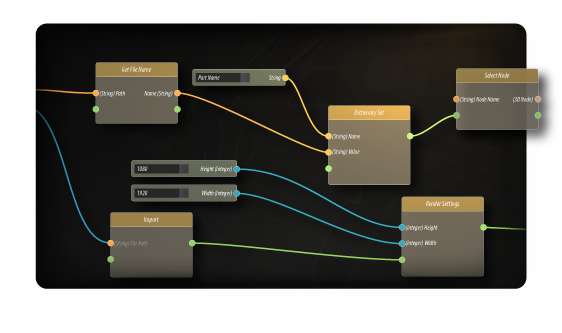
Visual Scripting
Create complex interactions and automate workflows without writing code using node-based scripting.
Learn More →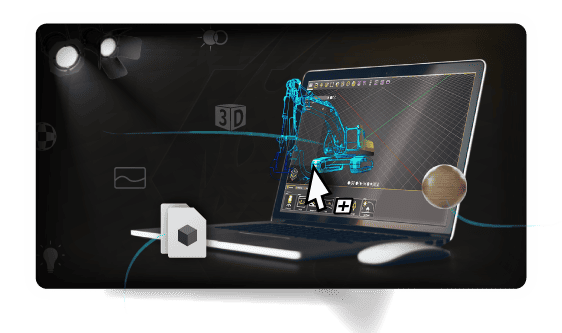
Scene Creation
Build and organize complex 3D scenes with intuitive tools for object placement, materials, and lighting.
Learn More →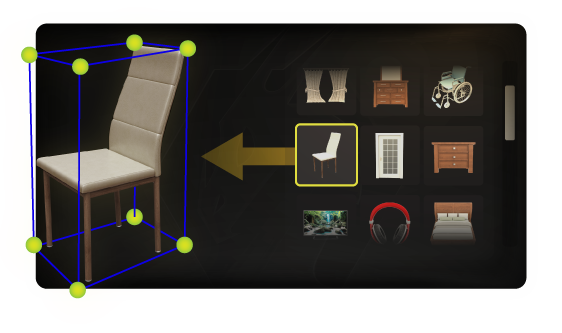
VR Catalog
Access and browse your 3D model catalogs directly while inside VR experiences.
Learn More →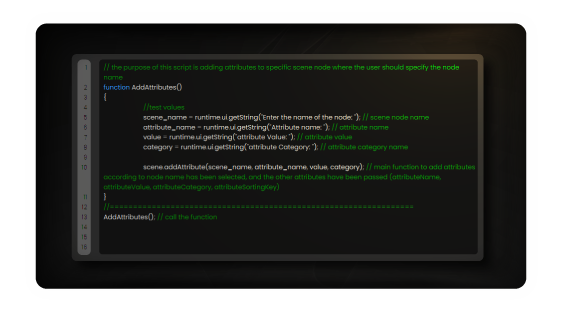
Python Scripting
Automate repetitive tasks and extend functionality with Python scripting support.
Learn More →VR Training & Visualization Use Cases
SimLab Composer powers VR experiences for engineers, architects, and training professionals
Industrial VR Training
Safety training, equipment operation, emergency response, and procedural VR simulations for manufacturing and industrial sectors.
Product Visualization
Interactive 3D product configurators, virtual showrooms, and immersive sales presentations for marketing teams.
VR Design Review
Architectural VR walkthroughs, engineering design reviews, and collaborative sessions for architects and engineers.
3D PDF Documentation
Interactive 3D PDF manuals, assembly instructions, and technical documentation that anyone can view.
VR Training Software FAQ
Do I need coding experience to create VR with SimLab Composer?
No coding required. SimLab Composer uses a visual scripting system that lets you create complex VR interactions by connecting nodes and setting properties. You can build complete training simulations, product visualizations, and interactive experiences without writing a single line of code.
What VR headsets does SimLab Composer support?
SimLab Composer supports all major VR platforms including Meta Quest (standalone), HTC Vive, Pico, Valve Index, Windows Mixed Reality, and other SteamVR-compatible headsets. You can also create desktop VR experiences and deploy to mobile devices.
Can I import my existing CAD models?
Yes. SimLab Composer supports over 40 CAD and 3D file formats including Revit, SolidWorks, CATIA, SketchUp, Rhino, STEP, IGES, FBX, OBJ, glTF, and many more. Your models maintain their assembly structure and can be directly used for VR, rendering, or 3D PDF creation.
What else can I do besides VR?
SimLab Composer is a complete 3D visualization platform. Along with VR, you get photorealistic rendering, interactive 3D PDF creation, 360° panoramas, animation, physics simulation, and cloud sharing - all in one application.
Is there a free trial available?
Yes. We offer a fully-featured 21-day free trial with no credit card required. You get access to all features including VR creation, rendering, 3D PDF, and automation tools. Start your free trial →
How does SimLab Composer compare to game engines like Unity or Unreal?
Unlike game engines, SimLab Composer is designed specifically for CAD users and non-programmers. You can go from CAD model to VR experience in minutes rather than weeks. There's no coding, no complex project setup, and no need to learn a new ecosystem. It's ideal for engineers, architects, and training professionals who need results fast.