











Professional Panorama Viewer & 360 Photo Creator

Create stunning 360-degree images and virtual tours in minutes. Fast rendering, easy workflow, professional results.


Start creating 360 photos with SimLab Composer

Try 14 days free - No credit card required

360 degree panorama viewer grid visualization 360 photo viewer interface element Virtual tour software grid component Panoramic photo software grid element 360 camera software visualization 360 image viewer grid layout Create 360 photo grid system 360 degree photo grid visualization Panorama viewer grid component 3D rendering software grid element Fast 360 rendering grid layout 360 image converter visualization Virtual tour creation circles 360 photo editor grid circles Panoramic rendering grid lines 360 degree image creation icon SimLab 360 rendering preview 360 panorama rendering icon Virtual tour software icon 360 photo viewer icon Panorama viewer software icon
25+ CAD formats supported for 360 rendering

25+ CAD Formats Supported

View All Formats
Professional quality 360 photo rendering

Professional Quality Rendering

Fast 8K panorama rendering in minutes

Lightning Fast: 8K in Minutes

Cross-platform 360 image sharing

Universal Sharing Options


360 Image vs 360 Grid: Choose Your Virtual Experience

360 Image panorama viewer icon

360 Image Viewer

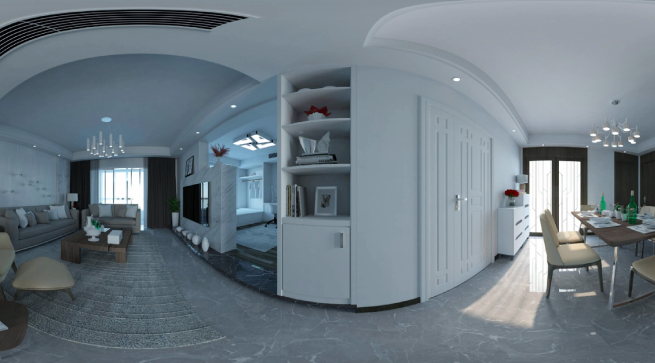
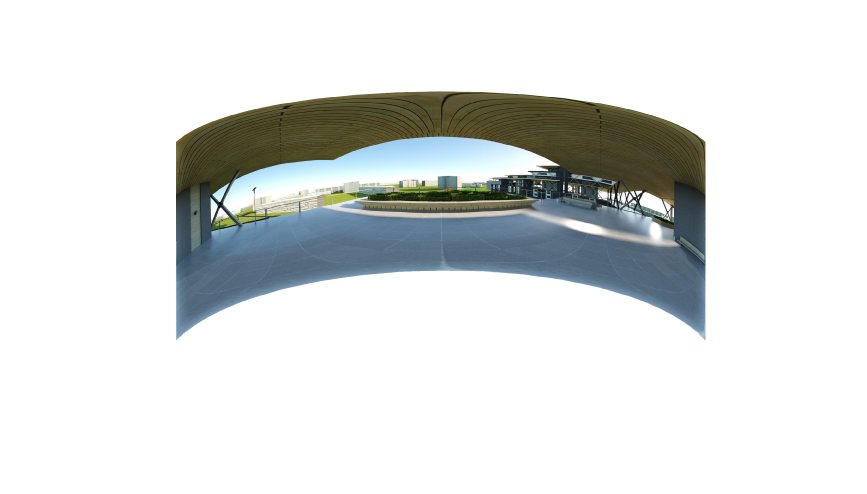
Create immersive 360-degree photos that let viewers look around from a fixed point. Perfect for showcasing spaces, products, and environments. View on mobile, Facebook, and VR headsets.

360 Grid virtual tour creator icon

360 Grid Virtual Tours

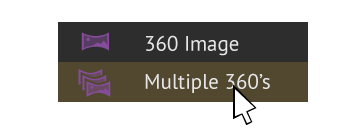
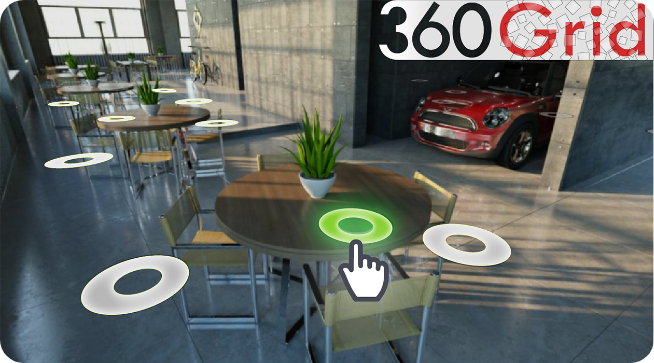
Build interactive virtual tours with multiple connected 360 images. Allow viewers to navigate through spaces and examine objects from all angles. Share on websites, VR viewers, and mobile devices.


Universal 360 Photo Sharing

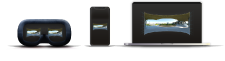
Export and share your panorama images on Facebook, websites, smartphones, and VR headsets with one click.
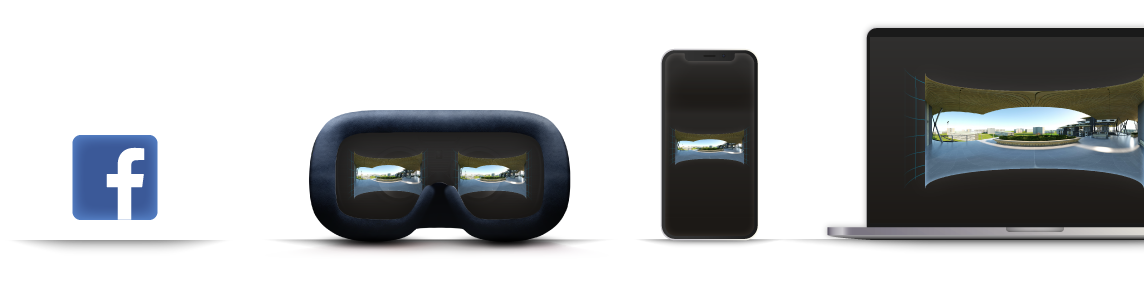


Share 360 photos across multiple platforms

Create 360 Photos in 4 Easy Steps


Step 1 iconImport 3D Models & Build Scene

Import CAD models for 360 rendering

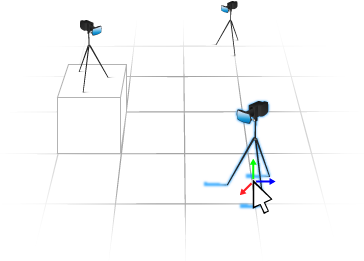
Step 2 iconPlace 360 Cameras in Scene

Add VR cameras for panorama creation

Step 3 iconOne-Click Batch Rendering

Fast batch rendering of 360 images

Step 4 iconExport & Share Your 360s

Save as PNG, JPG, or EXR formats

Export 360 images in multiple formats

Export HTML & VR packages
Create virtual tour packages


Video Tutorials: Master 360 Photo Creation

360 Image tutorial icon

How to Create & Share 360 Photos

360 photo creation tutorial thumbnail

Shadow effect
360 Grid tutorial icon

How to Build Virtual Tours

Virtual tour creation tutorial thumbnail

Shadow effect