Explore our library of tutorials, training series, and learning resources to master SimLab Software, You'll find it here whether you're looking for step-by-step guides, structured learning, or community support.






Getting Started
Welcome to SimLab! Get started with our powerful tools for 3D Visualization in just a few steps.
SimLab offers two leading software solutions:

SimLab VR Studio
Dedicated to VR creation, making it easy to design and deploy interactive VR experiences.
To view and interact with VR experiences, you’ll also need:


VR Creation Basics Course
Acquire fundamental concepts and techniques for creating virtual reality experiences without the need for coding or design skills.
Required Files:
 Toy Car Model
- 1VR Studio Basics
- 2Simple Interactions
- 3Simple Interactions
- 4Media Embedding and Text
- 5Assembly
- 6Sharing and Collaboration
Tutorials Series
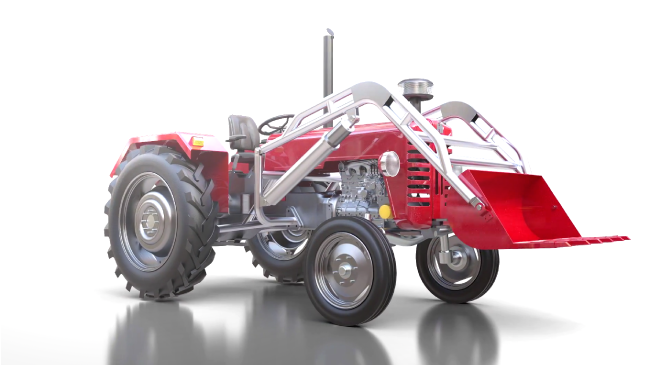
Mechanical Visualization
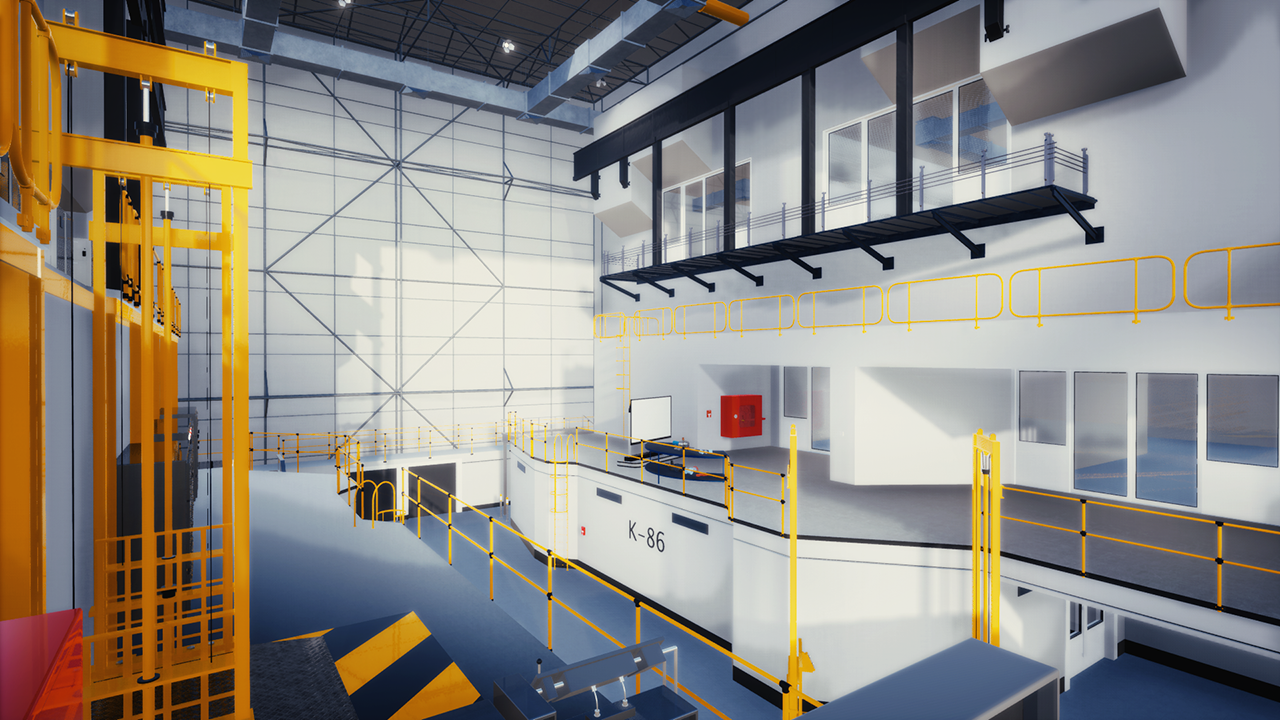
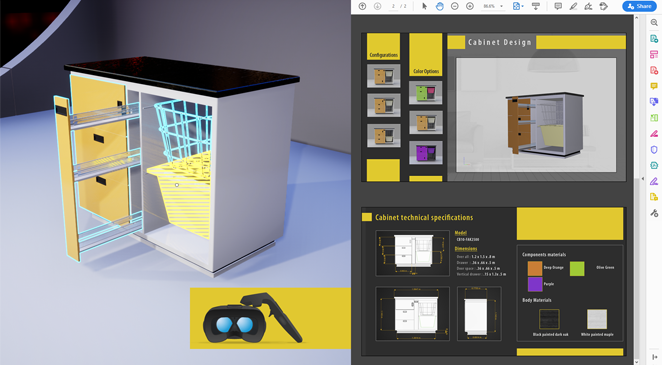
Learn how to use the latest technologies for creating high-quality outputs and visualization techniques for your mechanical designs and products.
Learn it all from exporting a dummy model, applying materials, rendering, animation, and simulation, all to fully interactive VR scenes.
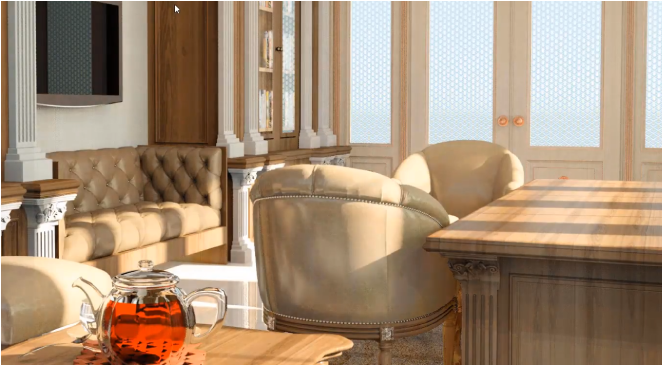
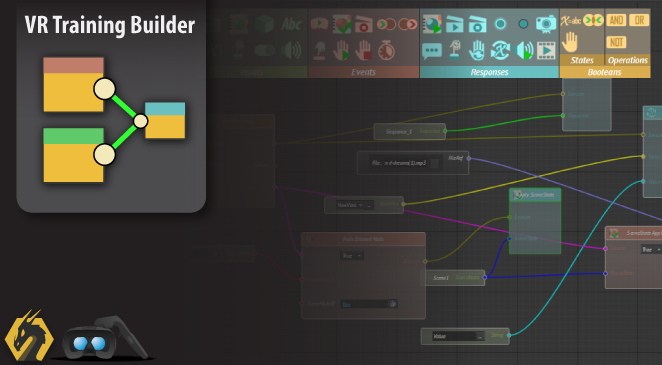
SimLab Academy
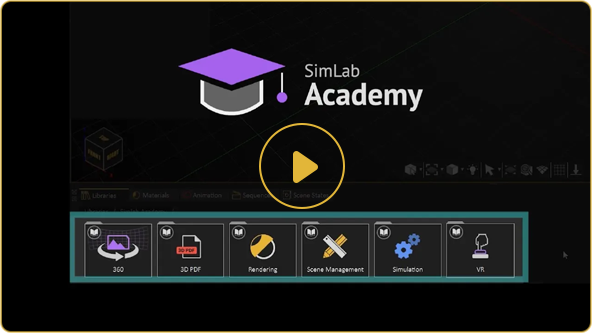
SimLab Academy provides a structured learning experience directly within SimLab Composer and SimLab VR Studio. It offers a collection of video tutorials, interactive training materials, and pre-prepared project files designed to help you master SimLab’s features step by step.
Accessing SimLab Academy
You can find SimLab Academy inside the Library panel of SimLab Composer and SimLab VR Studio. Navigate to the Academy section to access organized learning resources, including video tutorials and sample files.

The SimLab Blog
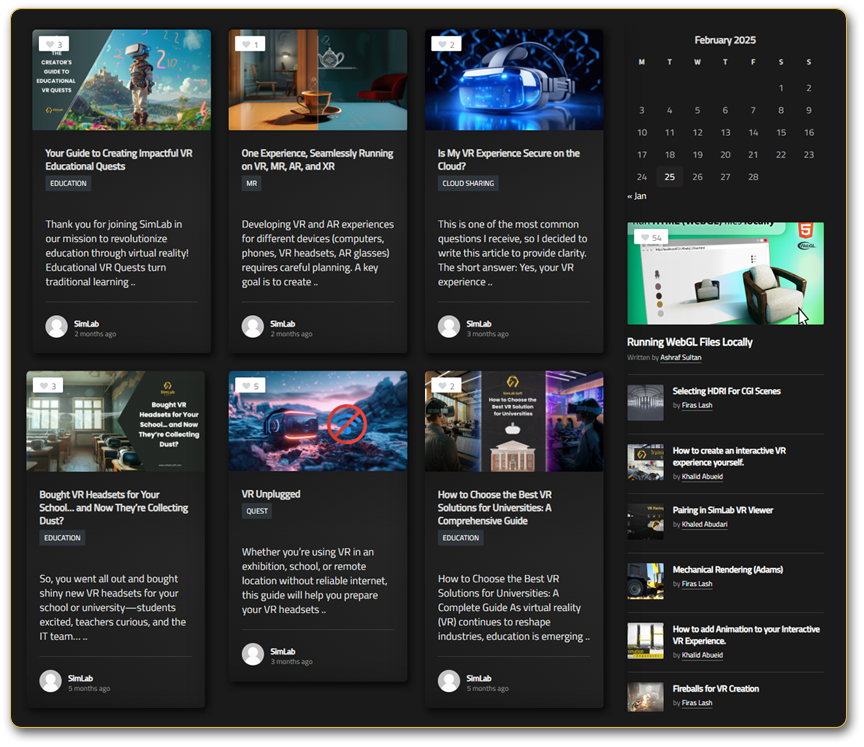
The SimLab Blog provides articles, technical guides, and insights on 3D modeling, VR, and SimLab software, helping users stay updated and improve their skills.
Key Features:
Educational Articles: In-depth posts covering various topics, from basic tutorials to advanced techniques in 3D visualization and VR creation.
Technical Guides: Step-by-step instructions and best practices to help
users navigate and utilize SimLab Composer and SimLab VR Studio
effectively.
Industry Insights: Discussions on the latest trends, innovations, and
applications of VR and 3D technologies across different sectors.
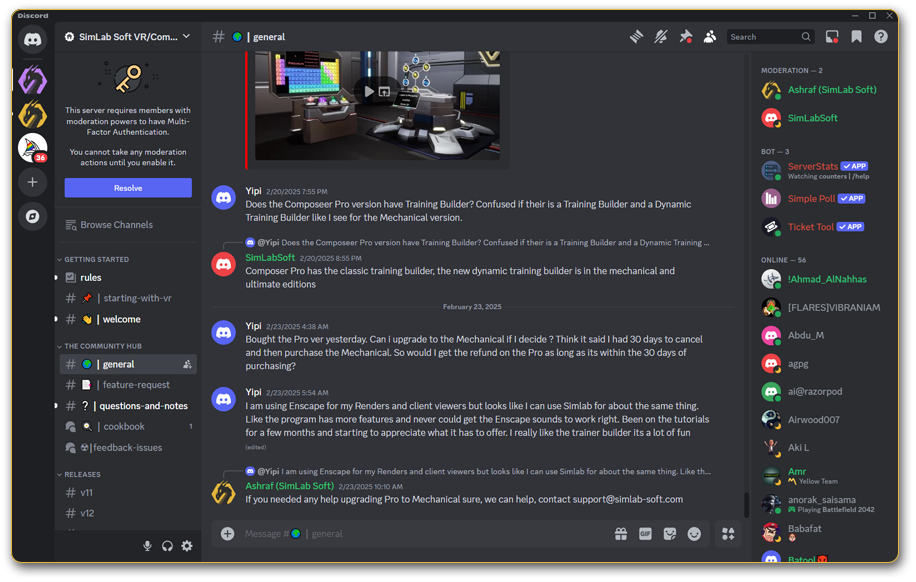
SimLab Discord Server
Join the SimLab Discord community to connect with fellow users and experts, including the SimLab team, for direct
technical support.
Get tips and tricks, stay updated with the latest features,
explore tutorials and guides, and see how others are using
SimLab’s tools. Share your own work, ask questions, and be
part of a growing community passionate about 3D, VR,
and immersive experiences.