Composer
SimulationExecute physical and mechanical simulations on your models, convert them into animations, and utilize them on 3D/VR visualization.


What is SimLab Simulation Workbench
SimLab Simulation workbench gives you all the tools needed to simulate mechanical and physical properties for your models, you can do all that you need from adding collisions, defining forces, creating joints and links, plot results, and more.

Why SimLab Simulation?

More than 25 3D files are supported for import including mechanical formats such as Solid Works, SolidEdge, creo, Parasolid, Acis, and more. Supported Formats

Creating Solids, joints, and forces is a relatively easy and straightforward process that doesn't take a lot to learn.

Simulations can be converted into different shapes that allow limitless usabilities for them.

SImLab simulation can be utilized in various visualization outputs, it can be used for rendering, 3D pdf outputs, WebGL, VR and more.
Features
Control Your Model Structure
Automatically define all of your model solids and parts, or manually define any of their attributes and physical properties.
Links and Joints
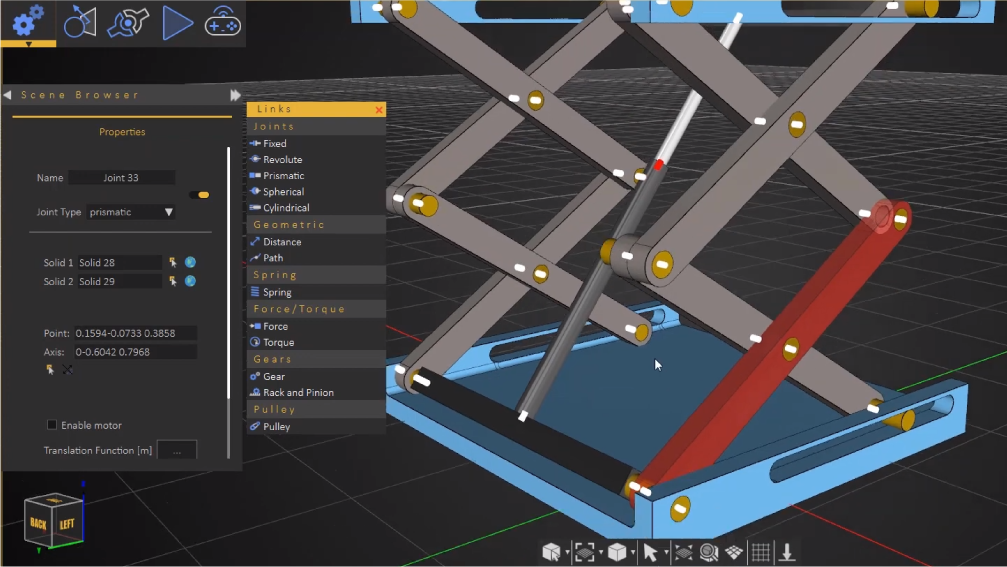
Build your mechanical model, and create advanced mechanical linking using the complete set of the available basic joints.
Forces and Power
Apply mechanical forces and torques on your mechanical parts or specific points on them. add springs that absorb energy as well. Control the magnitude of forces through custom functions, polynomial equations, sinusoidal, constant magnitudes, and more.
Convert to Animations
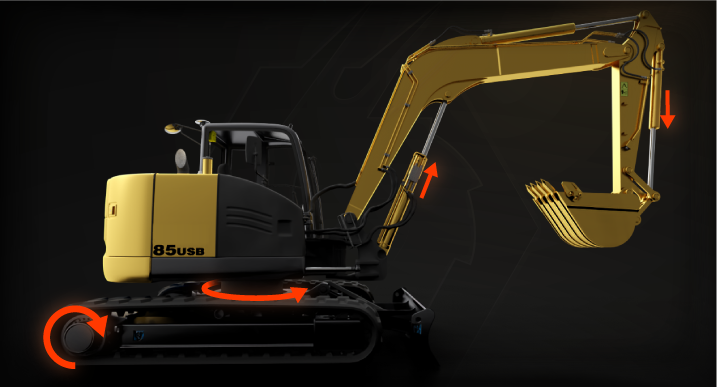
You can convert simulations into animations and animation sequences, which can be utilized in all types of outputs such as rendering, VR interactions, 3D PDF and more.
Interactive Link
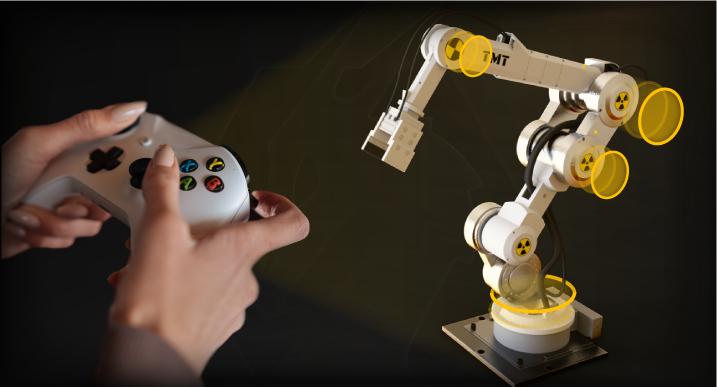
You can connect and map a controller to control specific forces and physical properties during the simulation to affect and interact with the scene during the simulation and on VR.
Plots
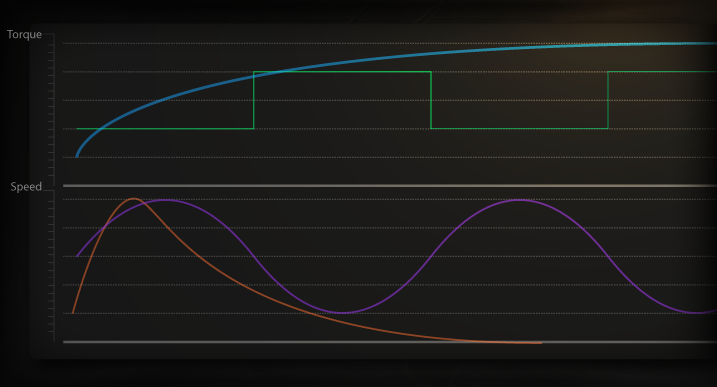
Customizable graphs and plots that read all of your scene's physical properties like speed, acceleration, position, forces, and more.
Where to use it?
Simulation can be exported inside PDF files as animations that can be viewed using Adobe Acrobat on any device.
Learn more
WEBGL
You can upload your model and embedded into the web with its simulation, you can also define actions to control your simulations as animations.
View Examples
Rendering
Create an animated rendered movie out of your simulations.
View Examples
VR
You can utilize all types of animations in different ways in VR experiences. learn more about creating VR experiences here.
How to?