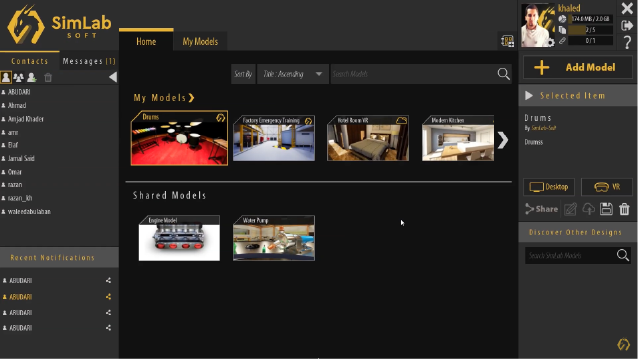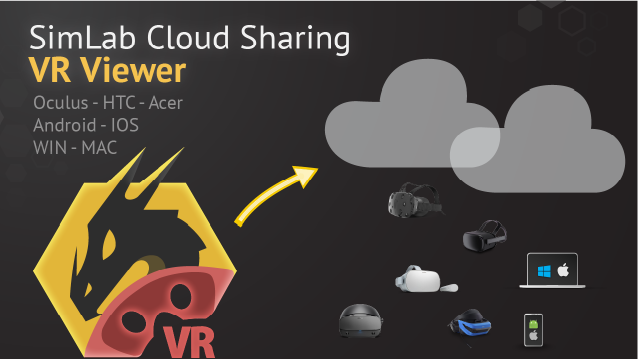
A brief summary with regards to the new updates that have been made in Composer 14 :
-
SimLab Composer
-
-
 Apply Transform
Resets an object's transformations while retaining its correct position, scale, and appearance. It's ideal for animating models with non-uniform scaling, preventing distortion, and optimizing performance in scenes with inconsistent or extreme scales.

-
Variable Writer Update: Enhanced Text Handling and Alignment Options
The Variable Writer update introduces multi-line support for user input and AI responses, fixed font size options, and vertical text alignment for precise positioning.

-
Dynamic Training Builder: Scene Loading and Home Response Features
The new update introduces load scene responses, enabling seamless transitions between phases and unlimited scene setups. Creators can also use the home response feature to guide users back to a portal for accessing various scenes.
-
Dynamic Collision Control with Set Node Collision Enabled Node
The update adds the Set Node Collision Enabled node, allowing dynamic control over collisions and actions for scene nodes. This eliminates the need for workaround events, streamlining interactions and user navigation.
-
Revolutionary Assembly/Disassembly System in SimLab Composer
The SimLab Composer update introduces a powerful, intuitive assembly/disassembly system. Key features include logical order enforcement, interchangeable part recognition, tool integration, and optional ghost guides for easier placement. Ideal for handling complex assemblies with precision and flexibility.

-
Dynamic Web Browsing with the Set Web Browser URL Node
The new Set Web Browser URL node lets you dynamically update browser links in PC or Quest VR experiences. Use it to switch websites based on scene status or attach and update links on objects interactively.

-
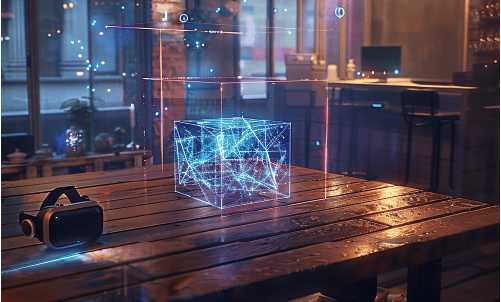
XR Anchors
Attach 3D models to specific real-world locations when using XR mode on Quest headsets. It's perfect for placing training models in real spaces, highlighting real-world objects, or visualizing furniture layouts.
-
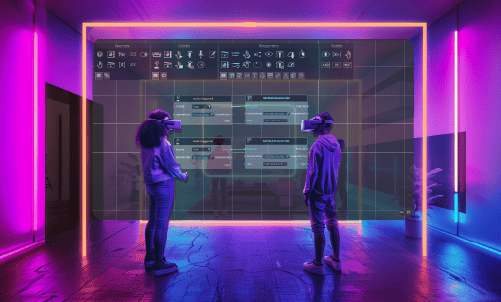
Dynamic Interactivity and Smarter Event Detection
The updated Training Builder introduces a Variable Changed Event Node for easier detection of variable updates from sequences or AI responses, eliminating the need for temporary values. It also adds a Delete Scene Node Response, enabling dynamic creation and removal of objects for more interactive experiences.
-
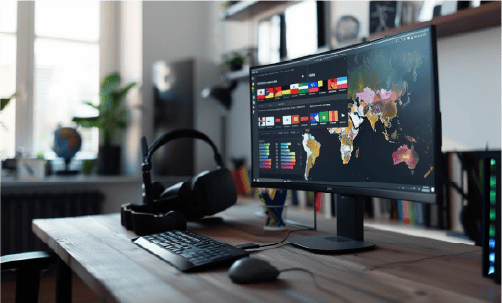
Updated Translation Process for Multilingual VR Experiences
The latest update simplifies translating VR experiences into multiple languages. Designers can collaborate with translators without sharing source files like .zim or .sim, ensuring secure and accessible content for global audiences.
-
Enhanced Variable Writer Customization
The next update introduces advanced customization for the variable writer, allowing users to adjust Prefix, Suffix, Variable, and Color directly in the training builder. This streamlines workflows, such as dynamically changing text color based on conditions or simplifying variable management for multiple writers, making experience creation faster and more efficient.

-
Introducing AI Key Validation and New AI Events in SimLab VR
The latest update enhances SimLab VR with AI Key Validation, verifying OpenAI API keys before enabling AI features. It also introduces two events, AI Started Talk and AI Ended Talk, for better control over AI interactions.

-
Enhance VR Experiences with the New Attach and Detach Nodes
The new "Attach" node response lets VR designers attach the player to objects in the scene, maintaining the connection until the "Detach" response is triggered. This feature unlocks endless possibilities, including:
- Ensuring proper seating during educational simulations.
- Guiding users along predefined paths in interactive scenarios.
- Simulating immersive activities like driving, crane operations, or roller coaster rides.

-
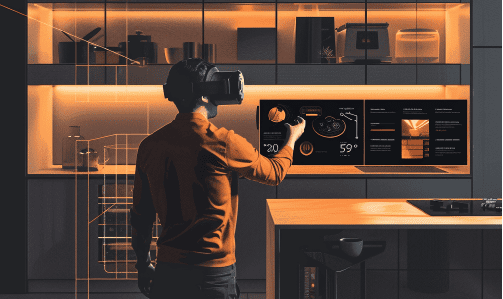
Simplify Scene Design with VR Snapping
The VR Snapping feature in Composer 14.0 simplifies scene creation, enabling precise item alignment with ease. Whether designing a kitchen or an educational lab, setup is quick and fully customizable. Watch our tutorial to get started!
-
Optimized VR Scenes
VR Studio 14 simplifies VR scene optimization with a unified dialog for adjusting objects, polycount, textures, and lights. Beginners get quick results, while advanced users enjoy fine-tuned control, ensuring smooth performance on any VR headset.

-
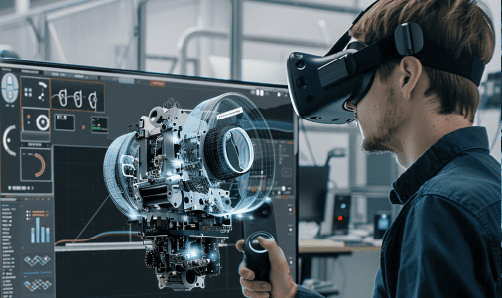
WebSocket Support in SimLab Composer 14
SimLab Composer 14 now supports WebSockets, enabling seamless integration with external hardware, co-simulation engines, and websites. Available exclusively in the Ultimate Edition, this feature expands connectivity and automation possibilities.
-
-
A brief summary with regards to the new updates that have been made in Composer 12.2 :
-
SIMLAB VR Viewer
-
-
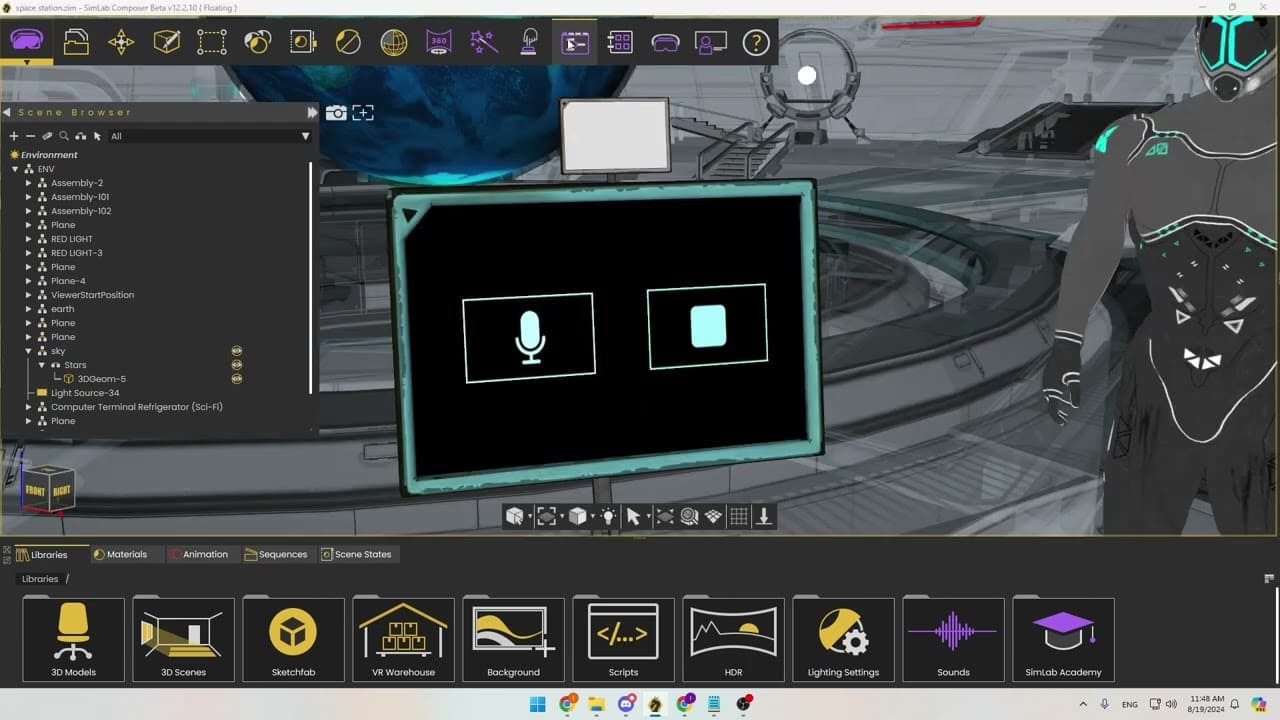
AI: OpenAI integration
Elevate your VR with AI effortlessly! Combine AI with virtual reality to create stunning experiences and build extraordinary worlds with ease.
-
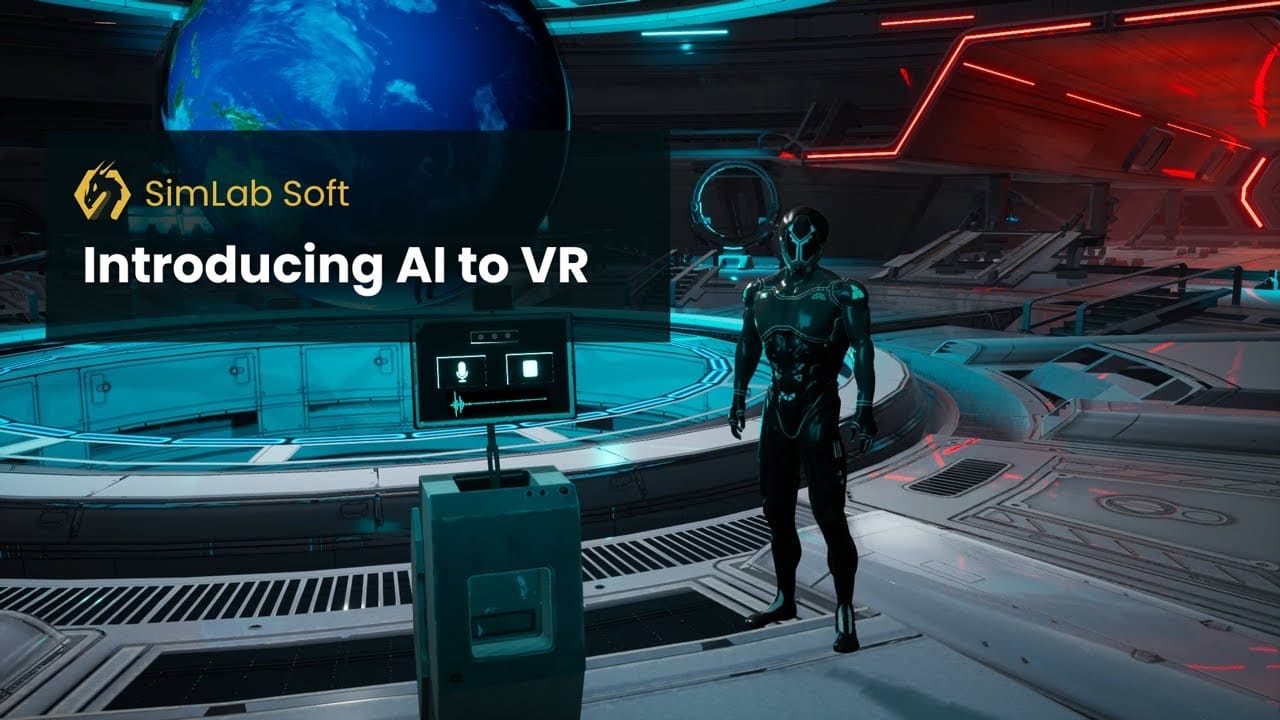
AI/VR Integration
Create new worlds, ideas, and adventures effortlessly with AI in VR! Unleash your creativity and explore endless possibilities. AI support is available in the SimLab Composer 12.2 Ultimate edition.
-
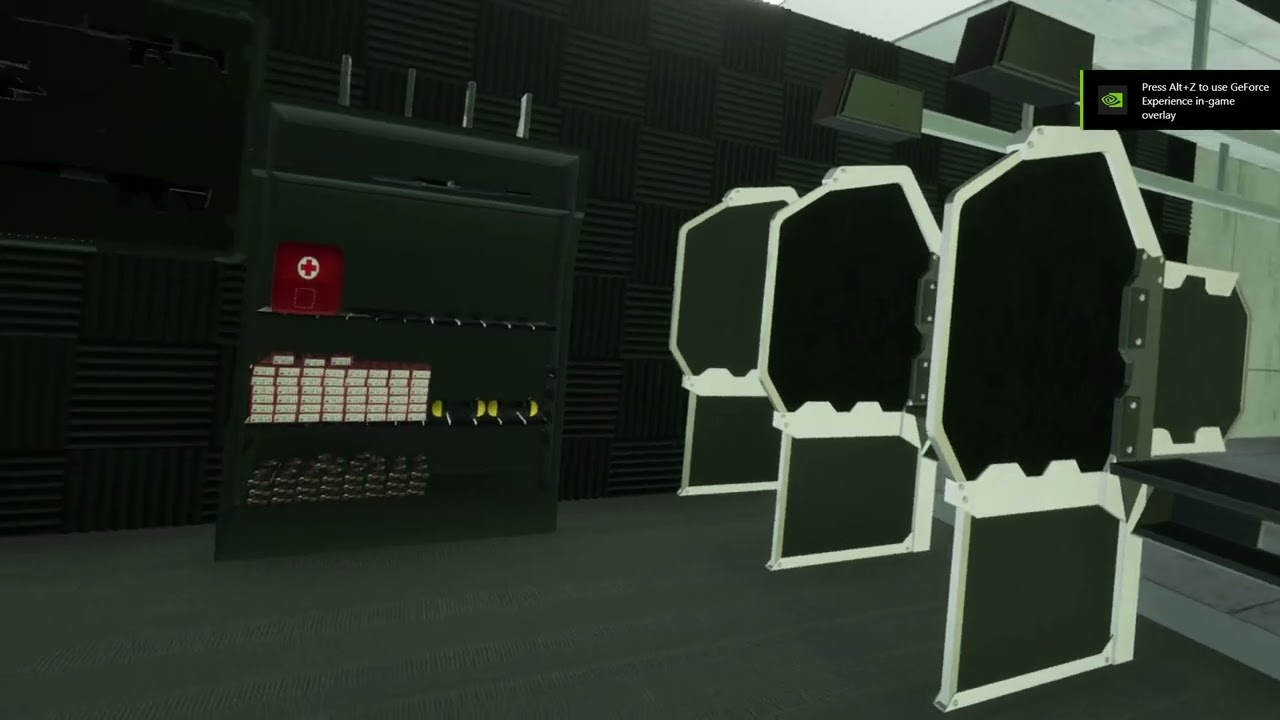
Trigger Beam Visibility Control
In version 12.2, you can control when to show or hide the trigger beam, allowing users to focus on their experience or hide it in specific areas. This feature is now available in the training builder for easy management. The video below demonstrates how it works.
-
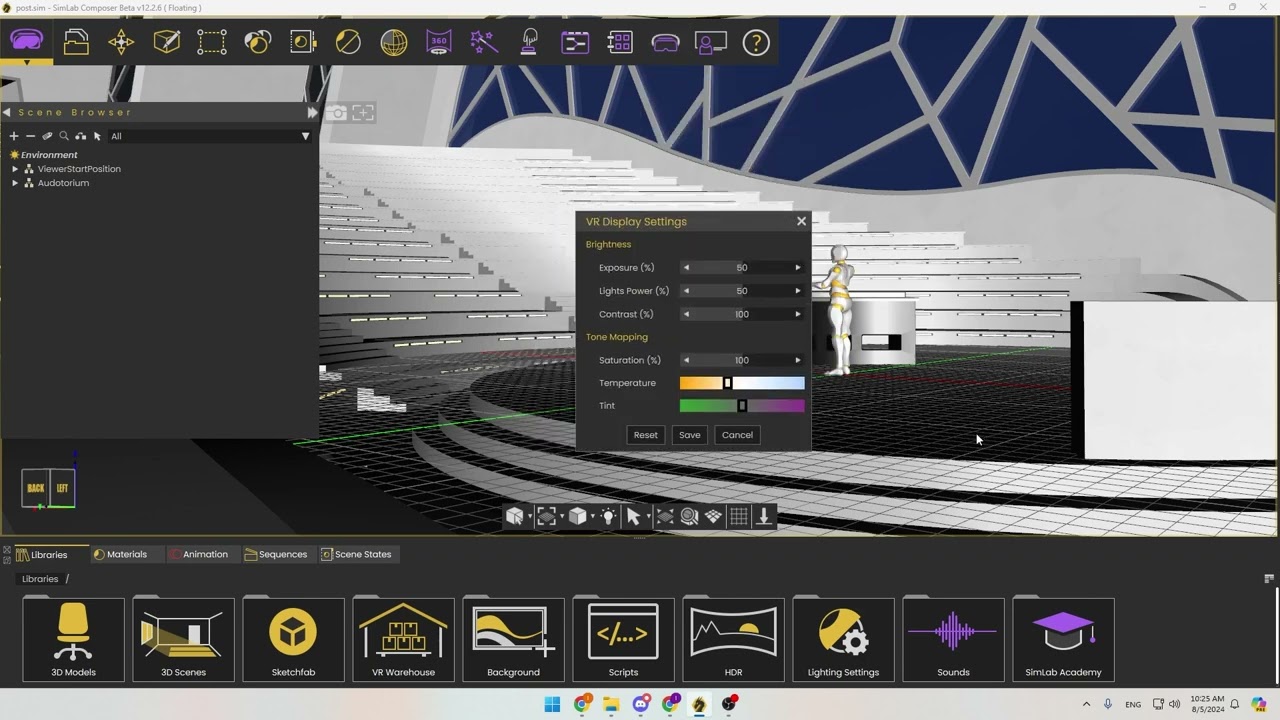
Automatic post-processing: option to control the scene tone mapping. (Dialog box: VR Display Settings):
We believe SimLab's V12 automatic post-processing offers the most realistic training experience. However, we've heard that some users prefer the V11 tone mapping for creating futuristic scenes and educational games. To accommodate different preferences, we've added an option to control these settings so you can achieve the look you want. You can adjust the display settings in the VR viewer using the dialog in Composer 12.2.
-
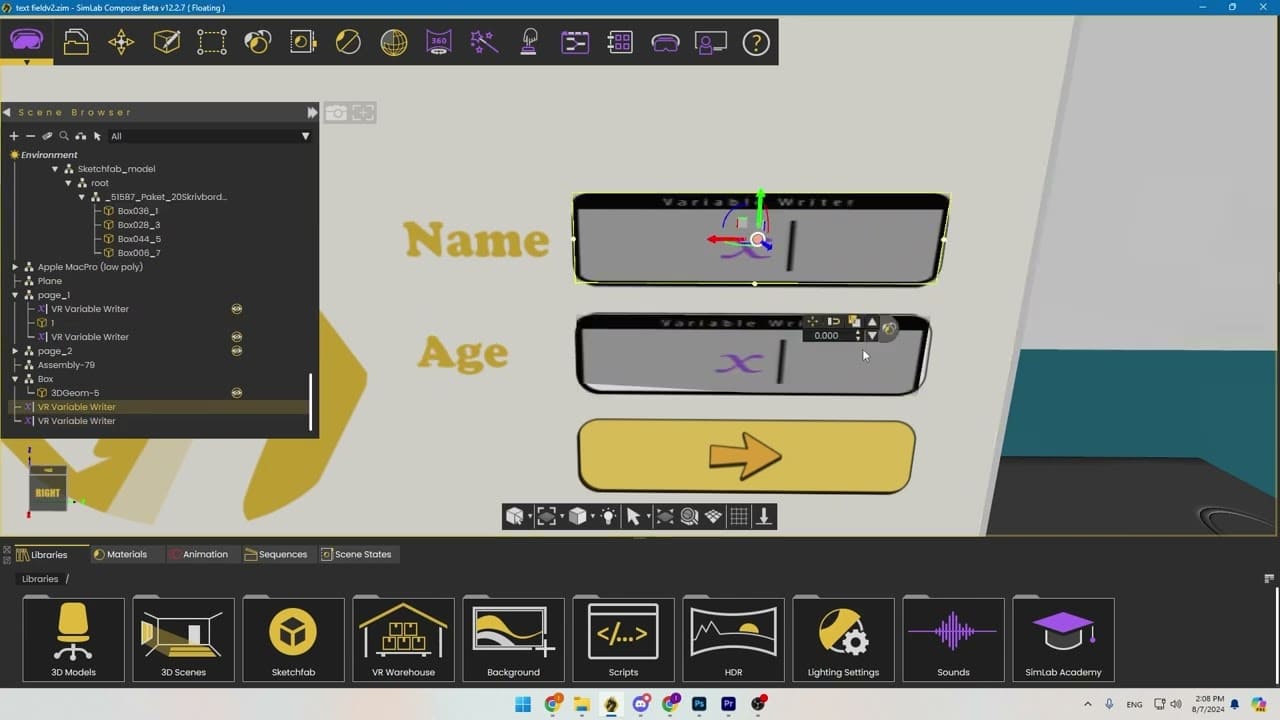
Editable Text Fields let users change variable values directly. Here's how it works:
- - Mark a variable as editable.
- - Users can click on it to enter a new value.
- - Useful for scenes, user cloud variables, or saving to an external database with LUA.
-
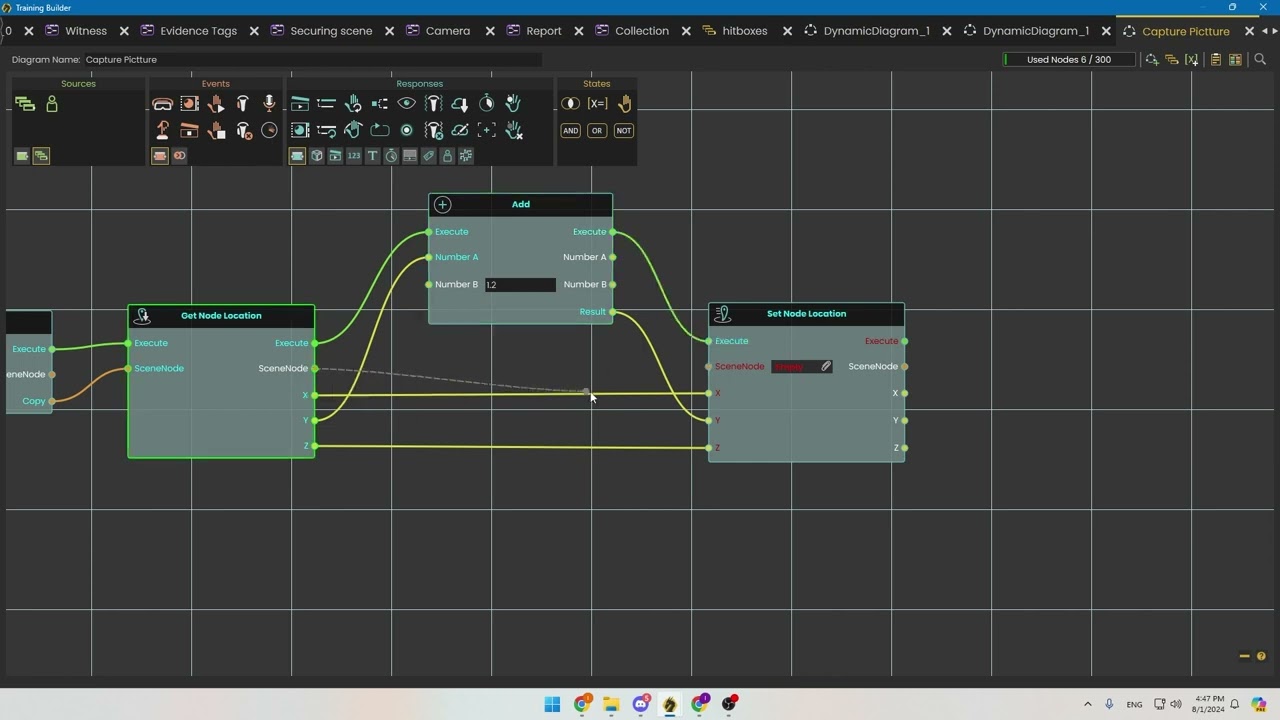
Taking Pictures in VR Training
Version 12.2 allows trainees to take and save images directly within the VR training environment, such as for X-ray machine operation. Watch the demo video for more details.
-
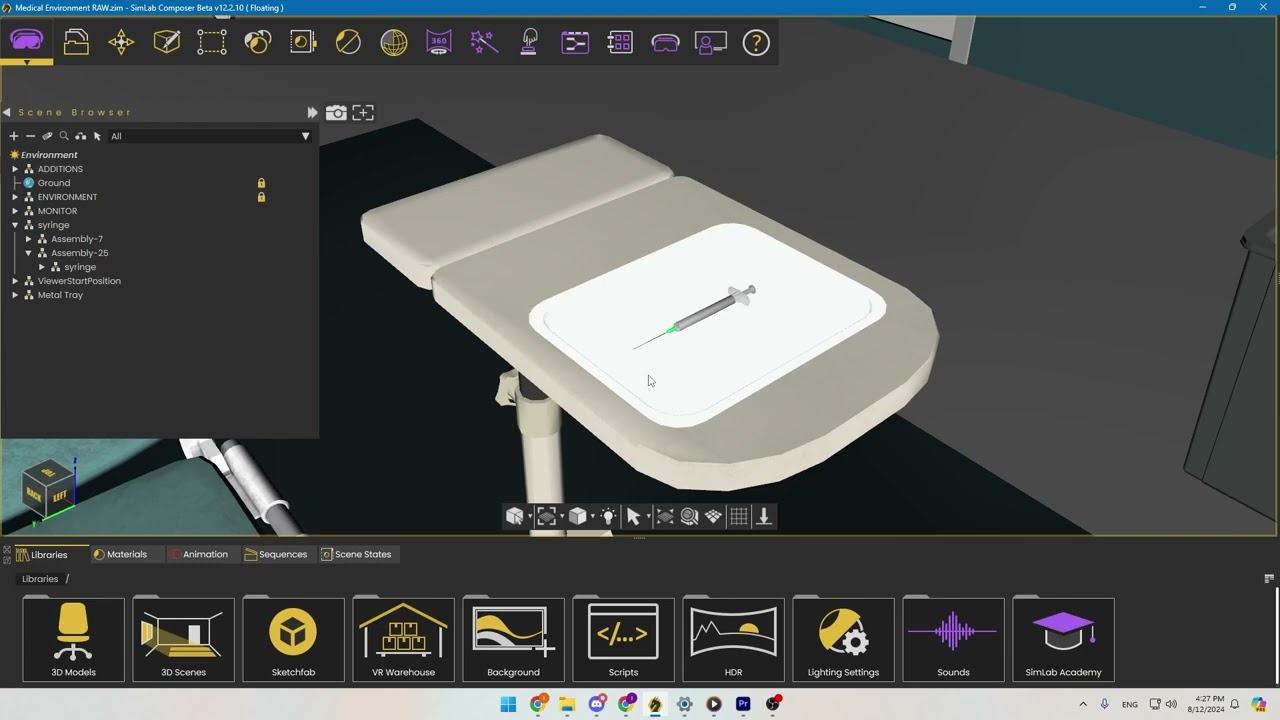
Attach Objects to Hands
Version 12.2 lets Quest users attach objects to their hands for more natural interactions. This feature is exclusive to the Ultimate Edition of SimLab Composer. Watch the video for a demo.
-
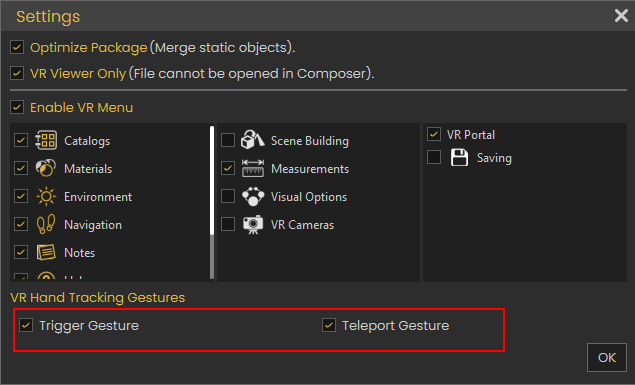
Enable/Disable Trigger and Teleport Gestures
Version 12.2 lets you control hand gestures with a new dialog feature. You can enable or disable trigger and teleport gestures to avoid accidental activations.
-
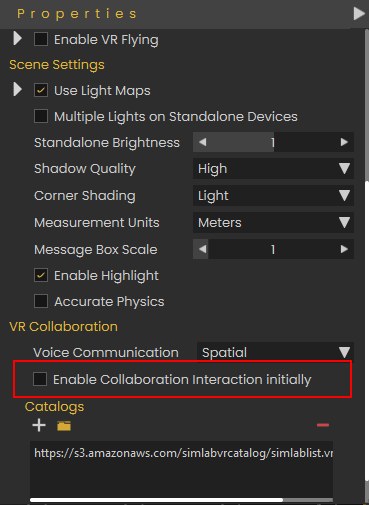
Enable/Disable Collaboration Interaction on Begin
In version 12.2, you can now enable interactions by default in collaboration mode, ensuring all users have access from the start without requiring the host to grant it manually.
-
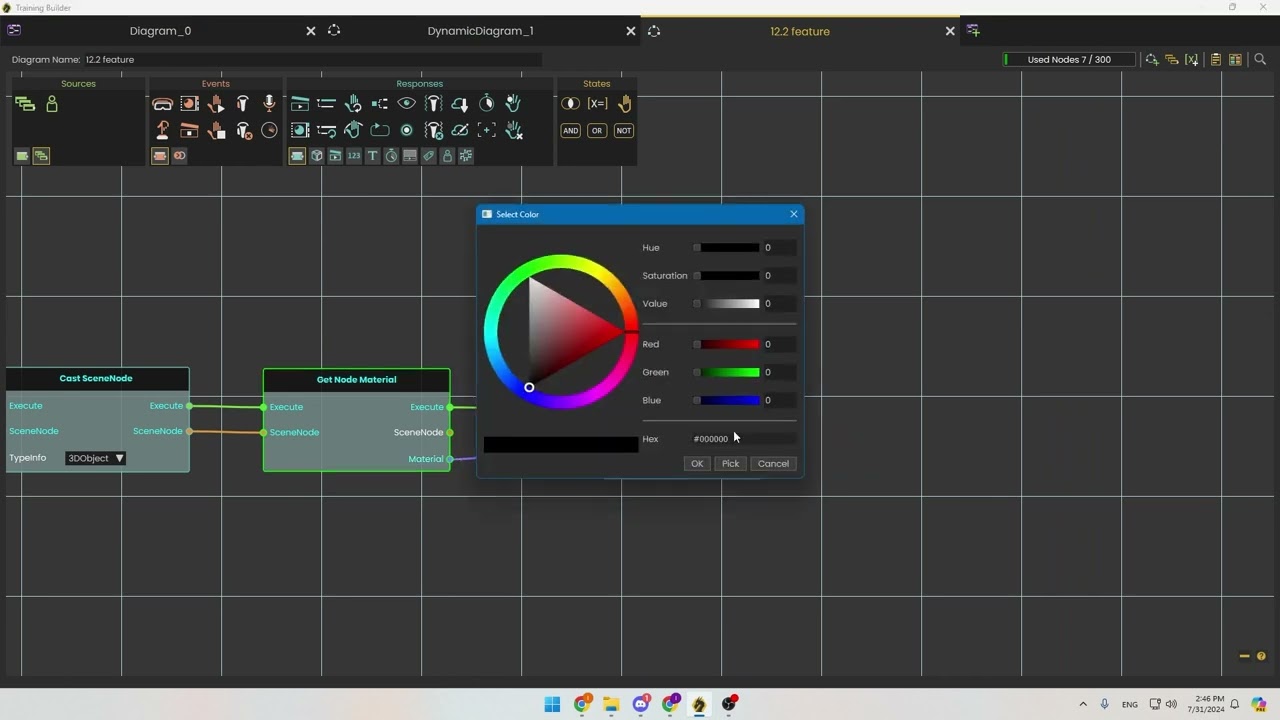
Change Object Materials Easily and Copy Nodes
Easily adjust object materials with the Set Material Color and Set Material Alpha nodes. In V12.2, use the Make Node Copy node to duplicate geometry or structures, streamlining random object creation and trajectory display. Check the tutorials below for detailed instructions.
-
-
-
SimLab Composer
-
-
360 Videos
SimLab Composer V12.2 added support for 360 videos, the process of using them is shown in the following video. With Training Builder, you can create unique VR experiences with 360 videos, with many options such as play on start, loop, interactive, and mute.

-
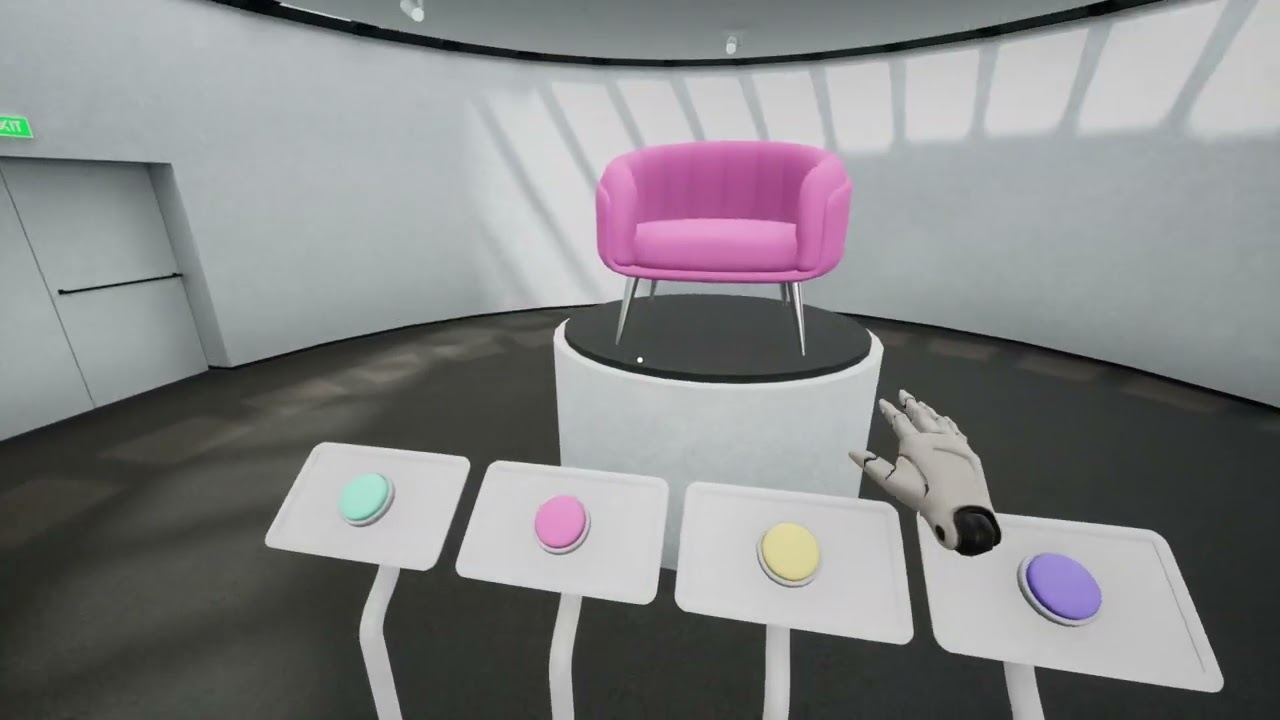
Enhanced Scene States
- - Light: Stores only essential data, reducing file size.
- - View Affected Objects: Displays objects impacted by the scene state.
- - Recapture: Automatically updates links in Training Builder without manual searching, just by recapture.
-
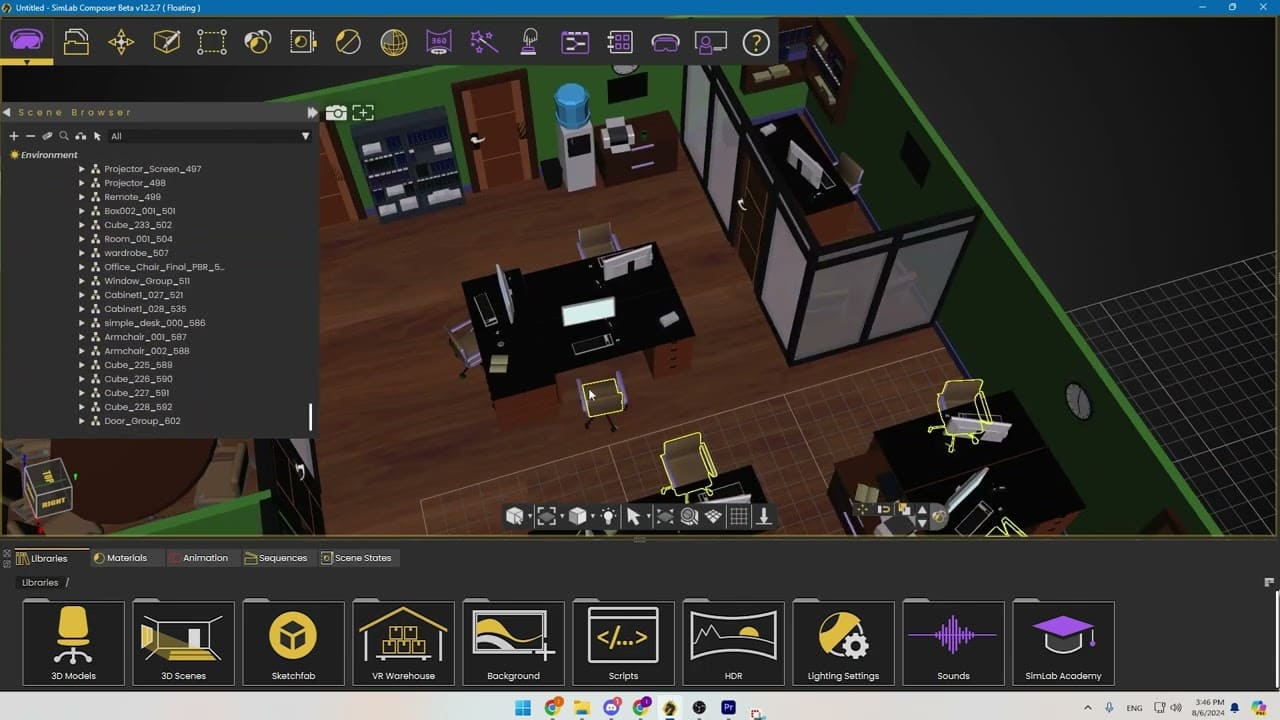
Selection Lists: a convenient way for selecting multiple objects
SimLab Composer 12.2 introduces "Selection Lists," allowing you to save and quickly access groups of objects without altering the tree structure. This makes repeated selection of objects, like car wheels or desktops, much more efficient than traditional methods, which can be challenging for selecting multiple objects.
-
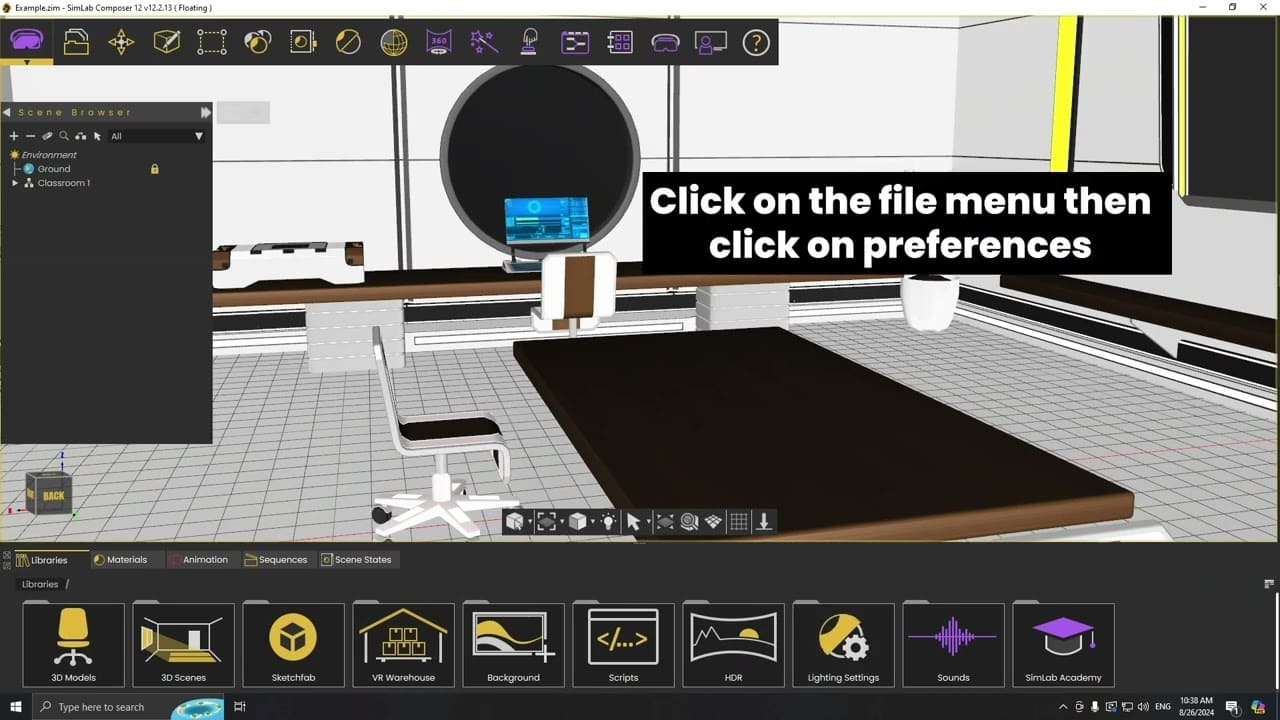
Right Menu Navigation: Easier Node Addition where the user can add nodes to the Dynamic Training Builder by:
- - Selecting from the top list of common nodes.
- - Typing the node name after pressing Tab.
- - Using the right-click menu to explore nodes by function, is great for discovering new ones.
-
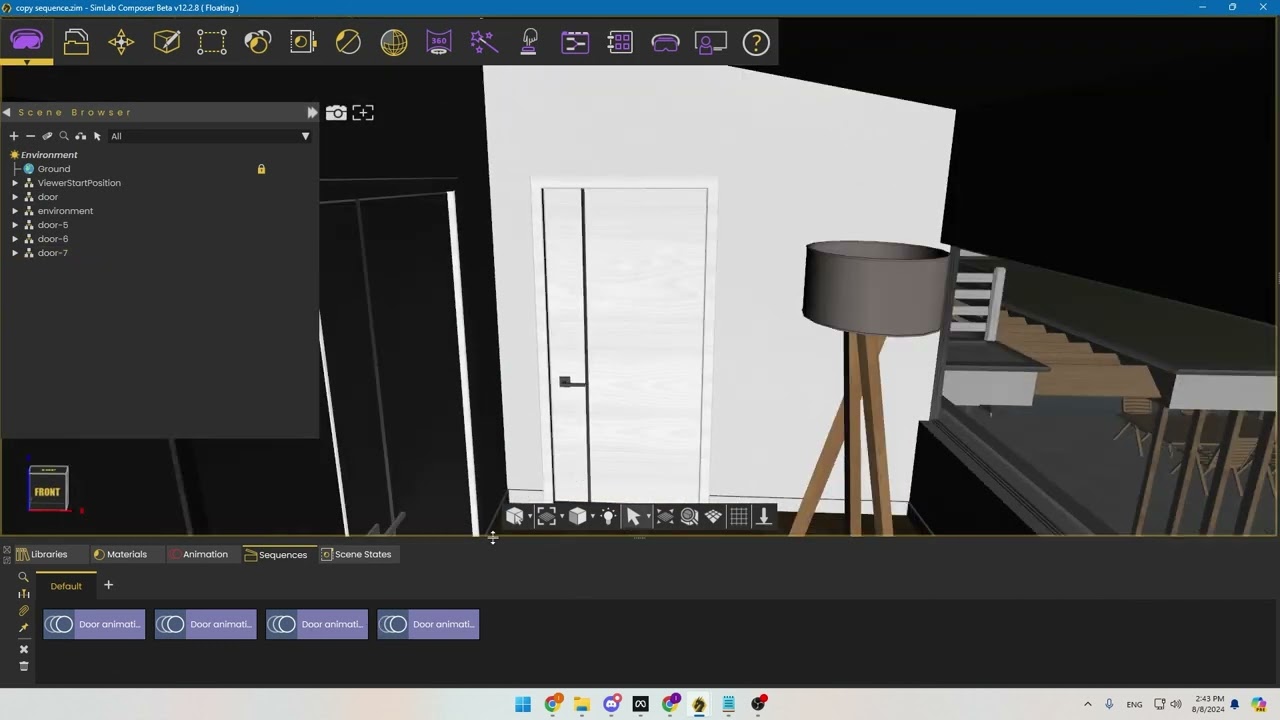
Copying Objects with Sequences
In Dynamic Builder, sequences can now be copied along with objects in SimLab Composer 12.2. When you copy an object with a sequence attribute, the sequence is automatically updated and linked to the new object. This makes applying animations, like opening doors, to multiple objects easier.
-
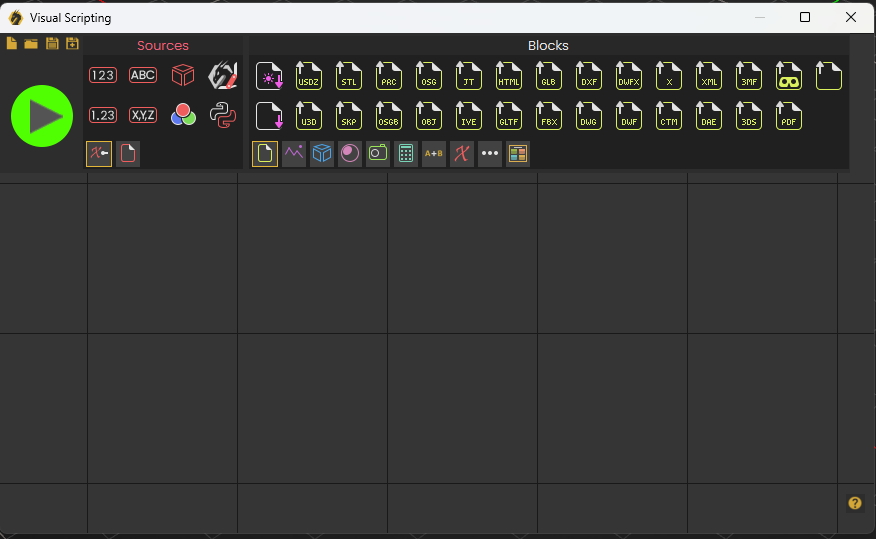
Visual Scripting: New look GUI
In version 12.2, Visual Scripting has been updated to match the look of the Dynamic Training Builder.
-
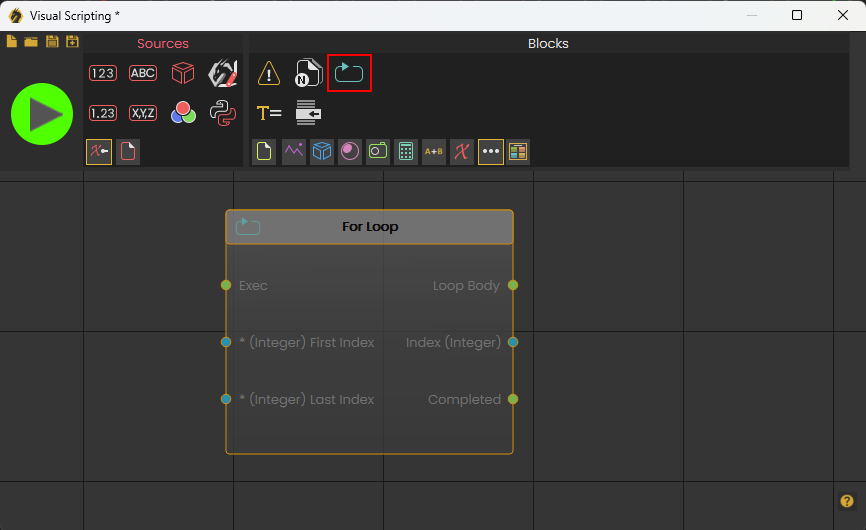
Visual Scripting: The Loop node
Visual Scripting in version 12.2 now includes a new loop node. This allows automation designers to run multiple variations automatically.
-
-
Major Updates:
A brief summary with regards to the new updates that have been made in SimLab Composer 12.1:
-
SimLab Composer
-
-
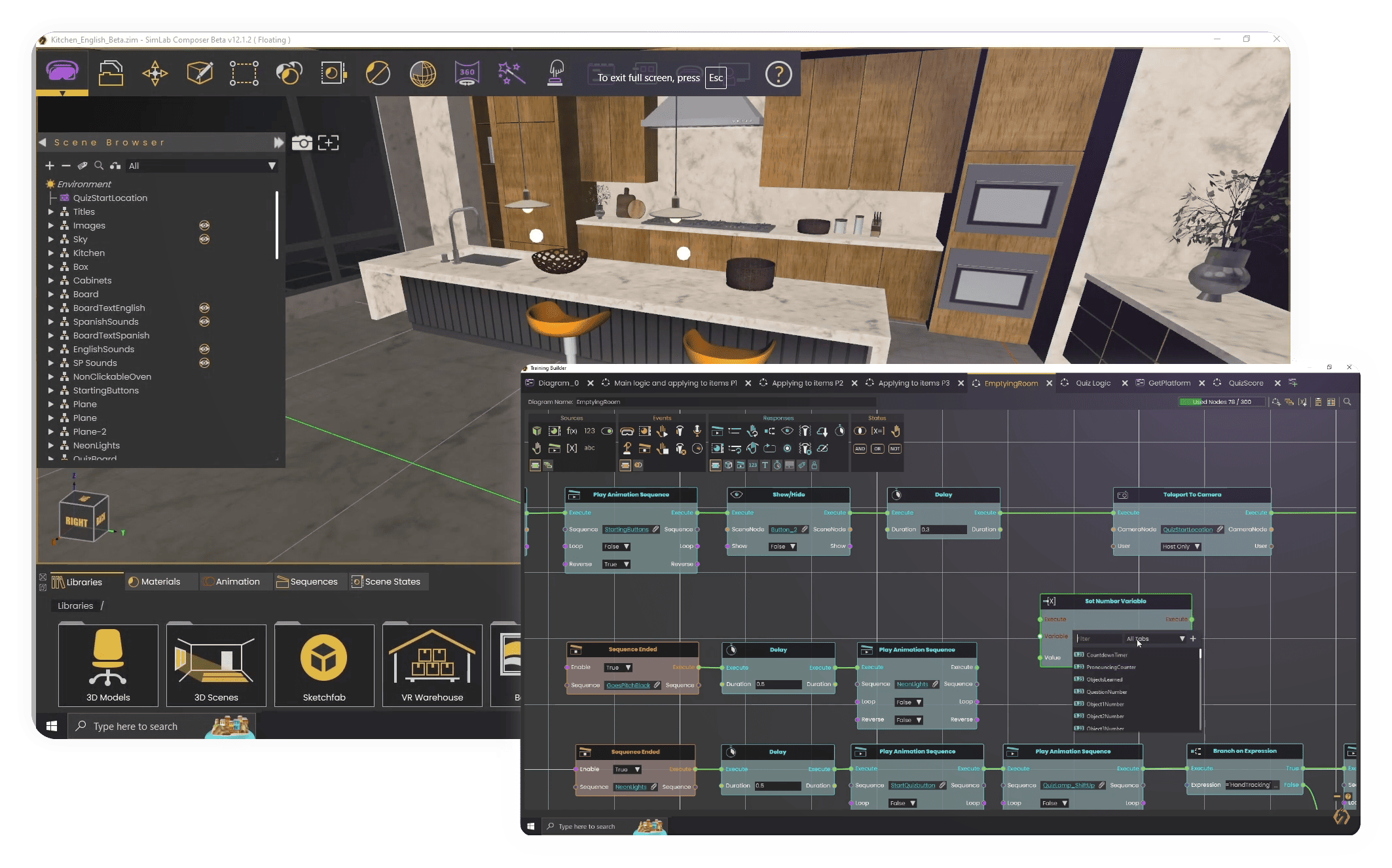
Variable ordering:
Sort out the variables to keep everything organized without worrying about ending up with a lot of variables click on the variables list, pick the variables you need in the training builder through the categories.
-
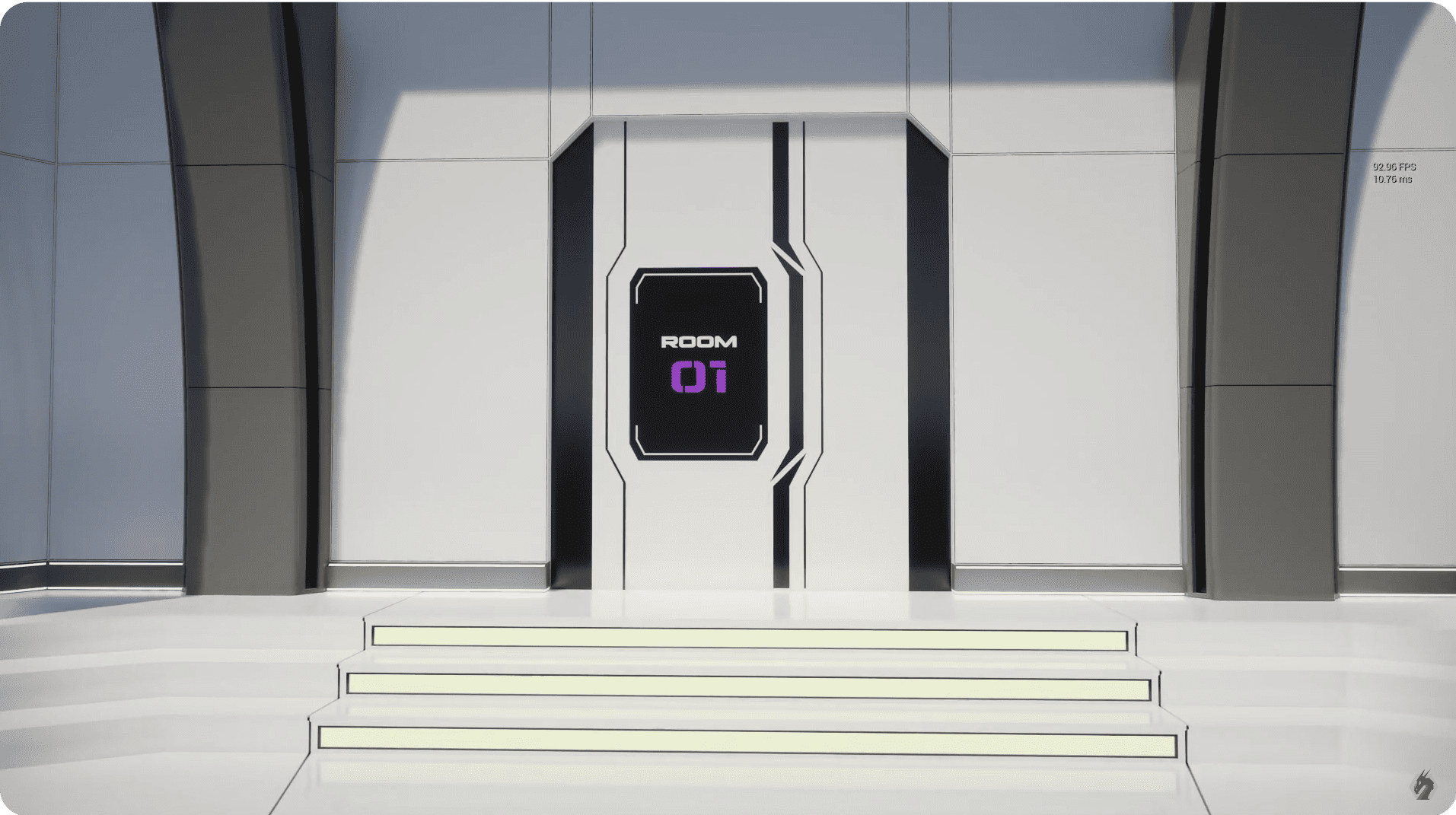
Cloud Data Storage for Users and Experiences:
Introducing new Cloud attribute response nodes that facilitate enhanced data management. By adding a string attribute, or retrieving user IDs and setting node-triggered events within the dynamic Builder, this attribute allows for the storage of information related to both scenes and users in the cloud. Consequently, when a scene is run again, it can retrieve information based on the previously saved data, ensuring a seamless and personalized user experience.
-
LUA scripting support:
SimLab Soft offers an API with methods and classes for creating customized Lua scripts. This flexibility makes the tool a dynamic platform for creativity and innovation. learn more
-
-
-
SIMLAB VR Viewer
-
-
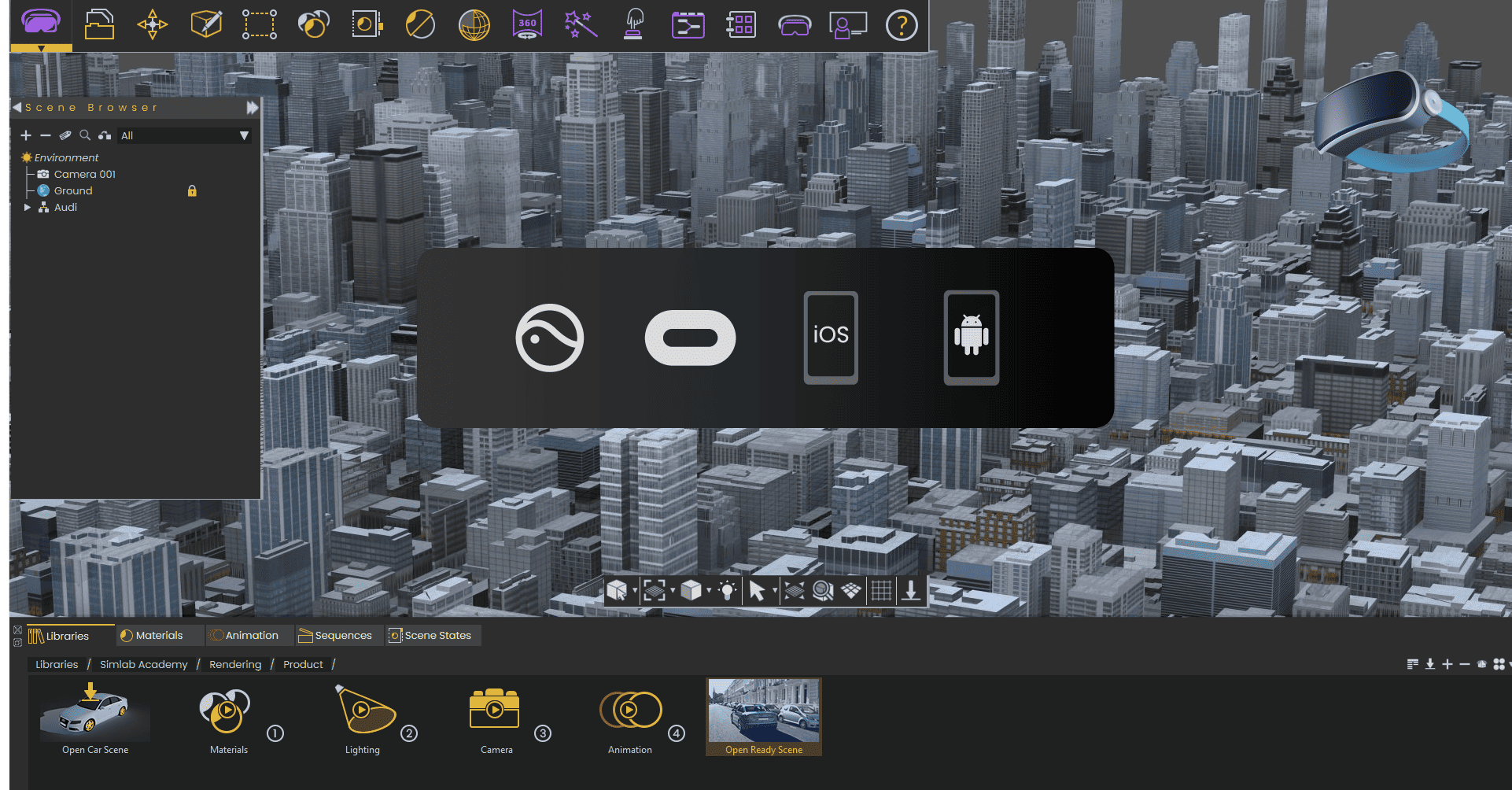
Handling larger models on Quest, Pico, Android, and iOS
-
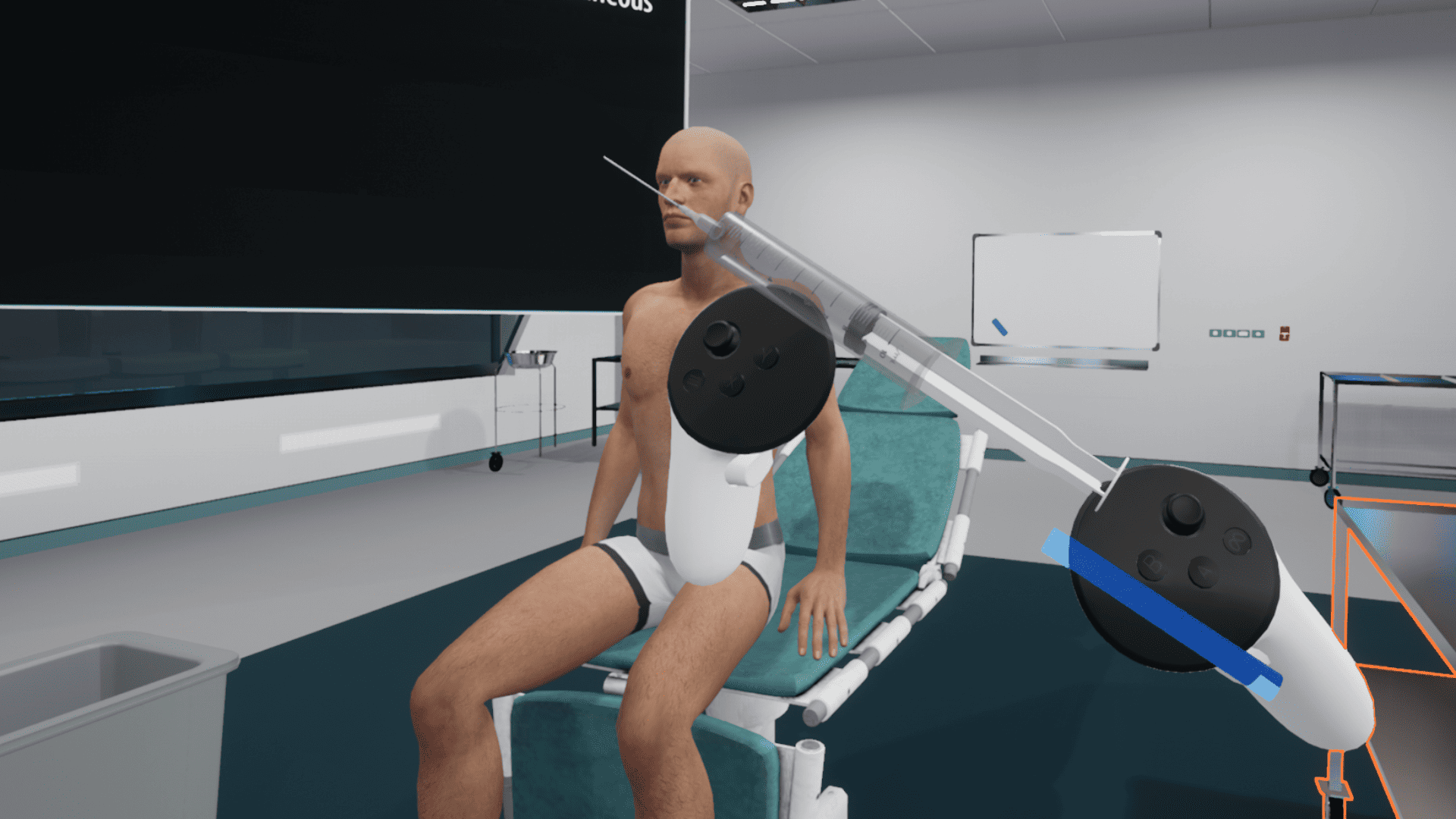
Two-hand grabbing:
Now you can trigger actions based on the movement of both hands. This allows for synchronized and simultaneous simulations, enhancing user interaction and control.
-
-
Major Updates:
A brief summary with regards to the new updates that have been made in Composer 12 :
-
SimLab Composer
-
-
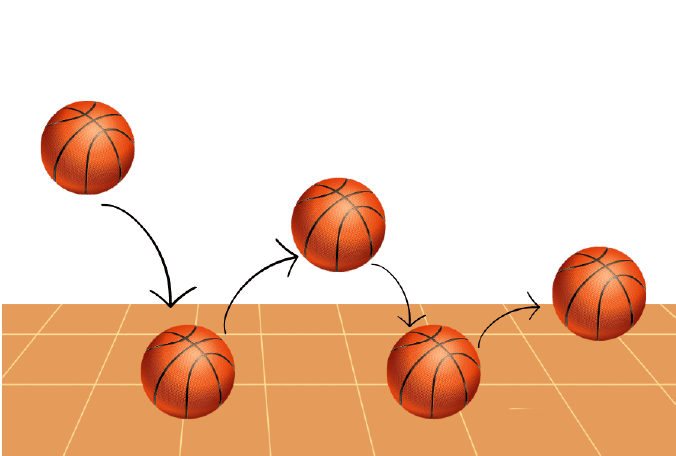
Physics and gravity
We are proud to introduce physics and gravity! With physics, a whole new world of creative possibilities has opened up for gaming and educational content.
-
Easier than ever to design with shapes
The software has become more intuitive, making it easy to create shapes and designs seamlessly. Experience effortless design and creation with version 12.0

-
Control your experience with voice
Enhance your VR experience by introducing voice commands, allowing you to trigger various actions and adding an additional layer of control to your virtual reality interactions
-
Fluids
Experience heightened realism in your VR encounters as you can now simulate authentic fluids. Envision the exciting possibilities, such as making a chemistry class in VR more engaging and enjoyable!

-
Climb high
Making any object climbable and allowing users to climb within the VR experience.

-
Go Global with Translation
Design your VR creations for multiple languages. The user-friendly interface allows you to add multiple languages, ensuring a global audience can engage with your VR content.

-
More control with our new dynamic builder
Experience an enhanced level of control and efficiency with the revamped Training Builder in SimLab 12.0. We've reimagined and renewed this essential tool, empowering VR creators with unprecedented control over their experiences.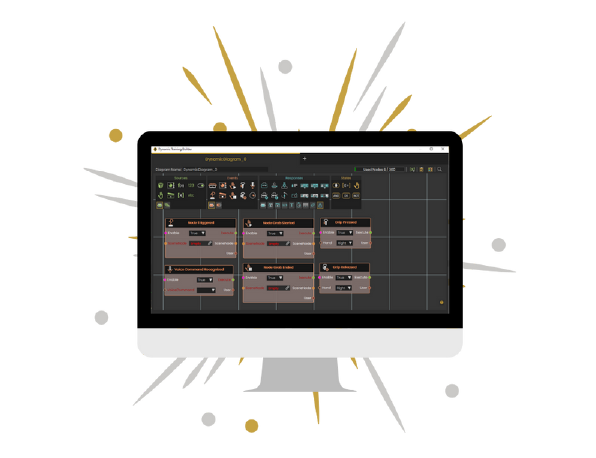
-
VR Store
With SimLab 12, users can buy and sell VR experiences through our store.
-
-
-
SIMLAB VR Viewer
-
-
Design for real hand movement
You can now trigger actions according to the user's hand movement in the simulation. This feature is ideal for medical training as well as other types of training such as vocational and safety training.

-
More action with the controllers
You can now use the controller grips to design for actions in the VR experiences.

-
Immerse offline
With 12.0 users will be able to play their experiences offline on their Quest, Pico, Android, and iOS.

-
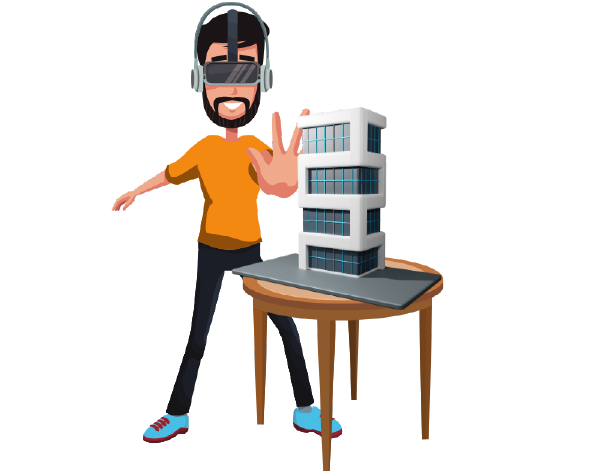
Mixed Reality for Quest 3
Harness the power of mixed reality by designing specifically for the Quest 3 see-through.
-
-
Major Updates:
A brief summary with regards to the new updates that have been made in SimLab Composer 11.1 :
-
SimLab Composer
-
General
-
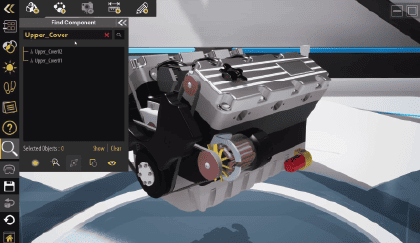
Search:
If you have a complex CAD model with a well-organized tree structure, this feature enables you to easily search for objects to show/hide, isolate, highlight, and grab in the viewer.
-
Multiple Clipping Planes:
The old method of having all clippable objects affected by all clipping objects affected by all clipping planes remain supported.
Each clipping plane has its objects that it affects.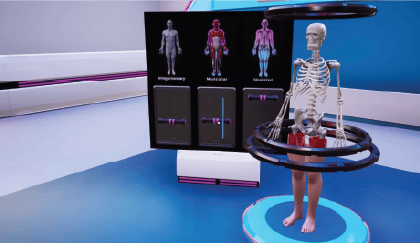
-
Slide-based Presentation:
Use the VR Slides Generator tool to enhance your VR experience by obtaining the presentation and a compact podium version.
It automatically creates training builder blocks for seamless slide switching, enabling you to easily incorporate events like showing or hiding 3D objects that complement your presentation.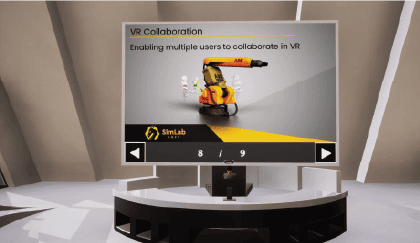
-
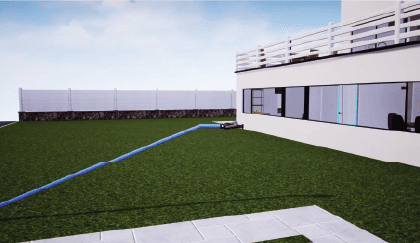
Hose Tool:
Wires are used in various situations, but they are still not the best option to simulate fire fighting hose. With the hose, firefighters extend and retract the hose as needed.
-
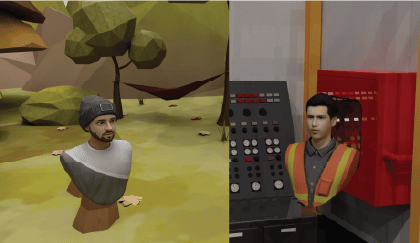
Realistic Avatar:
Create and preview your own realistic avatar using SimLab Composer
-
-
General
-
SIMLAB VR Viewer
-
General
-
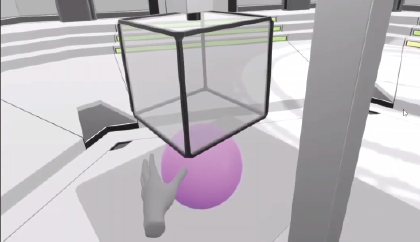
Hand Gestures in VR (Quest):
SimLab VR Viewer on Quest will support using hands instead of controllers.
-
-
General
Major Updates:
A brief summary with regards to the new updates that have been made in SimLab Composer 11 :
-
SimLab Composer
-
General
-
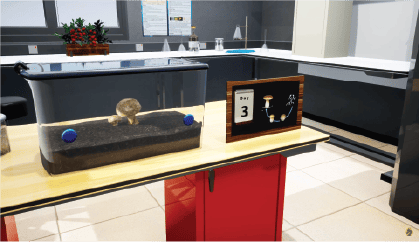
Supporting morphing objects (VR, Rendering)
-
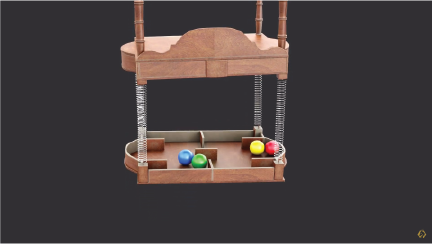
Exporting Springs from simulation
-
-
General
-
SIMLAB VR Viewer
-
General
-
Supporting Avatars + Hands
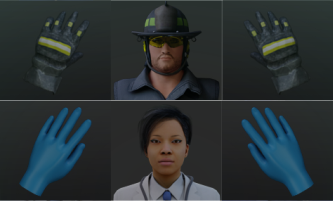
- Walking mode in VR
- Hand for grabbing in Desktop mode
-
Supporting Avatars + Hands
-
General
Major Updates:

-
SimLab Composer
-
General
- Faster Material assignment option
- Handling large training builder scenes
-
Template training builder logic applies to Catalog objects
- Faster rendering by collecting light objects
- 4K Support
- Autosave option
-
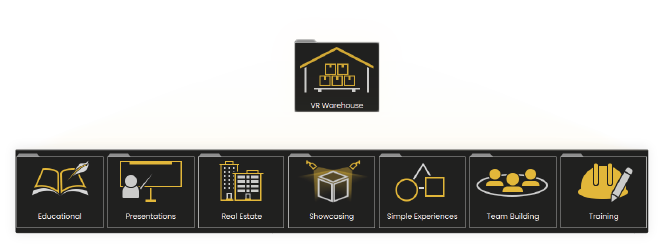
VR Warehouse (Store or ready-to-use VR experiences)
- Sound Library
- Access to VR Collaboration
-
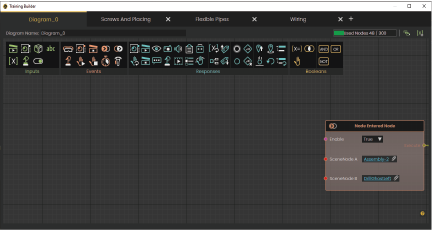
Training builder
- Set parent
- Reset parent
-
Change grabbable sequence
-
Grip action
-
Effects
- Steam effect
- Spring effect
-
Import/Export
- Improved GLTF reader/writer
- GLTF Reader: support reading 3D object names.
- Importing PRC
- Automatic detection of STEP encoding
-
General
Other Updates:
A brief summary with regards to the new updates that have been made in SimLab Composer 10.22 :
-
SIMLAB COMPOSER
-
General
- PBR Materials Support (NEW)
SimLab Composer and its FBX, USDZ, GLTF readers/Writers are now supporting PBR materials.
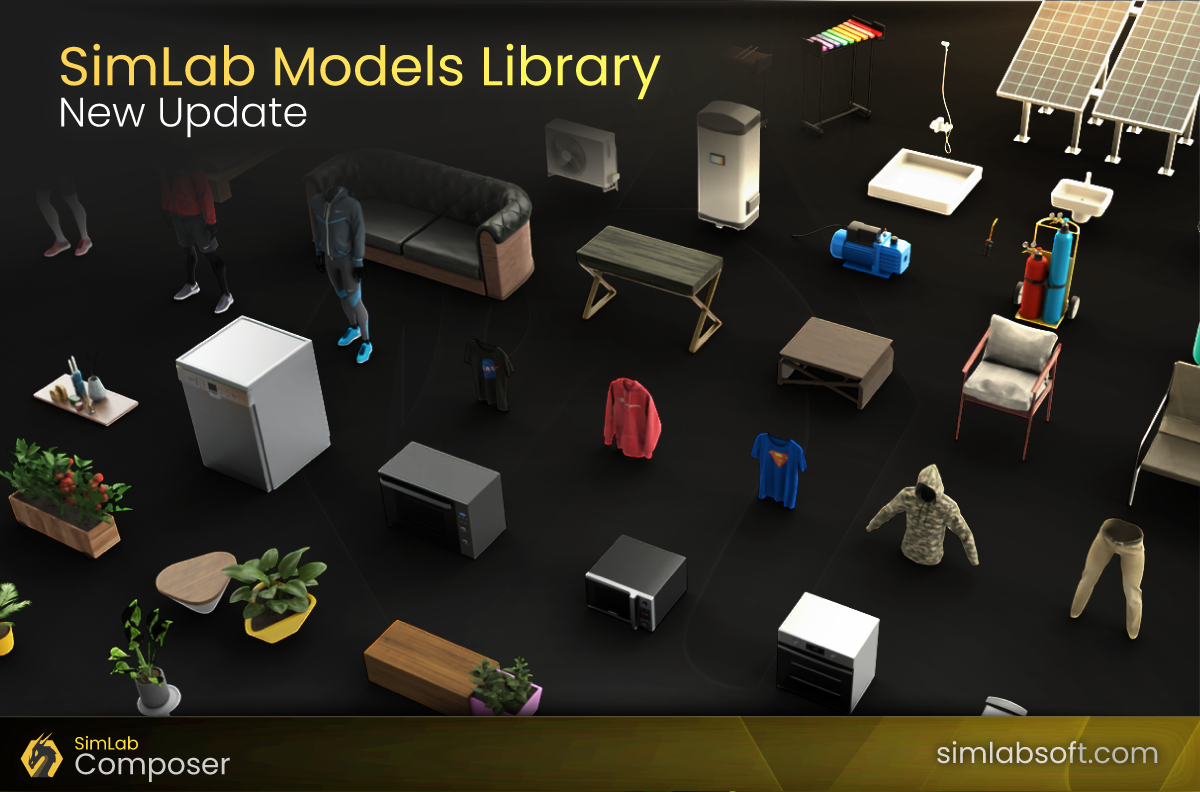
- Updated Models Library (NEW)
The first huge update for SimLab's 3D models and scenes library -
- Updated Materials Library (NEW)
New updates in SimLab materials library
- PBR Materials Support (NEW)
-
Scene Building
- Export Selected (NEW)
You can now export selected models from a scene into a new file, or even export all of the selected models individually from the scene at once. - Point Cloud enhancement (NEW)
Better control and speed while reading point cloud files.
- Export Selected (NEW)
-
VR
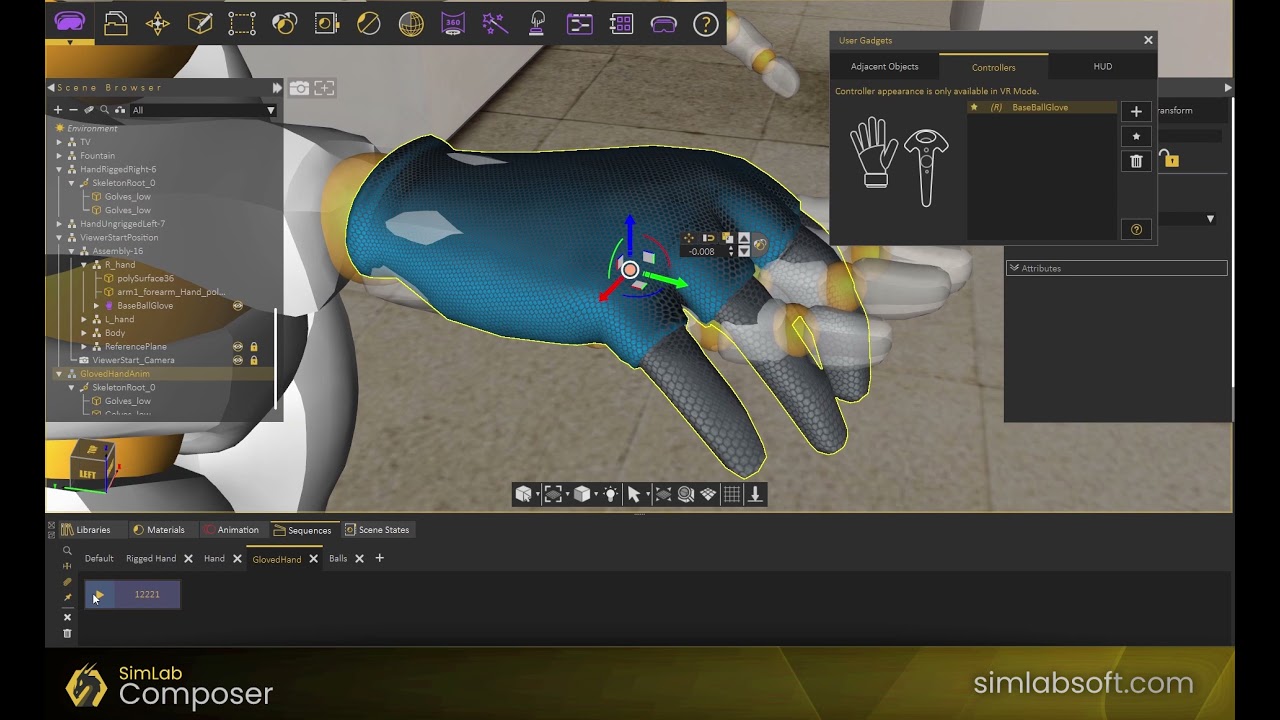
- VR Hands
Customize the look of the VR controllers, add different animations, and change them interactively.
-
- VR HUD
Add customizable HUDs into your VR experiences to guide the viewer and give him useful information without interrupting the experience.
-
- VR Adjacent Objects
Add customizable HUDs into your VR experiences to guide the viewer and give him useful information without interrupting the experience.
- VR Hands
-
General
A brief summary with regards to the new updates that have been made in SimLab Composer 10.21 :
-
SIMLAB COMPOSER
-
General
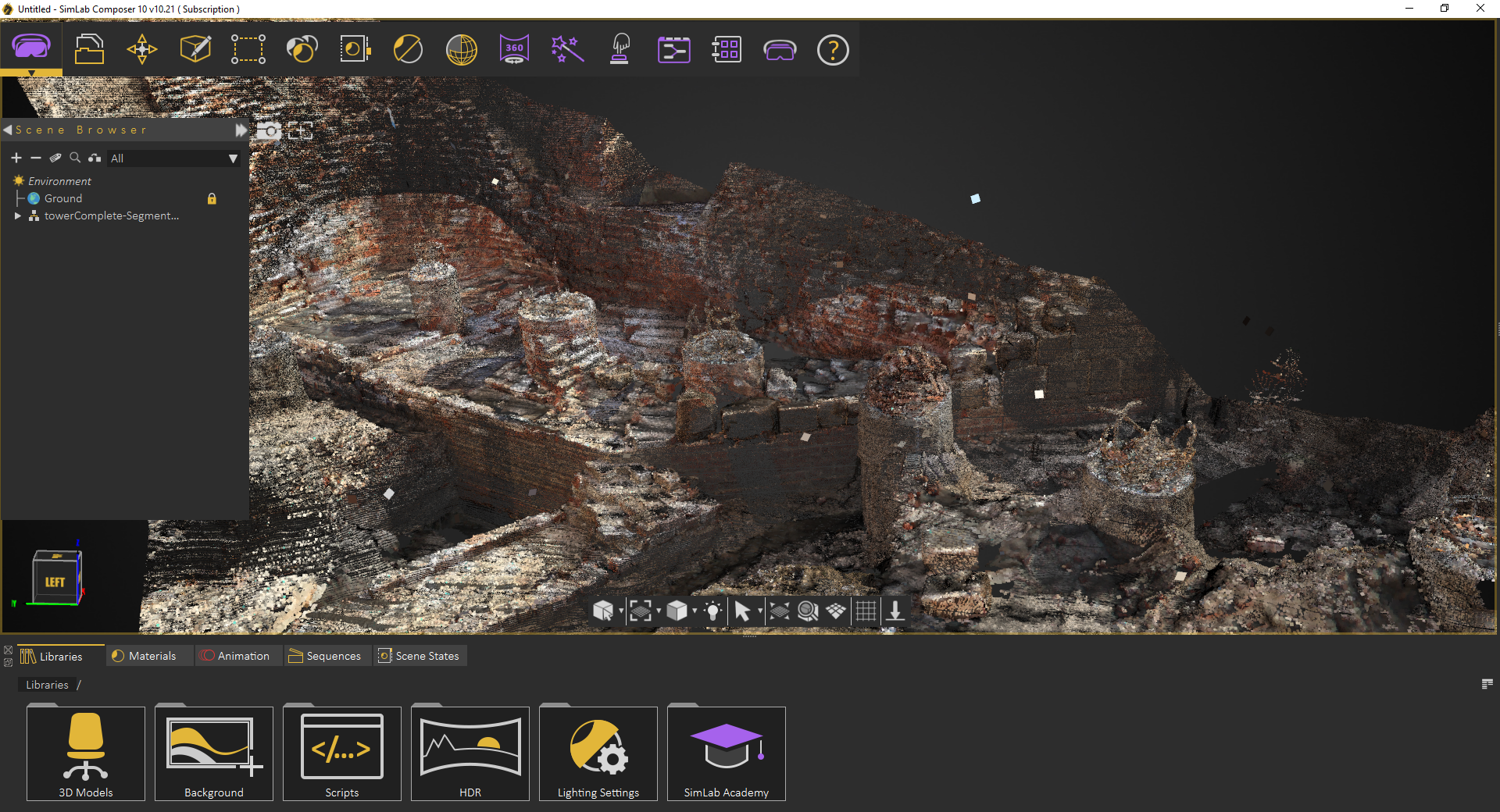
- Point Cloud support (NEW)
Import your point cloud models with different extensions (e57, LAZ, XYZ).
-
- New import environment option in the library, and SDK (NEW)
Where the users can import their own environment with the models they have. - Simplified Registration dialog (NEW)
-
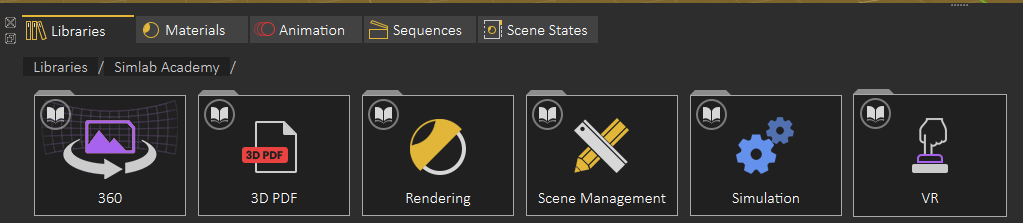
- New items in SimLab Academy (NEW)
-
- Smaller Size of the sim file (NEW)
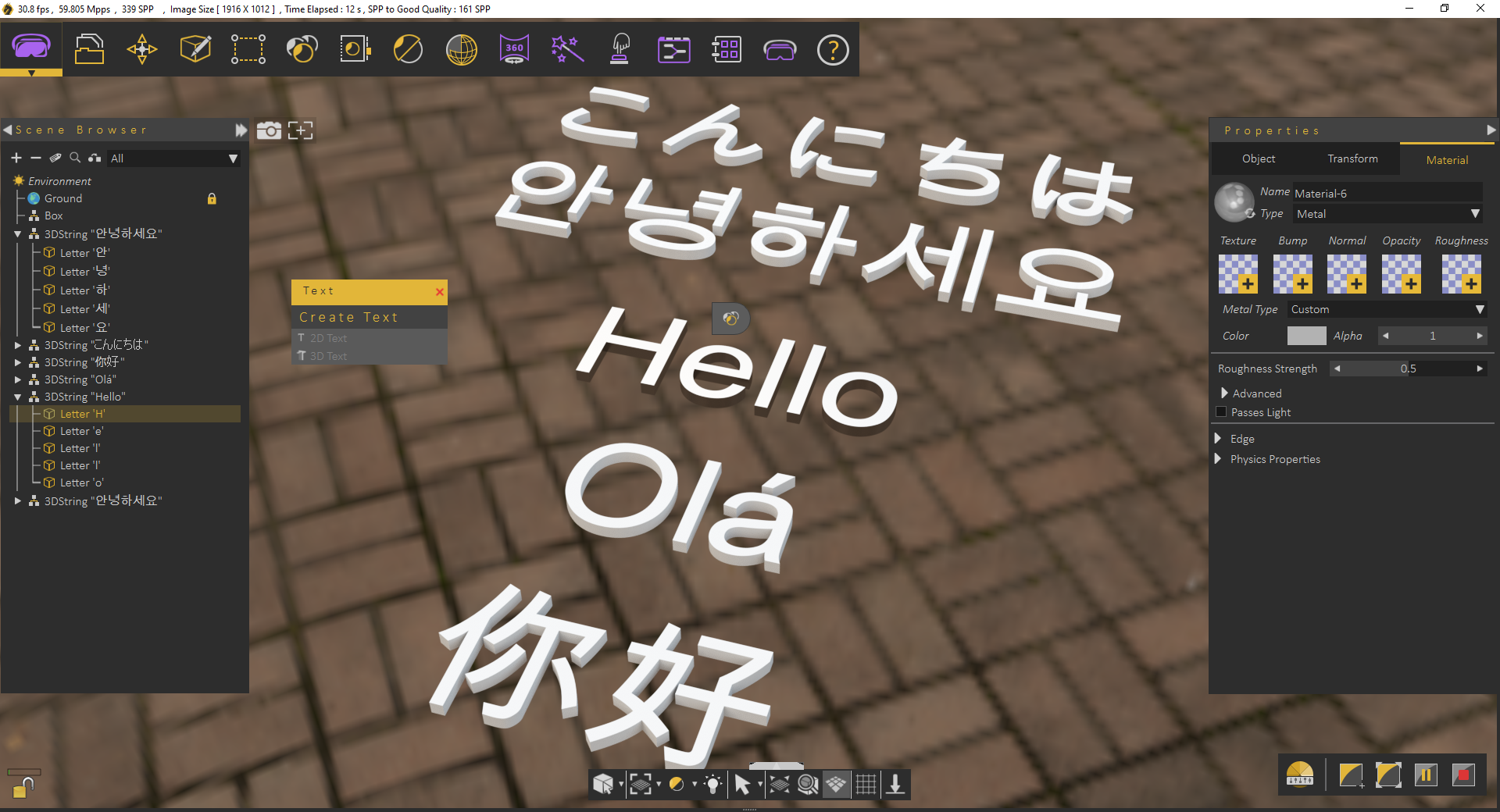
- Better support for Unicode in annotations and 3D text (NEW)
-
- Point Cloud support (NEW)
-
VR
- Support state items in template based training builder (NEW)
-
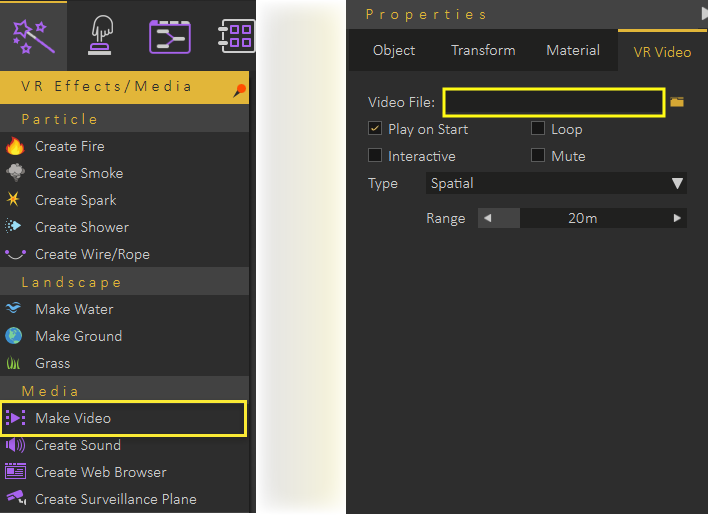
- Supporting video streaming (NEW)
-
- Automatic snapping to object when using right click in the desktop viewer (NEW)
-
- Sound Node to be played even when playing instead of waiting for the end of the sound (NEW)
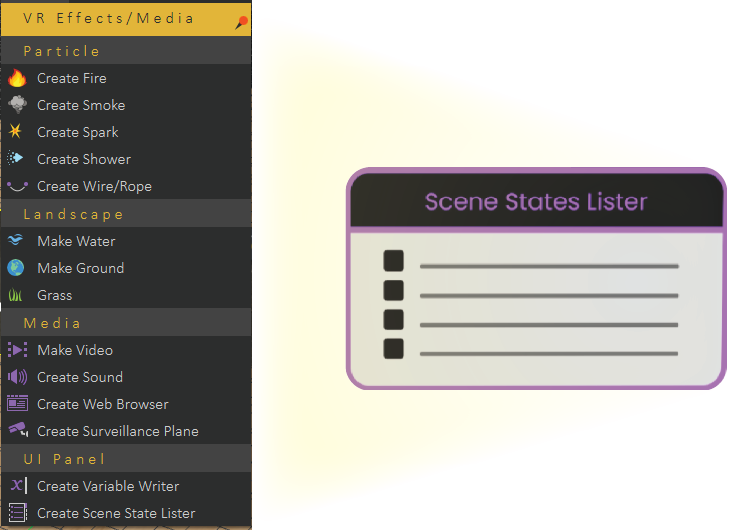
- Scene state list (NEW)
-
- Support state items in template based training builder (NEW)
-
Scene Building
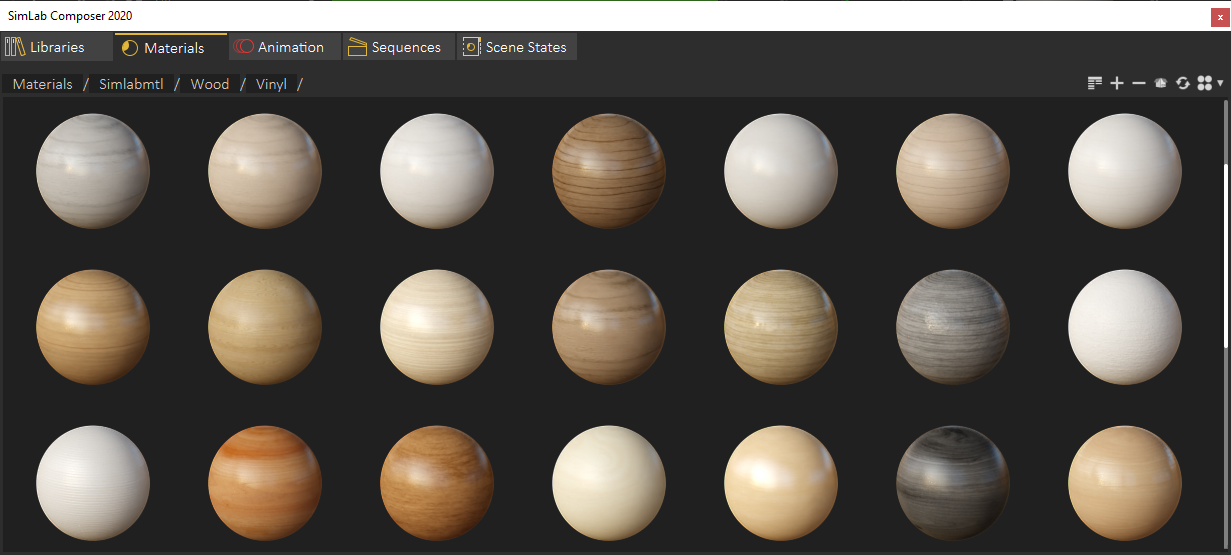
- New Material library (NEW)
-
- New Material library (NEW)
-
Render
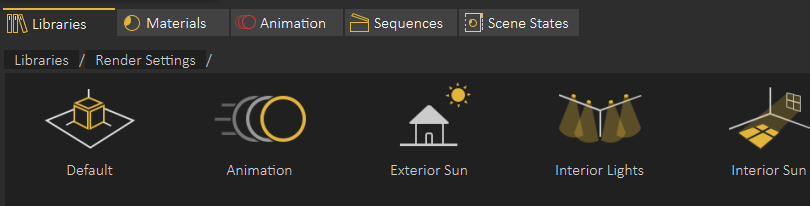
- New render settings (NEW)
-
- New render settings (NEW)
-
General
A brief summary with regards to the new updates that have been made in SimLab Composer 10.20 :
-
SIMLAB COMPOSER
-
General
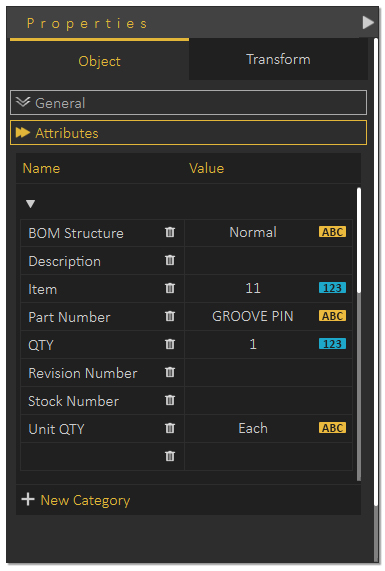
- Attributes Panel (NEW)
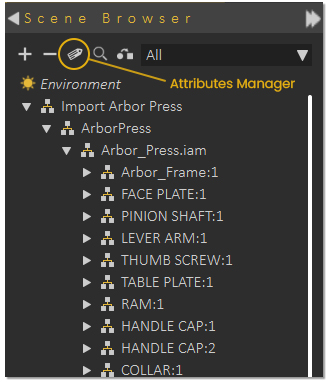
New Attributes panel enables you to view, edit and delete attributes names and their values, and enable the user to manage attributes on a larger scale, and not have to edit each component's attribute indivisually.
-
- Attributes Manager (NEW)
The Attributes Manager allows you to search, edit delete and add Attributes to a single or multiple components at the same time, for more information see the blog below.
-
- Attributes Panel (NEW)
-
VR
- Attributes in VR (NEW)
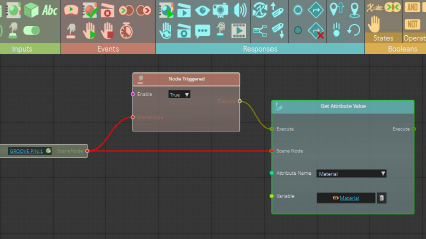
Display and Store attributes in VR through training Builder by using a Variable, a Variable Writer, and a Get Attribute Response
-
- Template Nodes (NEW)
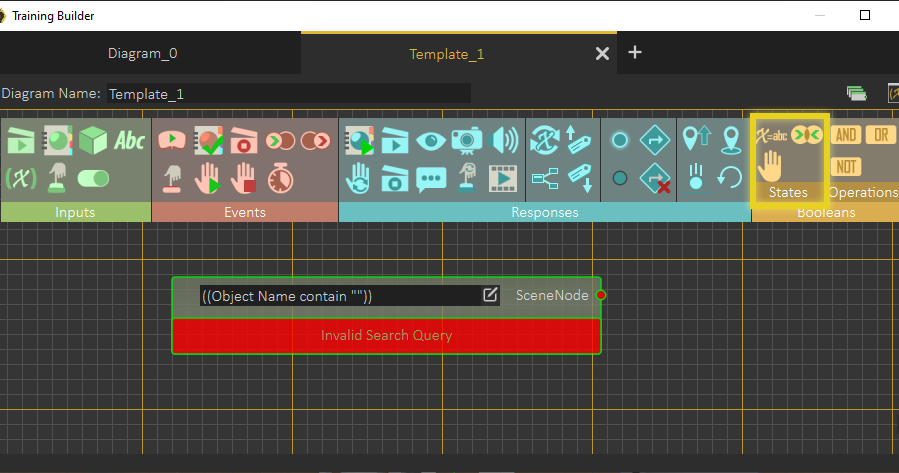
Template Nodes use a query system to define a single or multiple objects from the scene, which then can be attached to Event and Response nodes similar to the regular Scene Node
-
- Attributes in VR (NEW)
-
General
A brief summary with regards to the new updates that have been made in SimLab Composer 10.18 :
-
SIMLAB COMPOSER
-
General
- Decimation
New fast and more optimized algorithm for better decimation process
-
- Decimation
-
VR
- Camera viewer (NEW)
-
- Variable writer (NEW)
- New Responses in VR Training Builder (NEW)
Fall down / Align object / Set/Get Position, Hide/Show
- Response as event (Training builder) (NEW)
- Wires (NEW)
-
- Fixing bugs in doors and cabinets
- Animated scene states (NEW)
- Camera viewer (NEW)
-
Scene Building
- 2D Text writer
-
Automation
- Updated Python API and visual scripting
-
General
-
SIMLAB FREE VR VIEWER
- New VR Keyboad (NEW)
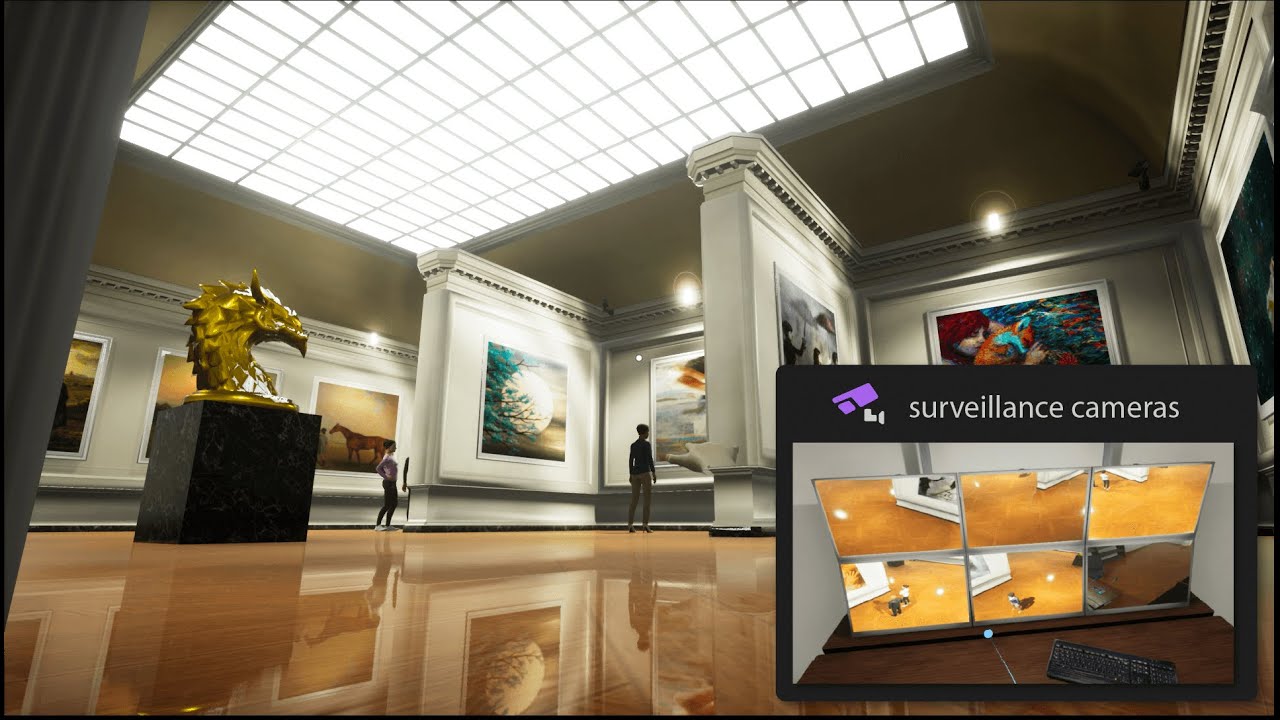
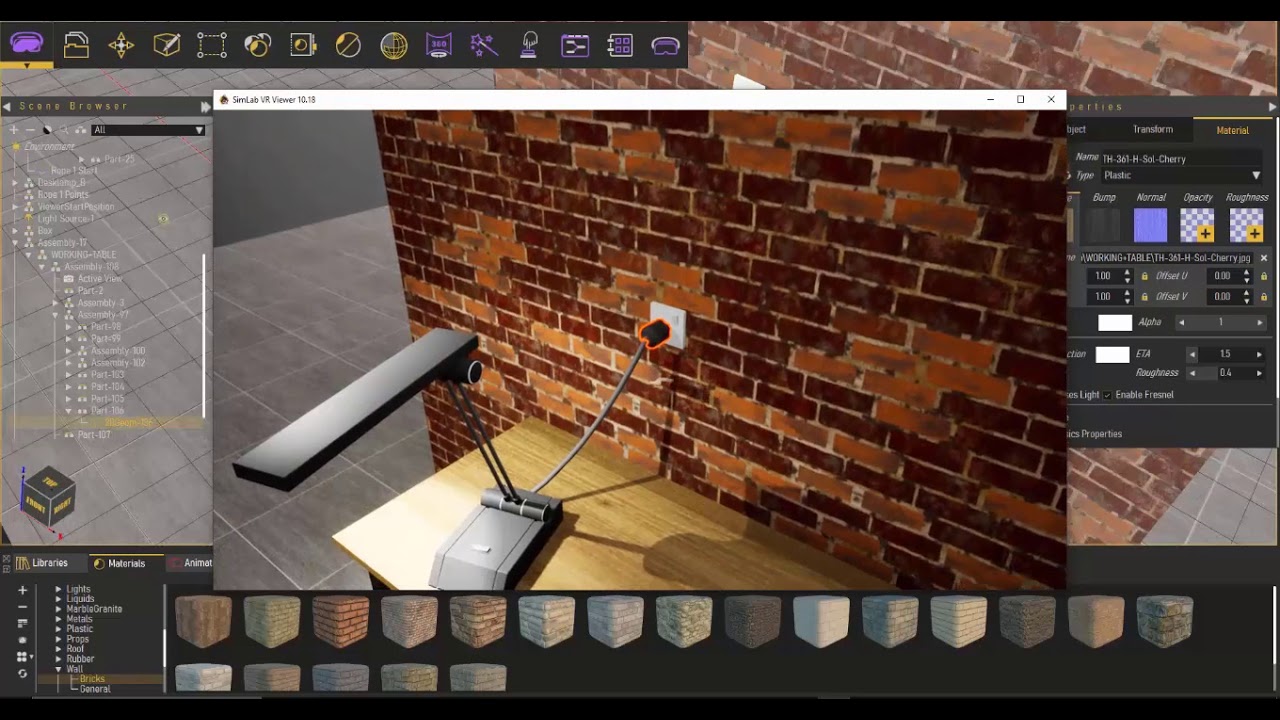
A brief summary with regards to the new updates that have been made in SimLab Composer 10.15 :
-
SIMLAB COMPOSER
-
General
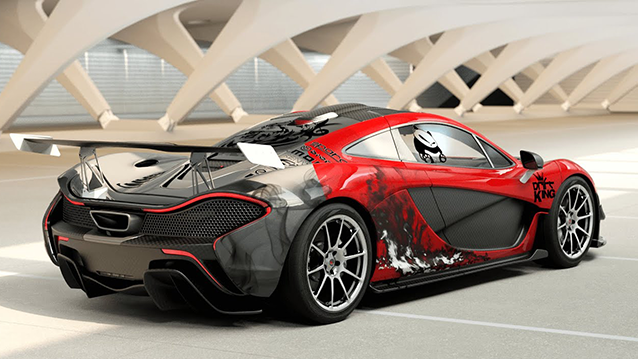
- New simplified decal system (NEW)
-
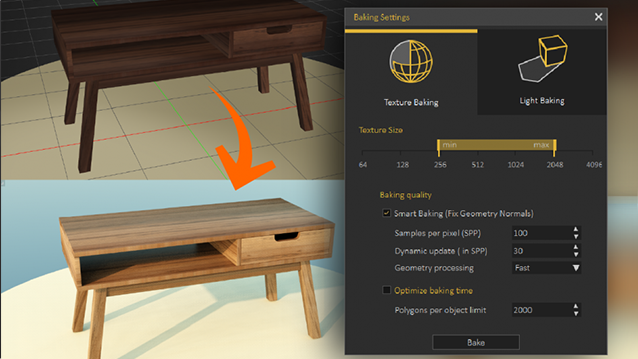
- Supported texture baking on Mac, while improving baking quality, making it faster, and reducing output image sizes. (NEW)
-
- Improved stability.
- New simplified decal system (NEW)
-
General
- SIMLAB FREE VR VIEWER
A brief summary with regards to the new updates that have been made in SimLab Composer 10 :
-
SIMLAB COMPOSER
-
General
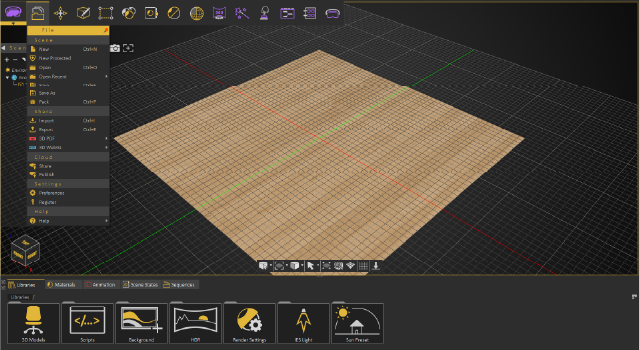
- Updated GUI and simplified workflows. (NEW)
-
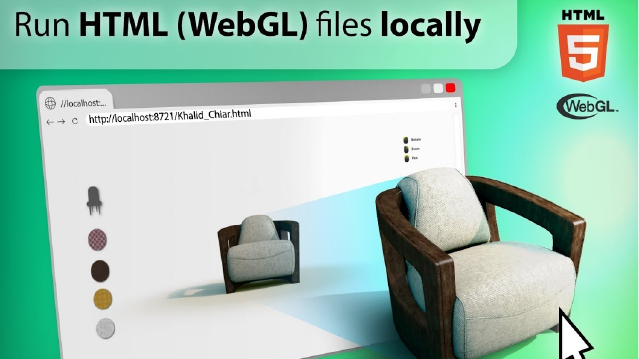
- WebGL Starter is now included with Composer 10. (NEW)
-
- CAD Converter is now included with Composer-10. (NEW)
-
- Cloud sharing. (NEW)
-
- New export parameters such as units and optimize for VR.
- The ability to deactivate the license on the machine.
- USDZ importer. (NEW)
- Added animation to USDZ exporter.
- Flex object import/Export (fbx, gltf, usdz). (NEW)
-
- New SimLab Account Capabilities (Cloud sharing, libraries and licensing).
- Updated GUI and simplified workflows. (NEW)
-
Scene Building
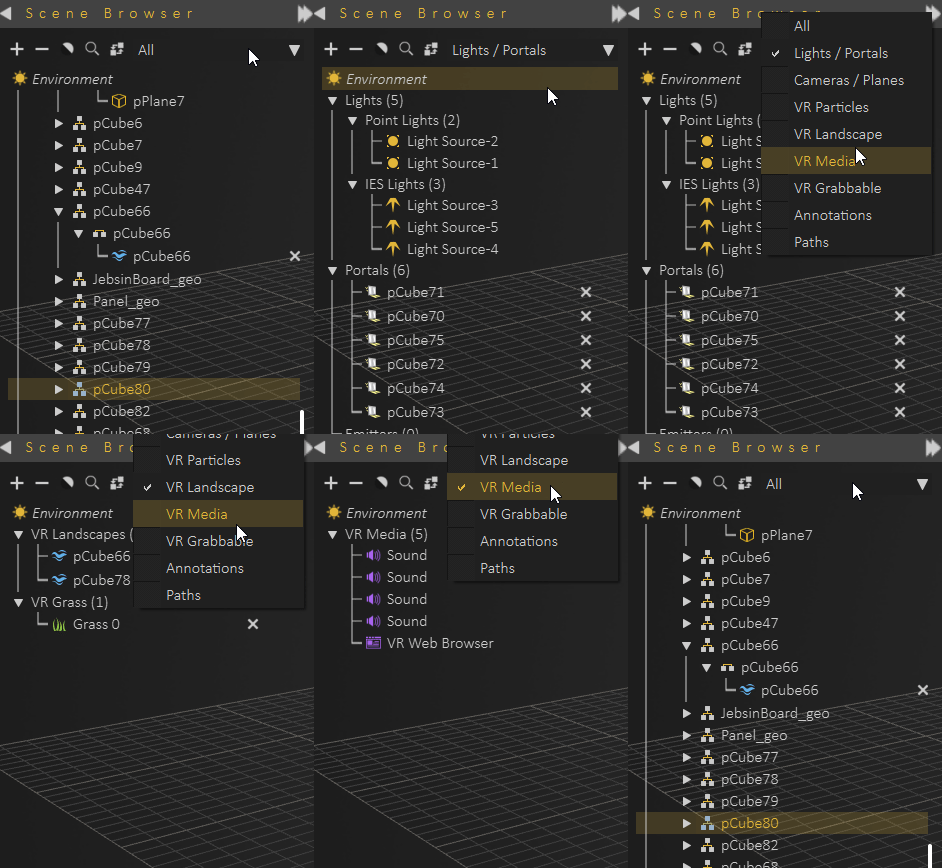
- Filter for objects tree. (NEW)
-
- The ability to change the properties of multiple lights together.
- New easy way to create Annotations and Paths.
- Scene protection (the ability to create protected *.sim files).
- New pop-up libraries for both HDR and IES that enable users to select items directly.
- New shortcuts in the scene states library.
- Global transform dragger.
- Filter for objects tree. (NEW)
-
VR
- Adding the Training Builder to the VR edition.
- Adding search for variables in the Training Builder.
- VRPackage files preserve training builder diagrams.
-
Render
- Adding the ability to pause rendering.
-
- Major enhancements on the renderer speed.
- Adding the ability to pause rendering.
-
Automation Workbench
- Python Scripting. (NEW)
- Support Python Scripting in Visual Scripting as the default scripting engine.
-
Animation
- Completely new design for the sequence library.
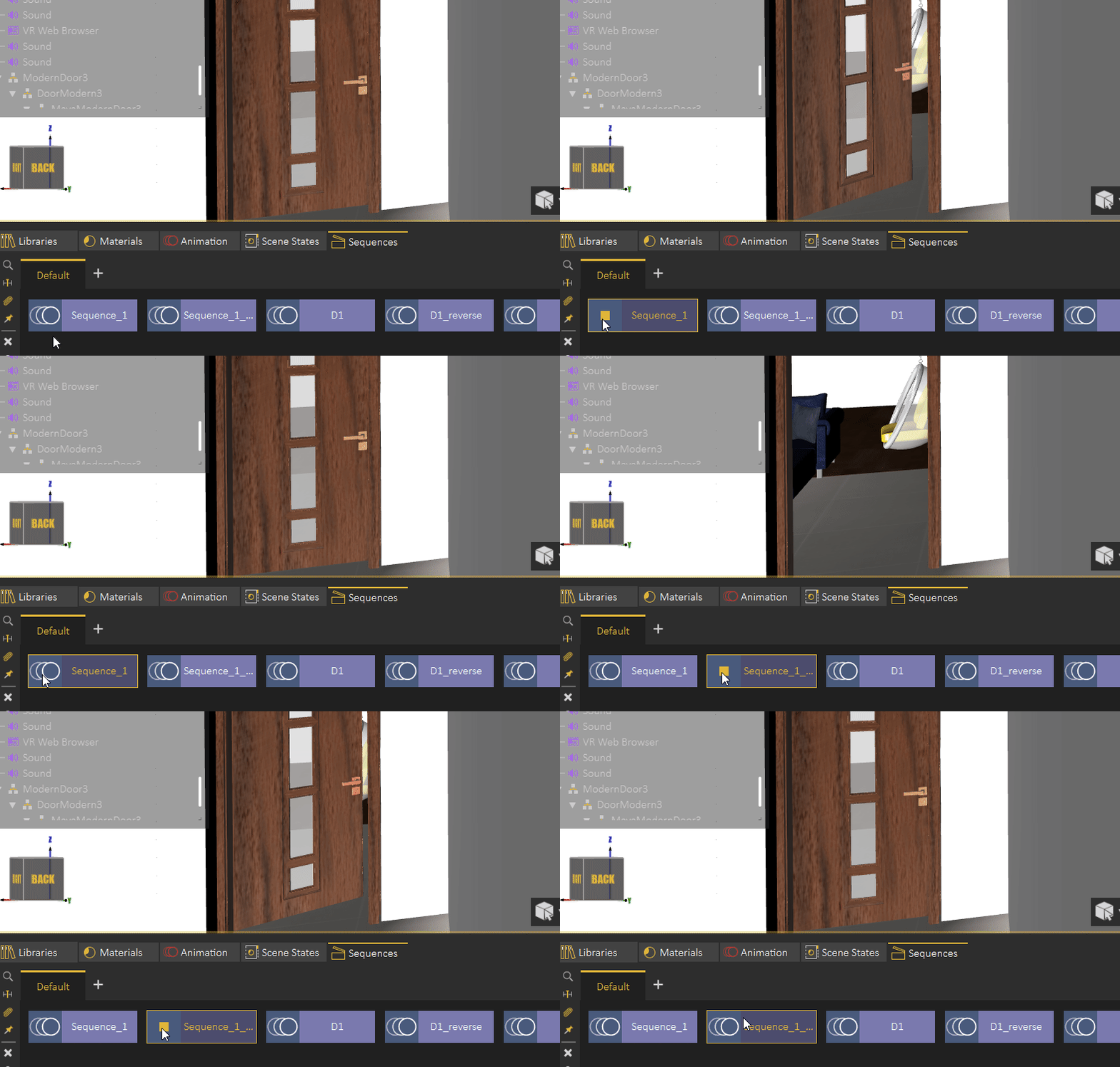
- Preview/play sequences in Composer.
-
- Find affected objects in Scene.
- Apply Sequences back into the animation Time-line.
- Attach Sequences with Objects.
- Blend Sequences.
- Grouping and ungrouping keyframes.
- Flex object animation.
-
3D PDF
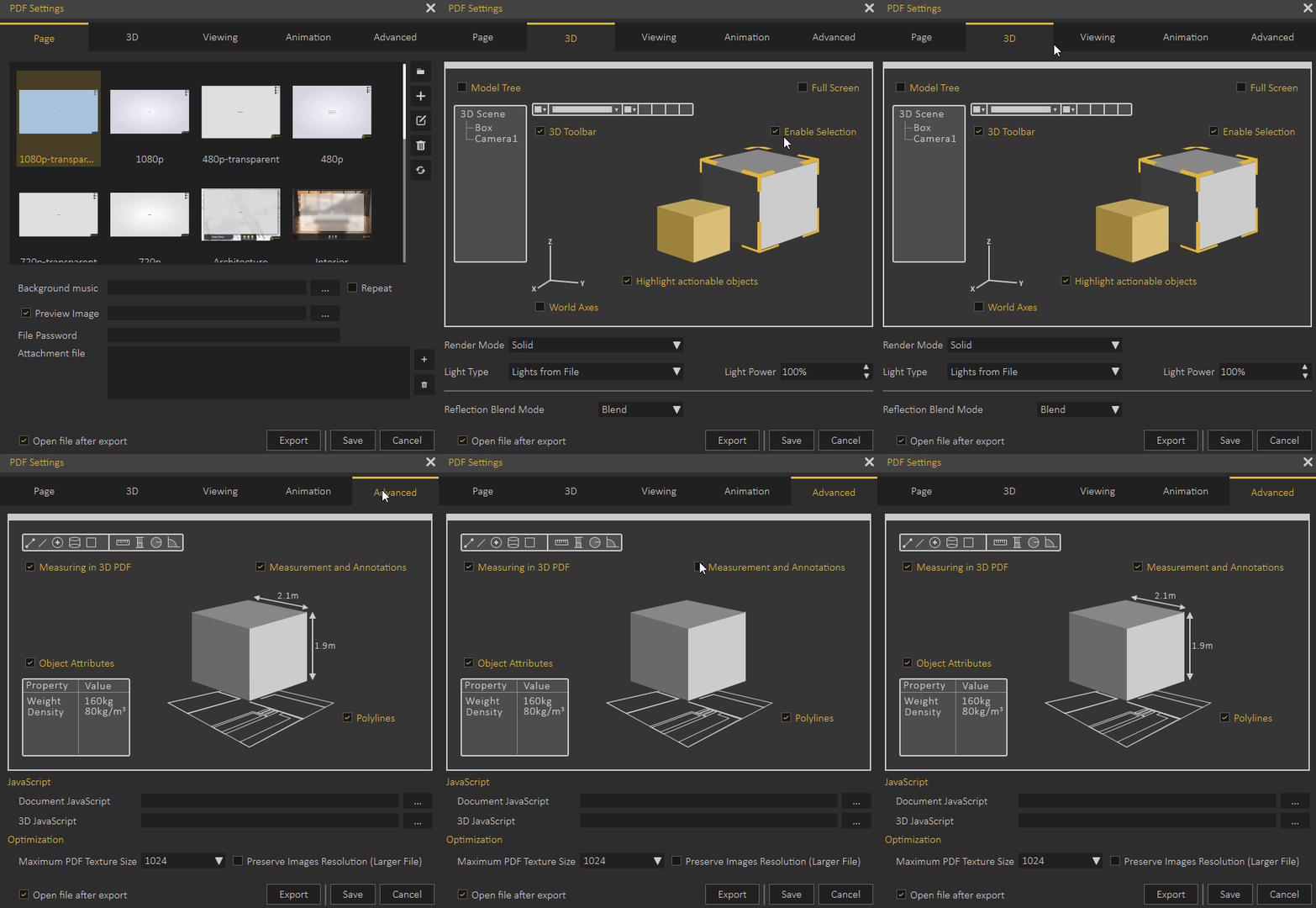
- More useful PDF Settings Dialog.
-
- More useful PDF Settings Dialog.
-
General
-
SIMLAB FREE VR VIEWER
- Completely New UI. (NEW)
-
- Completely new platform to view and share VR experiences.
-
- Cloud Sharing. (NEW)
- Contacts and groups management. (NEW)
- Messaging system. (NEW)
- Pairing of mobile devices. (NEW)
- Share with specific people.
- Notification system. (NEW)
- Flex body support in viewer. (NEW)
- Completely New UI. (NEW)