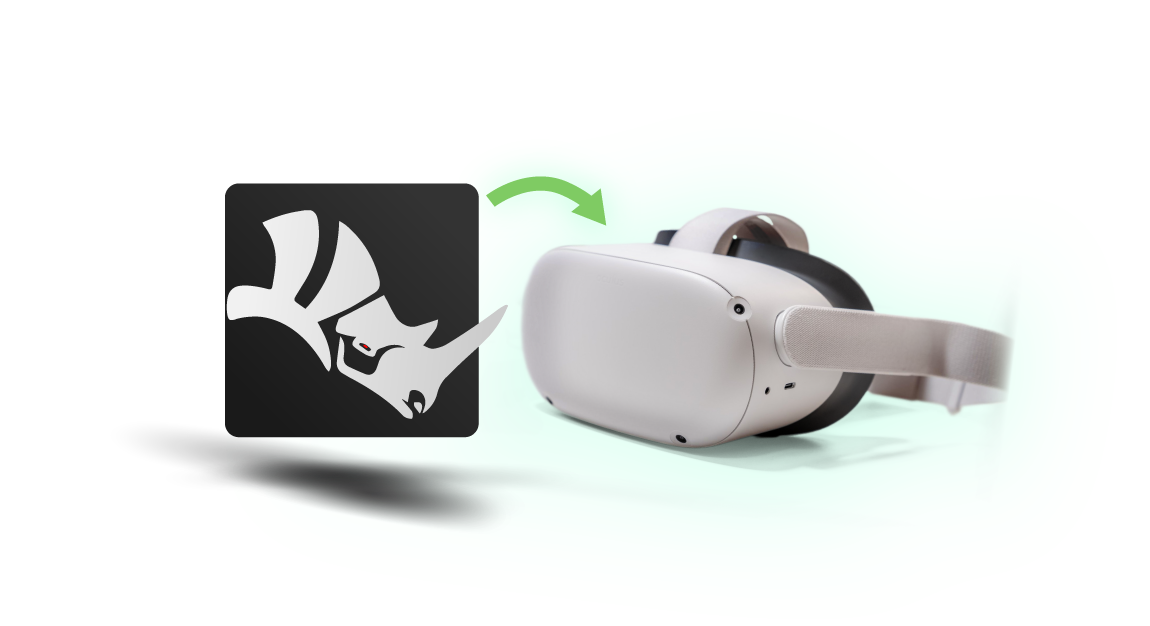
Why Choose SimLab's Rhino VR Plugin
Export Rhino designs to VR in seconds | Share with unlimited clients | No additional licenses required
3-Step Rhino to VR Workflow
Click VR Export in Rhino toolbar
Set viewing position (optional)
Share to VR headset or cloud
Free for 3 Months Trial
Full-featured trial with no limitations. Export unlimited models, share with clients, and experience the complete VR workflow.
Fast and Easy
Export in seconds, not hours. One-click process from Rhino directly to VR headsets with automatic optimization.
Cross Platform
Works seamlessly with Quest 2/3, Pico 4, Vive, Rift, and all major PC VR headsets. No setup required.
Integrated with Rhino
Our VR plugin is directly integrated with Rhino for seamless VR experience creation.

How It Works?
Find it
Place your VR Sharing toolbar for quick and easy access to the SimLab VR plugin for Rhino
One Click Setup
Run the model, place your viewers preferred start position and hit the RUN button to view your Rhino model
Quick Share
One-click on the SHARE button gives you a public link that you can share with your clients
Get Feedback
Measurements and notes tools for the client so they can inspect the design and type their notes and drawings on the scene
Much more...
Dig deeper with SimLab VR features such as water, lights, environments, a 3D library, and more


Professional VR Plugin - Annual License
Rhino VR Plugin
Rhino
VR Plugin
- 20GB of storage
- 10 Cloud models
- Easy pairing (Oculus Quest/Pico)
- Unlimited clients
Complete Rhino to VR Solution
Trusted by architects, product designers, and visualization professionals worldwide

Easy to Use
Quick and simple to use, no extra skills are needed.

Multiple Platform Support
Run it on Windows, or any major VR Headset like HTC and Oculus (Quest, go, rift), Pico headsets

Quick Sharing
Share and view your Rhino virtual reality and 3d designs and scenes with one click with everyone
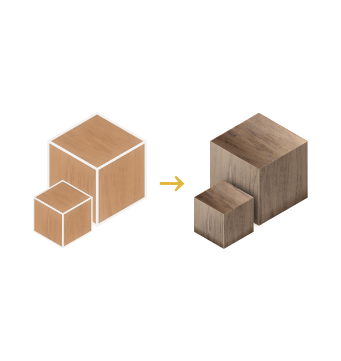
Enhanced Textures
Auto-generated bump and normal maps for different materials to give realistic and shiny output

Ies Lights
Insert different real-looking lights with many ies light options
Navigation Modes
View the scene in different modes; Walking, 3D, or even flying mode
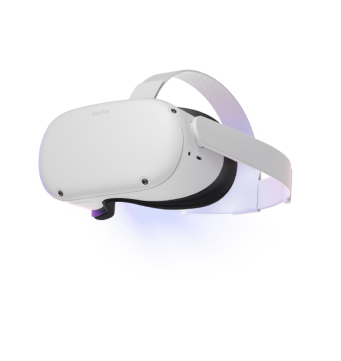
Directly to Quest
Share your scenes directly to stand-alone devices Oculus Quest, Pico VR, and smartphones.

FAQ
- What is included in the plugin?
- 2GB of storage
- 3 Cloud models
- Free sharing to Oculus Quest/Pico VR
- Unlimited clients
- What Versions of Rhino files are supported?
Readable by Rhino 8 and older.
- What happens after the 3-month free trial?
You can continue with full access for just $99/year. Cancel anytime during the trial with no charges. Purchase annual license here
- Share Rhino model with a client?
The model will be shared into SimLab Cloud and can be accessed by anyone having the public link.
- Do I need to set up camera positions before exporting?
No setup required! The plugin automatically places optimal viewing positions. You can also switch to orbit mode for 360° model inspection without fixed viewpoints.
- How many models i can upload?
Users can upload up to 3 cloud models for free, and you can delete the three free models and upload as many as you can. In case the user needs to upgrade cloud capabilities here is the link
- How can I share my models with other users?
In the following steps, we are going to learn how to share our designs directly from Rhino into Oculus Quest device, right from here