




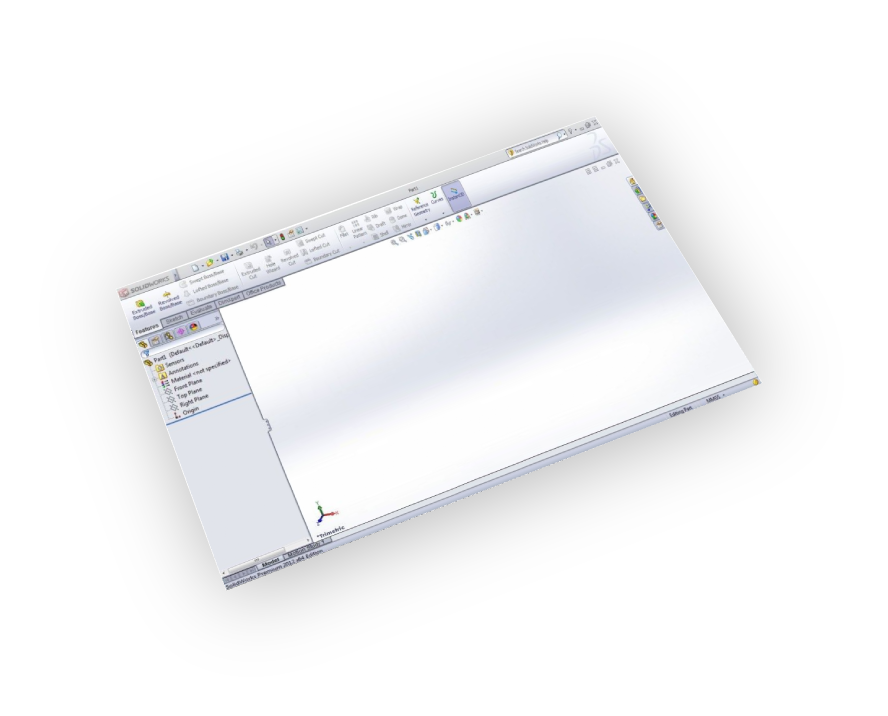


Supports
SolidWorks 2013 - 2026

Readable
By SketchUp 8 and newer.
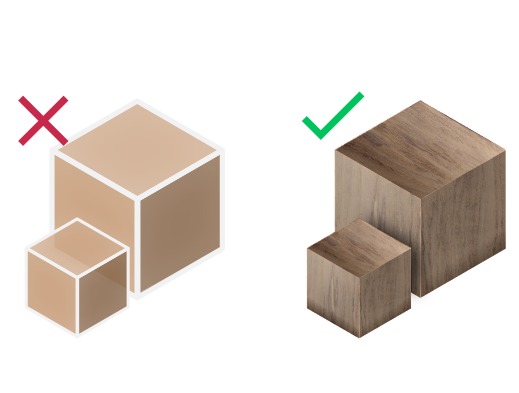
Materials Support
Import your models with their materials
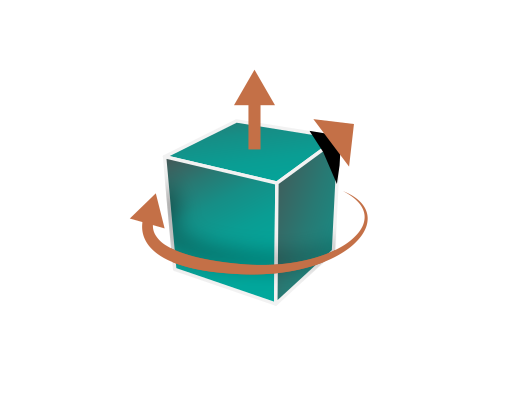
Transformations
Corrections(Up Vector,Rotate by, Scaling Multiplier)


Yearly Subscription
SolidWorks SKP Exporter
SolidWorks
SKP Exporter

How to get it and use it?
- Download the plugin and install it.
- Run SolidWorks.
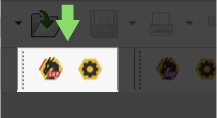
- Go to SimLab Tab and find SKP exporter Tab as shown in the image.
- To obtain a trial license, open settings then follow the steps shown here.

FAQ
- What Versions of SketchUp files are supported?
Readable by SketchUp 2025 and older
- What material info will be included in the generated SKP file?
Textures and Colors
- Does the SketchUp Files Support Textures?
Yes, it supports materials and textures.
- Can the use automatically fix scale, orientation, and up vector during exporting?
Yes, we can edit settings to scale, rotate, and change up vector upon exporting.
- What information is exported to SketchUp from the SolidWorks model?
The plugin transfers geometries, materials, and textures.
- What versions of SolidWorks are supported?
The plugin supports SolidWorks 2026 and older, it works on Windows.
- What control do I have over the exported SketchUp?
Defaults should work automatically for most of the models, the setting of the plugin still allows you to control the scale of the model, and the up vector to be used.
Trial licenses:
- How to request a trial license? and for how long it would be valid?
Check this page for step by step instructions on how to request and activate a trial license.
Trial licenses are valid for 14 days or 30 trials whichever comes first.
Professional licenses:
- Requesting and activating a professional license?
Check this page for step by step, instructions on how to activate a professional license upon receiving a software key that can be used for activating the Plugin.