



Key Features of Our SketchUp to Blender Importer

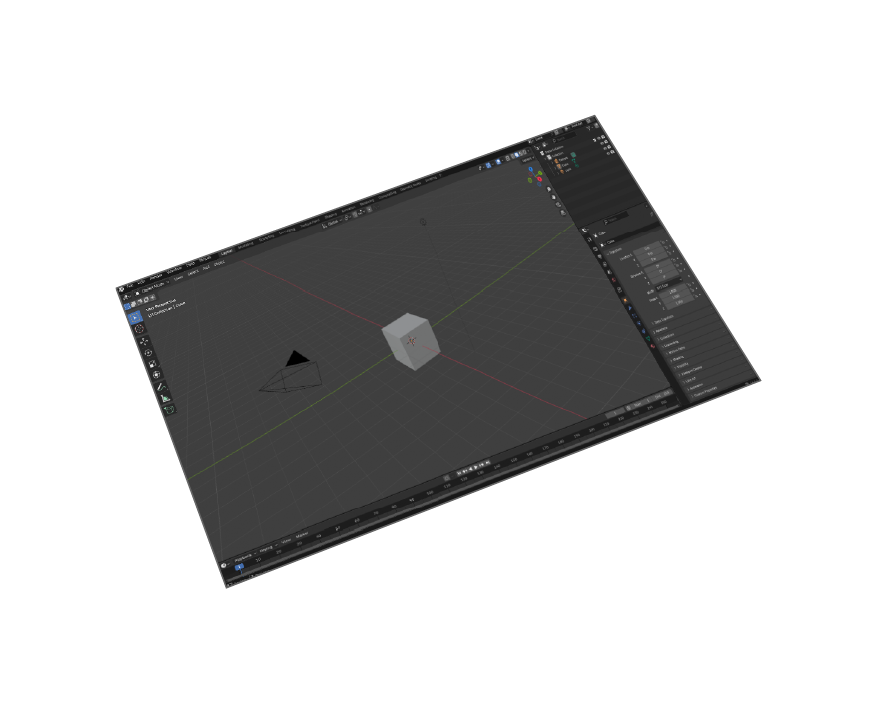
Blender 5 Compatible
Works with Blender 5 and all older versions back to 2.8
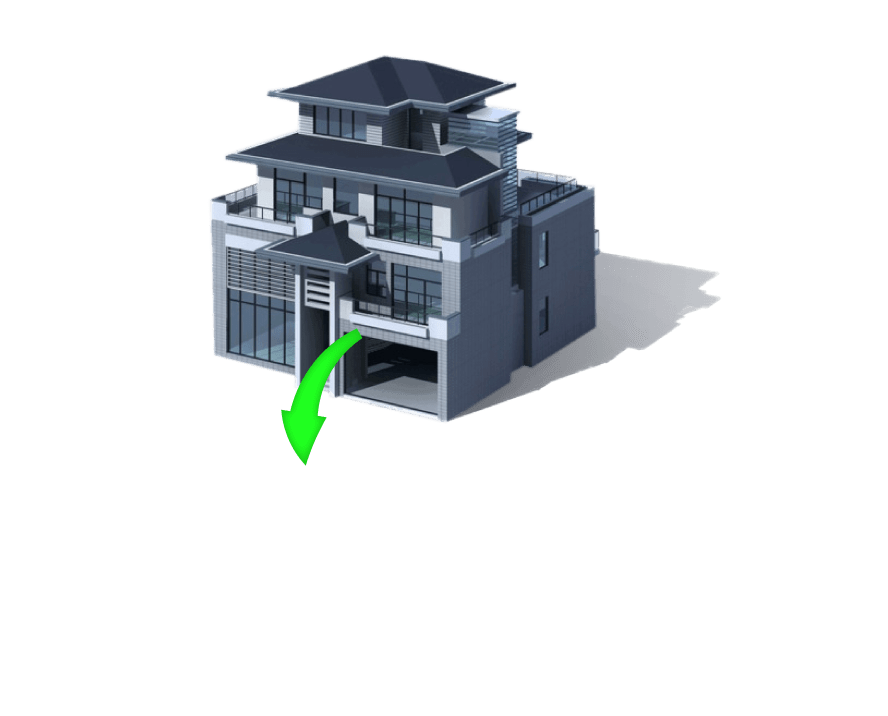
All SKP Versions
Import files from SketchUp 2025 and all previous versions
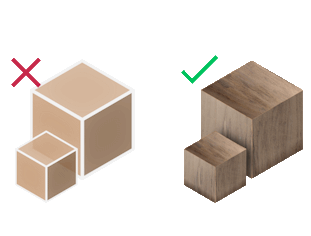
Material & Texture Support
Import SketchUp models with materials and textures intact
Smart Transformations
Auto-adjust scale, rotation, and up vector during import


Pricing - SketchUp to Blender Plugin
Professional SKP Importer
Convert SketchUp
to Blender

Installation Guide: How to Import SketchUp to Blender
- Step 1: Open Blender (version 2.8 or newer).
-
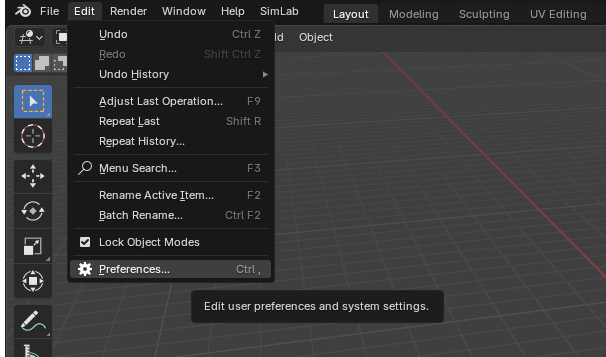
Step 2: Navigate to Edit > Preferences.
-
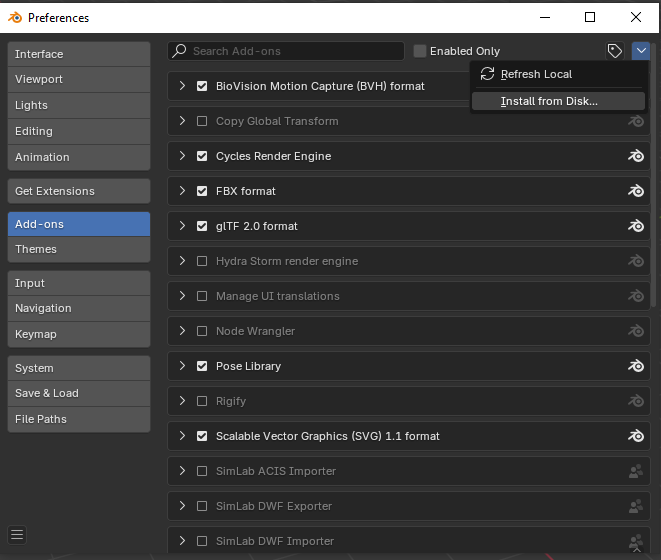
Step 3: Click on Add-ons, then select the dropdown arrow and click
Install from Disk.
-
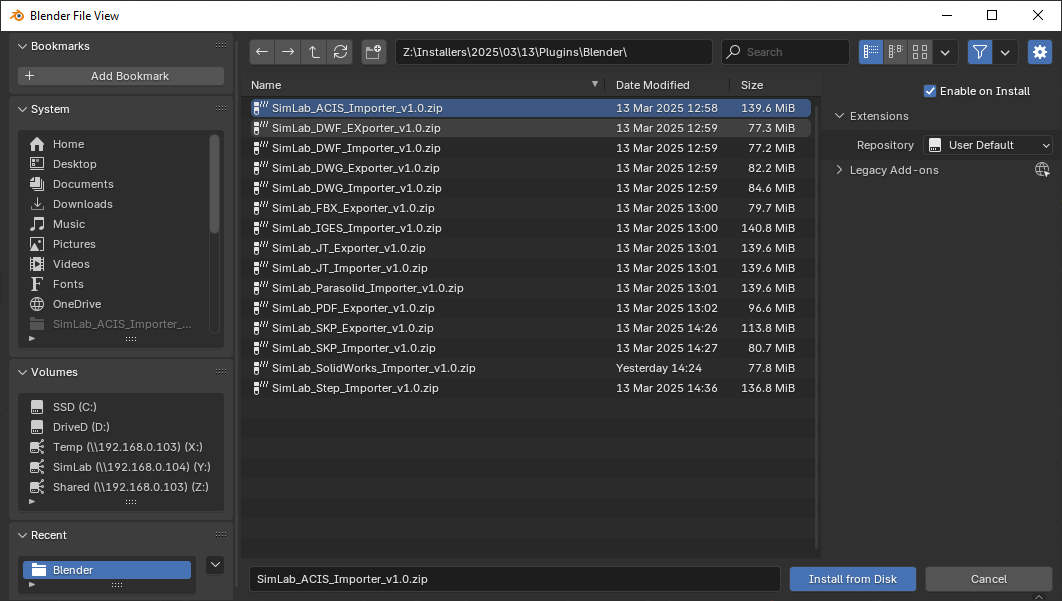
Step 4: Locate the downloaded ZIP file and click Install from Disk.
-
Step 5: Go to the SimLab tab and locate the SKP Importer section.
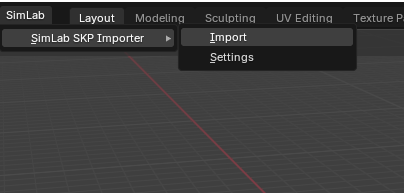
- Step 6: To import a SketchUp file, go to File > Import > SketchUp (.skp)
- Step 7: For trial activation, open Settings and follow these license steps .

Frequently Asked Questions
What versions of SketchUp files can I import to Blender?
Our plugin supports all SketchUp files readable by SketchUp 2025 and older versions, including both free and pro SKP file formats. The importer handles components, groups, and nested hierarchies perfectly.
Does the SketchUp to Blender plugin preserve materials and textures?
Yes, the importer fully preserves materials, colors, and textures. All material properties including diffuse colors, texture maps, transparency, and reflectivity are accurately transferred from SketchUp to Blender.
How do I fix scale and orientation when importing SketchUp to Blender?
The plugin includes automatic transformation tools. You can adjust the up vector (Y-up or Z-up), apply rotation corrections, and set a scaling multiplier during import to match your Blender scene setup.
What data is imported from SketchUp to Blender?
The plugin transfers geometries, materials, textures, component hierarchies, groups, layers, and scene organization. UV mapping and texture coordinates are preserved for accurate material display.
Which versions of Blender support the SketchUp importer?
The plugin supports Blender 5, 4.0, 3.x, and all versions back to Blender 2.8. It works on both Windows and macOS operating systems with native performance.
Can I import large SketchUp models into Blender?
Yes, the plugin handles large architectural models and complex scenes efficiently. It optimizes geometry during import and maintains performance even with detailed SketchUp models containing thousands of components.
Subscription License Benefits:
Will I get updates with a subscription license?
Yes, subscription licenses include all updates and new features. You'll always have access to the latest version compatible with new Blender releases.
What happens when my subscription expires?
You can renew your subscription (auto-renewal available) or let it expire. The plugin will continue working with the last version you had access to during your subscription period.
How do I activate my SketchUp to Blender plugin license?
After purchase, you'll receive a license key. Follow the step-by-step activation guide. For support, email license@simlab-soft.com
Free Trial Information:
How long is the free trial for the SketchUp importer?
The trial license is valid for 14 days or 30 uses, whichever comes first. No credit card required. Get your trial license here.
Model appears too large or small in Blender
Use the Scale Multiplier option in import settings. Common values: 0.01 for mm to meters, 0.0254 for inches to meters. The plugin remembers your last used settings.
Import option not appearing in File menu
Ensure the addon is enabled in Preferences > Add-ons. Search for "SimLab" and check the box next to "SimLab SKP Importer". Save preferences to keep it enabled.
Use Cases: SketchUp to Blender Workflow
Architectural Visualization
Import SketchUp architectural models into Blender for advanced rendering with Cycles or Eevee. Add realistic lighting, materials, and post-processing effects.
Game Asset Pipeline
Convert SketchUp models to Blender for game-ready optimization. Retopology, UV unwrapping, and texture baking for Unity or Unreal Engine.
Product Design Iteration
Quickly iterate designs between SketchUp's intuitive modeling and Blender's advanced sculpting and rendering capabilities.
Animation & Motion Graphics
Import SketchUp scenes to Blender for animation. Add physics simulations, particle effects, and cinematic camera movements.
Start Converting SketchUp to Blender Today
Join thousands of 3D artists using our professional SKP importer
Download Free TrialNo credit card required • 14-day trial • Full feature access