
SimLab
VR Collaboration
Multi-user virtual reality platform for immersive meetings, training, and design reviews
Connect teams across VR headsets, desktops, and mobile devices — up to 30 participants collaborating in real-time
What is VR Collaboration Software?
VR collaboration software enables multiple users to meet, communicate, and work together in shared virtual reality environments. Unlike traditional video conferencing, collaborative VR creates immersive 3D spaces where team members interact naturally using avatars, voice chat, and interactive 3D content.
More Engaging Than Video Calls
Device Platforms Supported
Better Information Retention
Reduction in Travel Costs
How to Start a VR Collaboration Session
Simple 4-step process — as easy as Zoom or Skype
 To start your own VR Collaboration session
- 1. Run SimLab VR Viewer and Select a model.
- 2.Click on Start Collaboration.
- 3.Send the invitation link to the participants.
- 4.Click Start and Enjoy.
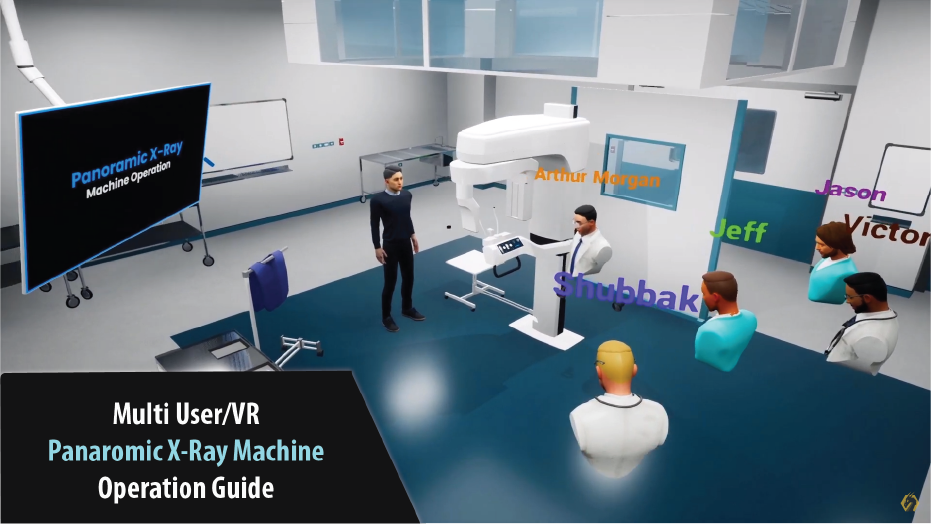
Starting A VR Collaboration for a Panoramic XRay Machine Training
VR Collaboration Use Cases
From vocational training to remote meetings, see how teams use SimLab VR collaboration tools
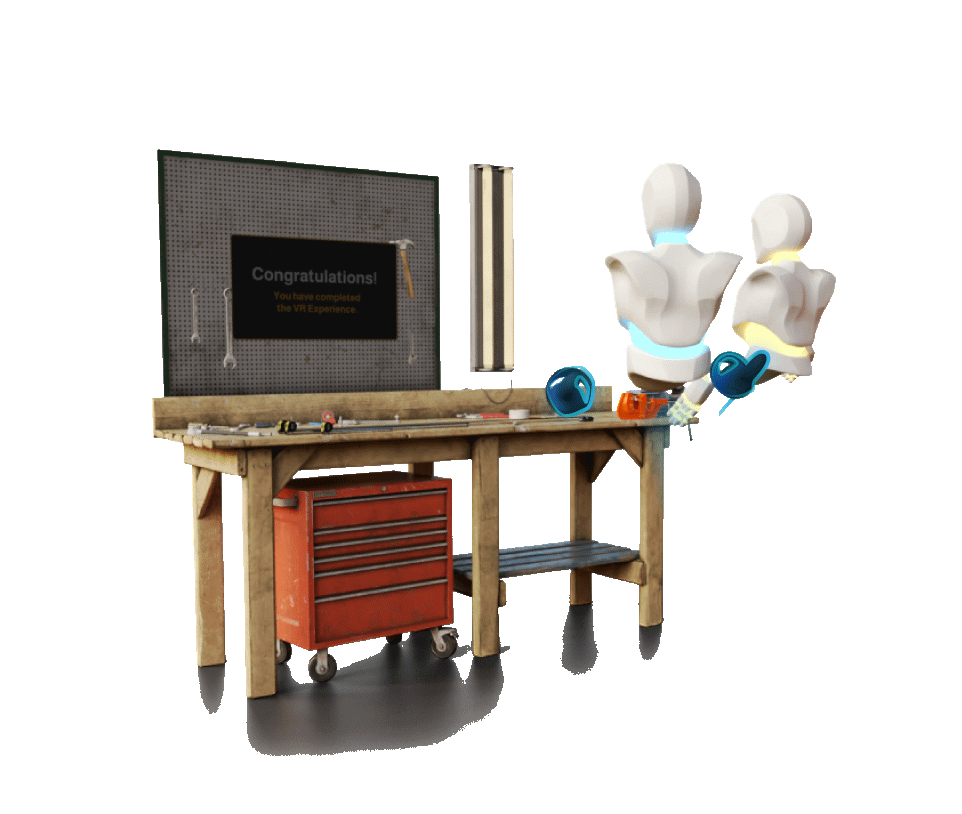
Multi-site training sessions with hands-on VR practice. Trainees collaborate on equipment from anywhere, reducing travel costs by 60%.
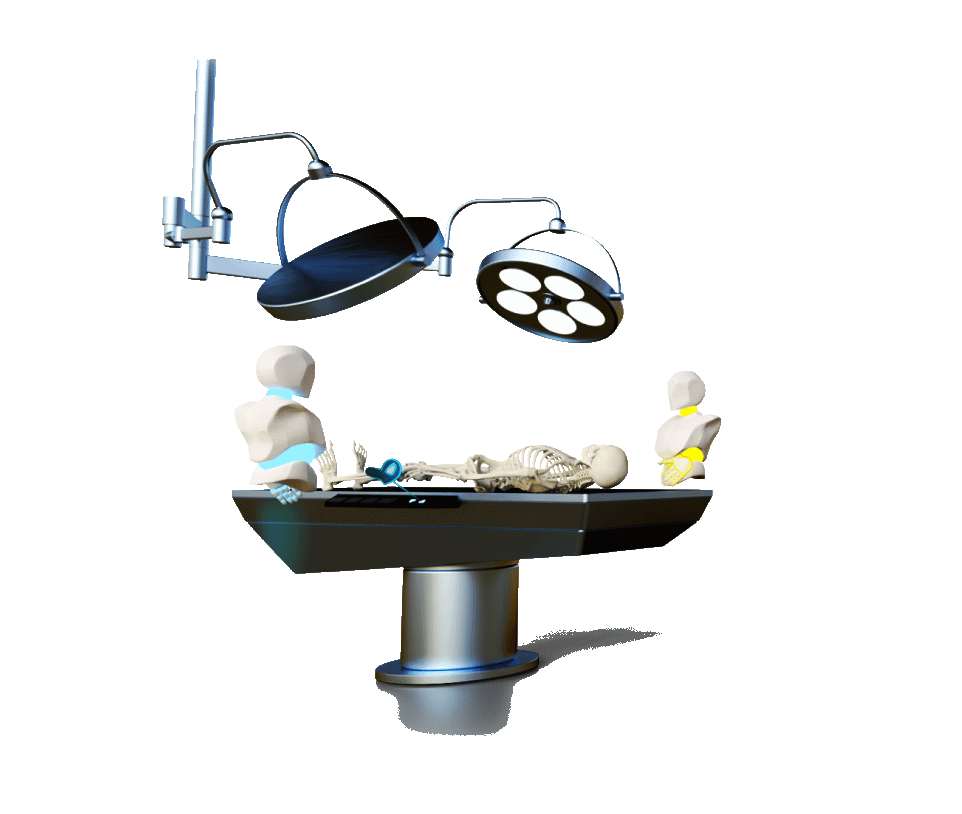
Interactive virtual classrooms where students explore 3D models together. Perfect for remote learning and collaborative projects.
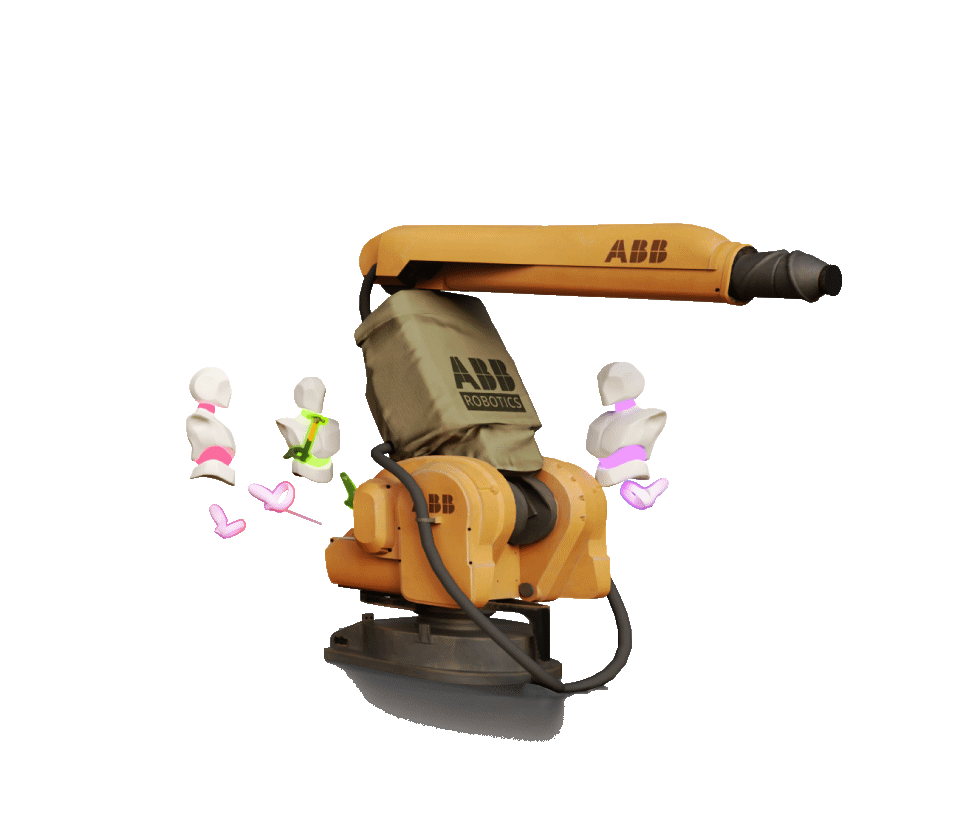
Showcase machinery and products to international clients in VR. Travel-free demos with interactive 3D exploration close more deals.
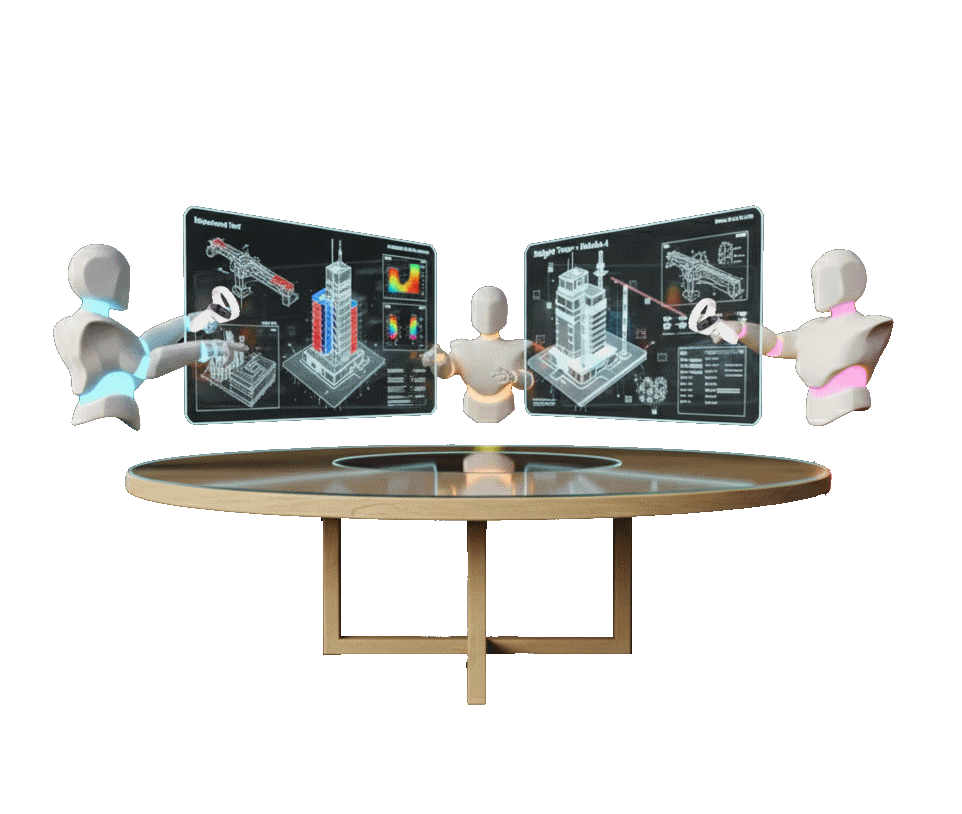
Architecture and engineering teams review 3D models at 1:1 scale. Spot issues early and accelerate approval cycles.
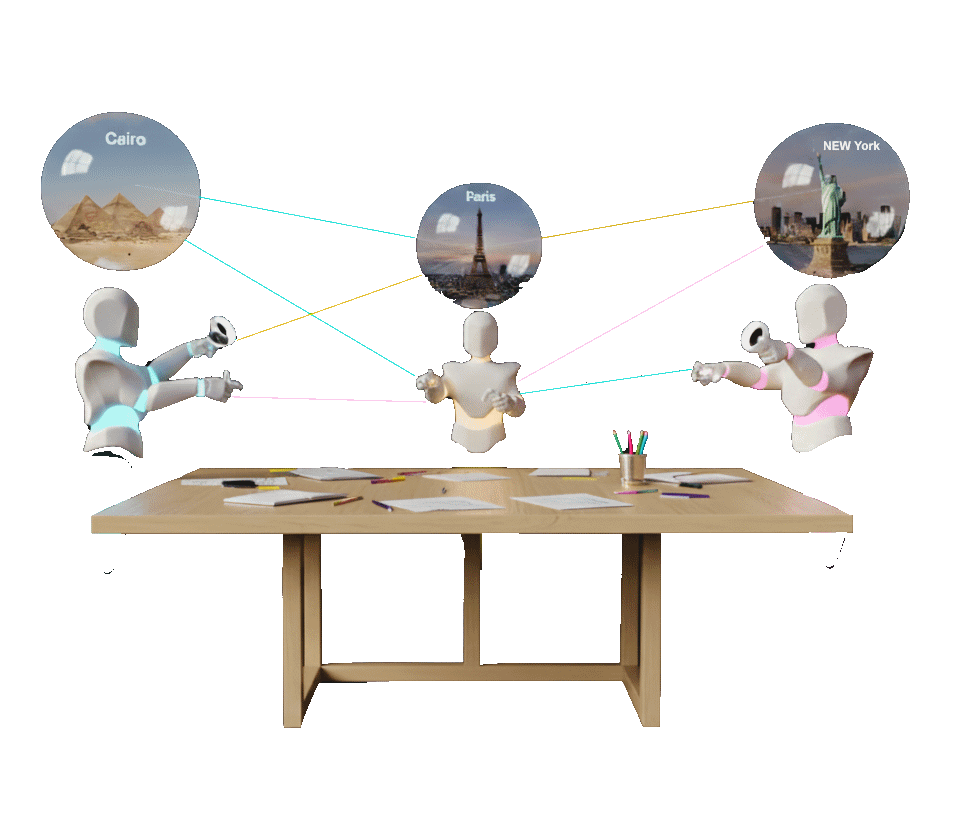
Distributed teams meet in VR office spaces. 300% more engagement than video calls with spatial audio for natural conversation.
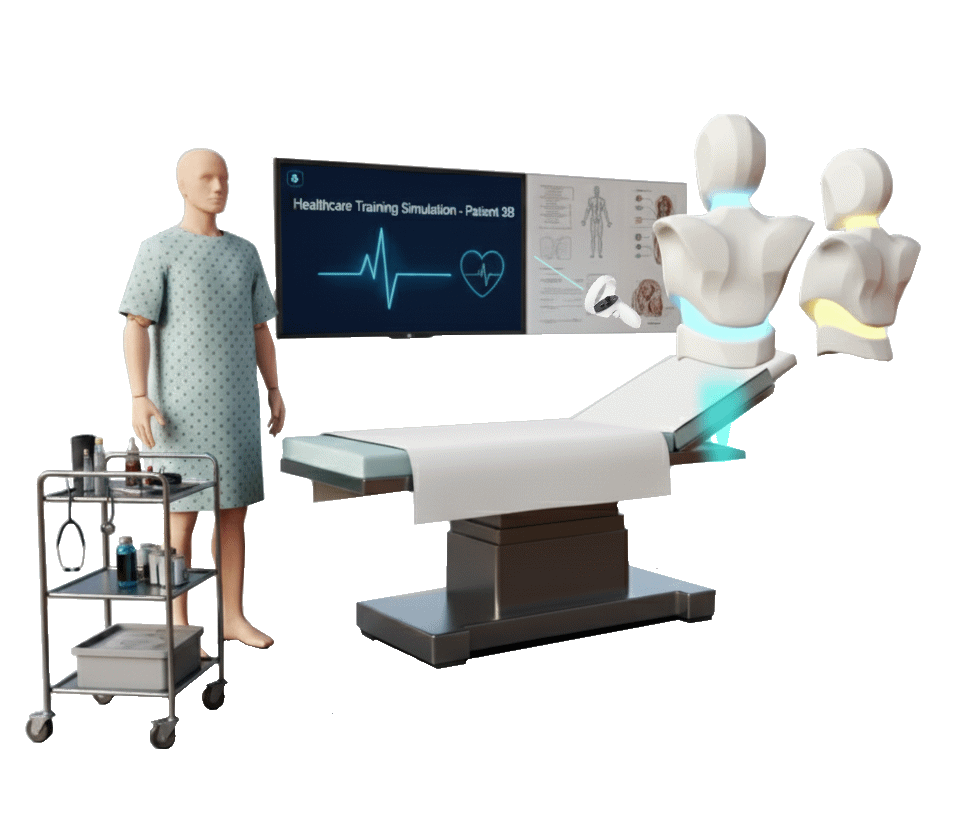
Medical teams practice procedures and equipment training collaboratively. Safe, repeatable practice in immersive 3D environments.
Why Choose SimLab VR Collaboration Platform?
Stand out from Meta Horizon, Microsoft Mesh, and other VR meeting software with unique advantages





Mix Devices
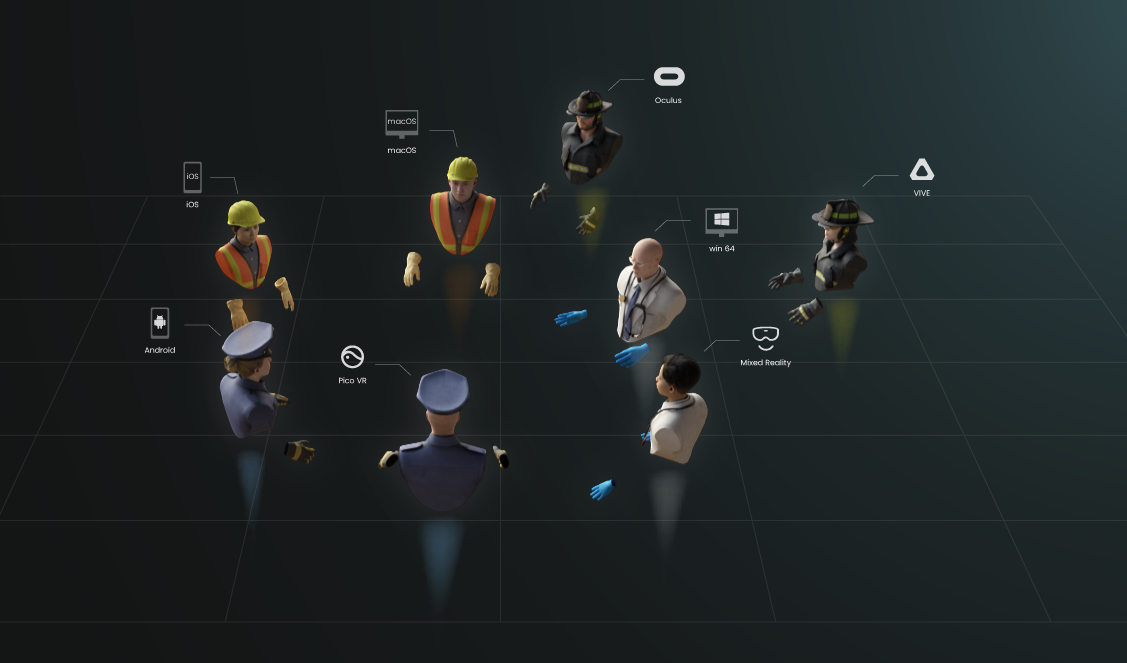
Runs on multiple devices: Windows, macOS, Android, iOS, Oculus Quest, Pico VR, and PC VR Headsets.

macOS

win 64

VIVE

Oculus PC

Mixed Reality
Oculus Quest

iOS

Android

Pico VR
VR Collaboration vs. Video Conferencing
See why immersive VR meetings outperform traditional video calls for training, design reviews, and team collaboration
| Feature | Traditional Video Calls | SimLab VR Collaboration |
|---|---|---|
| Engagement Level | Low (Zoom fatigue) | Very High (300% more engaging) |
| 3D Content Sharing | Screen sharing only | Interactive 3D models |
| Spatial Audio | No | Yes - Natural directional sound |
| Hands-on Training | Watch only | Virtual hands-on practice |
| Information Retention | 25% | 75% (3x better) |
| Cross-Device Support | Most platforms | 9 platforms (VR + non-VR) |
When to Use VR Collaboration
- Design reviews & 3D visualization
- Training with spatial context
- High-stakes presentations
- International team building
- Product demonstrations
When Video Calls Are Enough
- Quick status updates
- Document reviews
- Large webinars (50+ passive attendees)
- Simple Q&A sessions
Only the host pays — participants join free from any device
Affordable and suitable for everyone


* Maximum VR Collaboration session length is 240 minutes.
* Only the host needs to pay.
* Unlimited monthly usage.
Ready to Transform Your Team Collaboration?
Join 500+ organizations using SimLab VR Collaboration to increase engagement, reduce costs, and build stronger teams
Higher Engagement vs. Video Calls
Reduction in Training Travel Costs
✓ 30-Day Money-Back Guarantee
✓ Educational Discounts Available (50% Off)
✓ Works on Quest, Pico, PC VR, iOS, Android, Windows, macOS
Everything you need to know about VR collaboration software
What is a vrpackage file?
Vrpackage file is a 3D VR scene that has been created using SimLab Composer or VR Studio, it is one file that contains all of the scene elements including the 3D models, textures, environment settings, interactive features, and even the package information such as the title and the description.
The vrpackage file can be opened by SimLab VR Viewer which is available for PCs, smartphones, and VR headsets. SimLab VR Viewer is the core of the SimLab Sharing, where you upload, manage, and share the VR scenes.

How to Create a VR Collaboration session?
To start a collaboration session, follow the instructions in this guide.
How to Join a VR Session?
To join a collaboration session, follow the instructions in this guide.
How many users can participate in a SimLab VR Collaboration session simultaneously?
SimLab VR Collaboration offers pricing tiers for 4, 10, and 30 users, indicating that up to 30 users can participate simultaneously.
What devices and VR headsets are compatible with SimLab VR Collaboration?
SimLab VR Collaboration is compatible with a wide range of devices and operating systems, including Windows, macOS, Android, iOS, Oculus Quest, Pico VR, and PC VR Headsets.
Can I share and interact with my own 3D models during a VR collaboration session?
Yes, a key feature of SimLab VR Collaboration is the ability to use your own 3D models within the interactive VR experiences.
How does SimLab VR Collaboration enhance remote team productivity?
It allows multiple users to join interactive VR experiences from different devices, fostering more natural interactions than 2D screens, and enabling teams to streamline processes and collaborate on projects in an immersive setting.
What is the process for setting up and joining a SimLab VR Collaboration session?
The process involves four simple steps: running SimLab VR Viewer, selecting a model, sending an invitation link to participants, and clicking start.
What is VR collaboration software?
VR collaboration software enables multiple users to meet, communicate, and work together in shared virtual reality environments. It creates immersive 3D spaces where teams interact using avatars, voice chat, and interactive content—going beyond traditional video conferencing.
Do all participants need VR headsets?
No! SimLab VR Collaboration works across 9 platforms including VR headsets (Quest, Pico, VIVE), desktops (Windows, macOS), and mobile devices (iOS, Android). Participants can join from any device, making it accessible for everyone.
How is VR collaboration different from Zoom or Teams?
VR collaboration offers 300% higher engagement with immersive 3D spaces, spatial audio, interactive 3D models, and hands-on training capabilities. While video calls are great for quick updates, VR excels at design reviews, training, and team building where spatial context matters.
What are common VR collaboration use cases?
Popular use cases include vocational training (60% cost reduction), architectural design reviews (1:1 scale models), product demonstrations (international clients), remote team meetings, healthcare training, and educational virtual classrooms.
How much does VR collaboration software cost?
SimLab VR Collaboration starts at $39/month for 4 users (billed annually). We offer three tiers: 4 users ($39/mo), 10 users ($89/mo), and 30 users ($289/mo). Only the host needs a subscription—participants join free from any device.
Are there educational discounts available?
Yes! Educational institutions receive 50% off all plans. Contact us for educational pricing information.
Can I try VR collaboration before buying?
Absolutely! Book a free demo to experience SimLab VR Collaboration firsthand. We'll guide you through a 15-minute live demo with no credit card required.
What 3D file formats are supported?
SimLab VR Collaboration uses vrpackage files created with SimLab Composer or VR Studio. These files contain 3D models, textures, environment settings, and interactive features—all in one optimized package.
What internet speed do I need?
We recommend a minimum of 10 Mbps download and 5 Mbps upload for smooth VR collaboration. Higher speeds provide better audio quality and reduce latency in multi-user sessions.
Is it secure for enterprise use?
Yes. SimLab VR Collaboration features secure invitation links, enterprise-grade encryption, and private sessions. Your 3D content and collaboration data remain protected throughout the session.
How to add a VR Collaboration Key to your Account?
While Logged in to your SimLab Account in SimLab VR Viewer, you will find next to your avatar meters for storage capacity and file count, check here for more information