




Supports
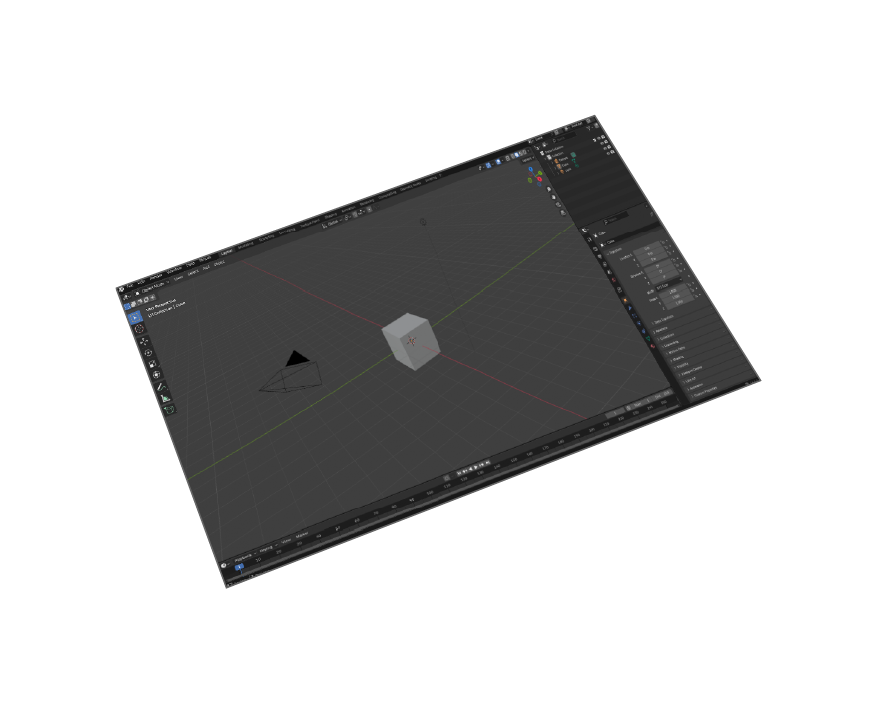
Blender 5 and older

Animations
Supports Transformation animations
Materials Support
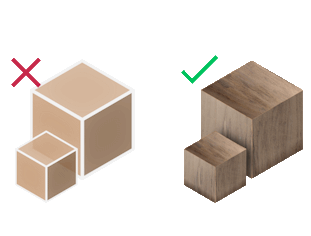
Import your models with their materials
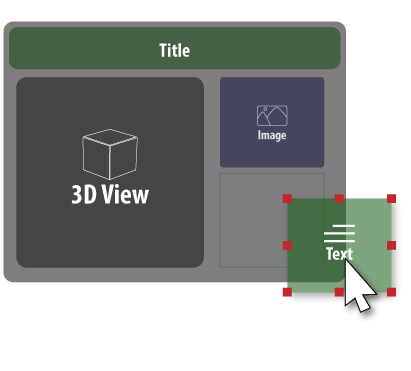
Template Designer
for designing your own taste of templates of pdf pages
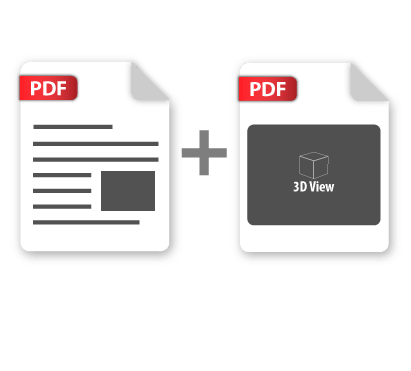
Merge PDF
merge multiple 3d pdf files together


Pricing
Blender 3D PDF Exporter
Blender
3D PDF Exporter

How to Install and Use the Plugin
- Open Blender.
-
Navigate to Edit > Preferences.
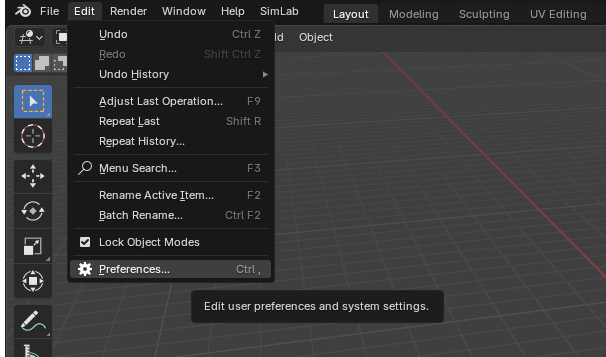
-
Click on Add-ons, then select the dropdown arrow at the top right and click
Install from Disk.
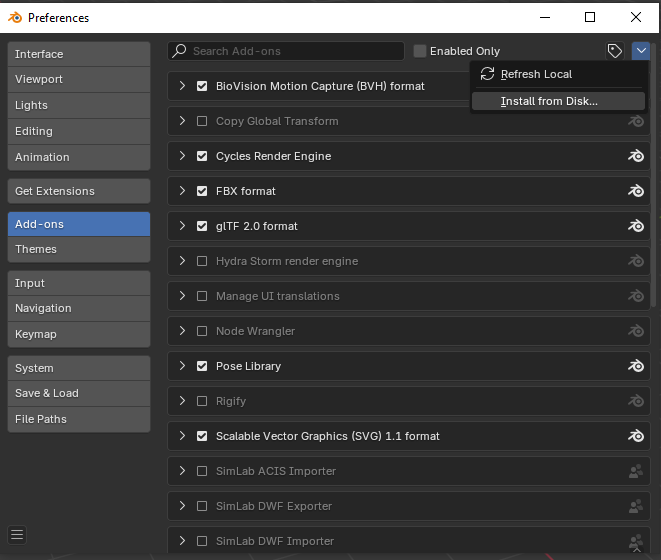
-
Locate the path where the ZIP file was downloaded , then click Install from Disk.
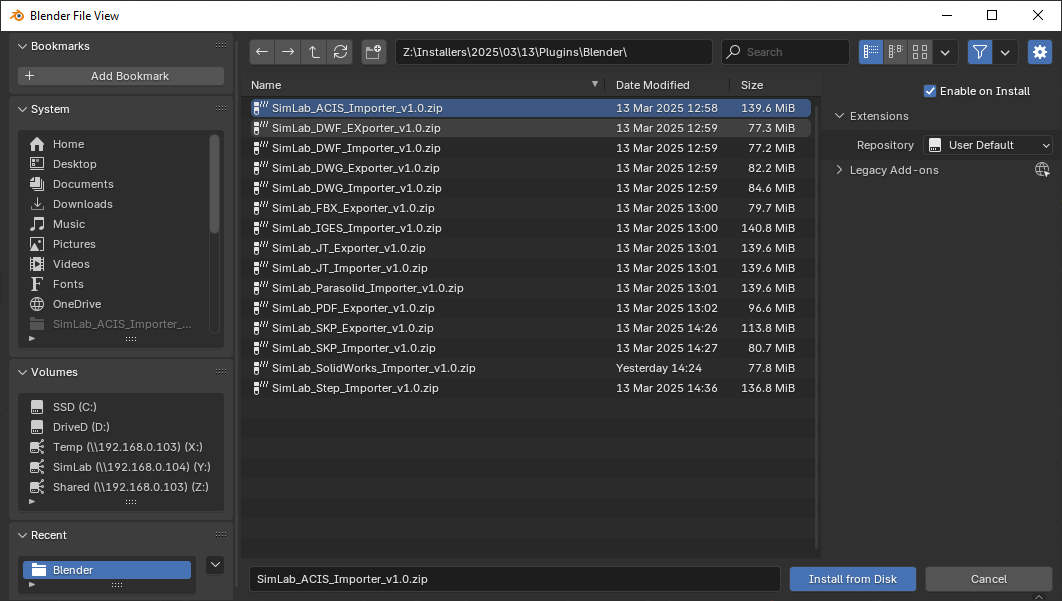
-
Go to the SimLab tab and locate the PDF Exporter section, as shown in the image.
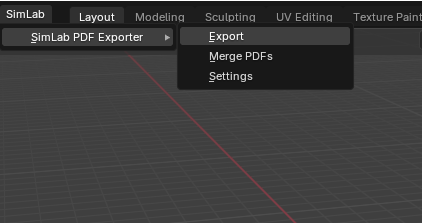
- To obtain a trial license, open Settings and follow the steps provided here.

3D PDF Export from Blender - Frequently Asked Questions
Complete guide to exporting interactive 3D PDF files from Blender with professional features
- How do I export 3D PDF files from Blender?
Install the SimLab PDF exporter plugin, select your 3D model in Blender, go to the SimLab tab, choose PDF Exporter, configure your settings, and click export to create interactive 3D PDF files with animations and materials.
- Can I export interactive 3D PDFs from Blender for free?
The SimLab PDF exporter offers a free 14-day trial with 30 uses to test all features including animations, materials, and template customization. After trial, a yearly subscription of $72 provides unlimited exports.
- What software do I need to view 3D PDF files?
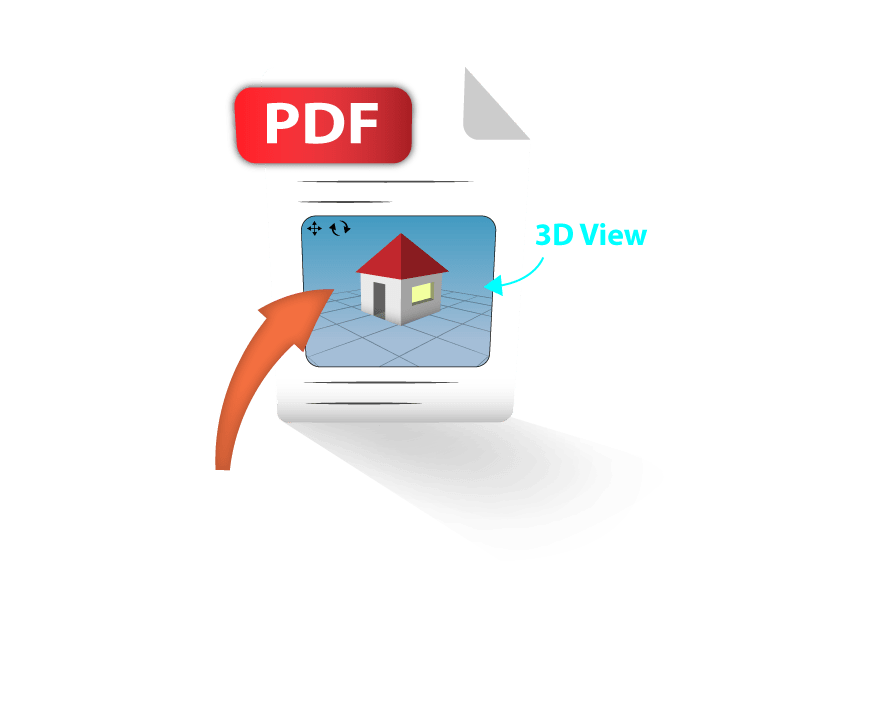
3D PDF files are natively supported by the official free Adobe Acrobat Reader. The interactive 3D models can be rotated, zoomed, and manipulated directly within the PDF document.
- Does the plugin support animations in 3D PDF export?
Yes, the SimLab PDF exporter supports transformation animations from Blender, allowing you to create interactive 3D PDFs with animated models that viewers can play and control.
- Can I customize the 3D PDF template and layout?
Yes, the plugin includes a Template Designer feature that allows you to design custom PDF page layouts, add branding, text, images, and control the presentation of your 3D models within the PDF document.
- What are the best alternatives to SimLab 3D PDF exporter?
SimLab is currently the only working solution for exporting 3D PDF files directly from Blender. While other tools like PDF3D ReportGen or Tetra4D exist for other CAD software, SimLab provides the most complete and user-friendly solution for Blender users.
- What versions of Blender are supported for 3D PDF export?
The plugin supports Blender 5 and older versions, working on both Windows and macOS. It's regularly updated to maintain compatibility with the latest Blender releases.
- Does the plugin support U3D and PRC format export?
Yes, the plugin supports both U3D and PRC formats for maximum compatibility. You have full control over export settings including scale, up vector, material preservation, and can merge multiple 3D PDF files together.
Trial licenses:
- How to request a trial license? and for how long it would be valid?
Check this page for step by step instructions on how to request and activate a trial license.
Trial licenses are valid for 14 days or 30 trials whichever comes first.
Professional licenses:
- Requesting and activating a professional license?
Check this page for step by step, instructions on how to activate a professional license upon receiving a software key that can be used for activating the Plugin.