



Key Features of Our JT to Blender Importer

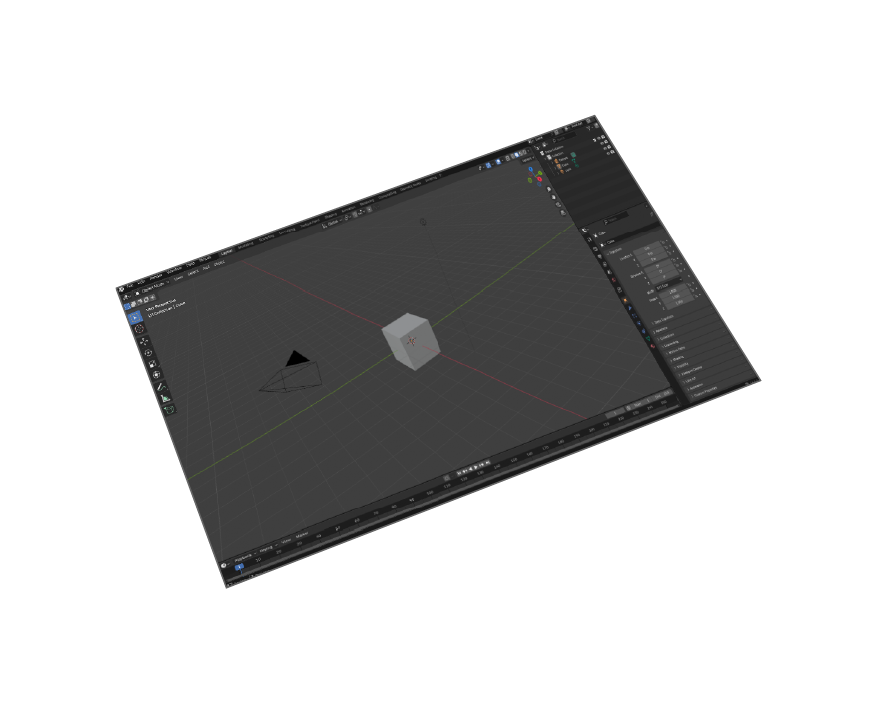
Blender 5 Compatible
Supports Blender 5 and all older versions back to 2.8
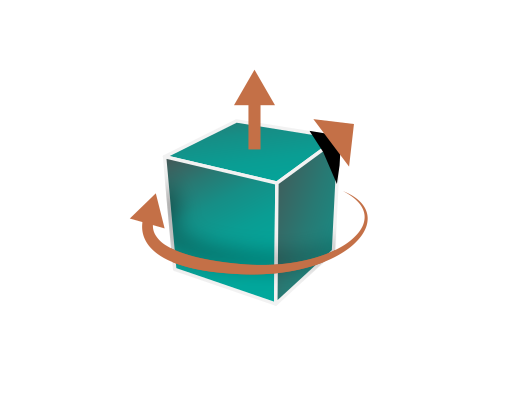
Professional Transformations
CAD-optimized corrections: Up Vector, Rotation, Scale Multipliers

CAD Workflow Optimized
Professional results with minimal steps - optimized for CAD workflows
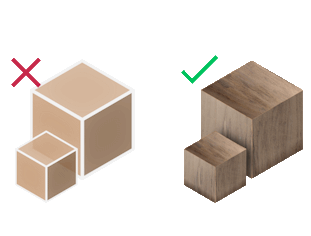
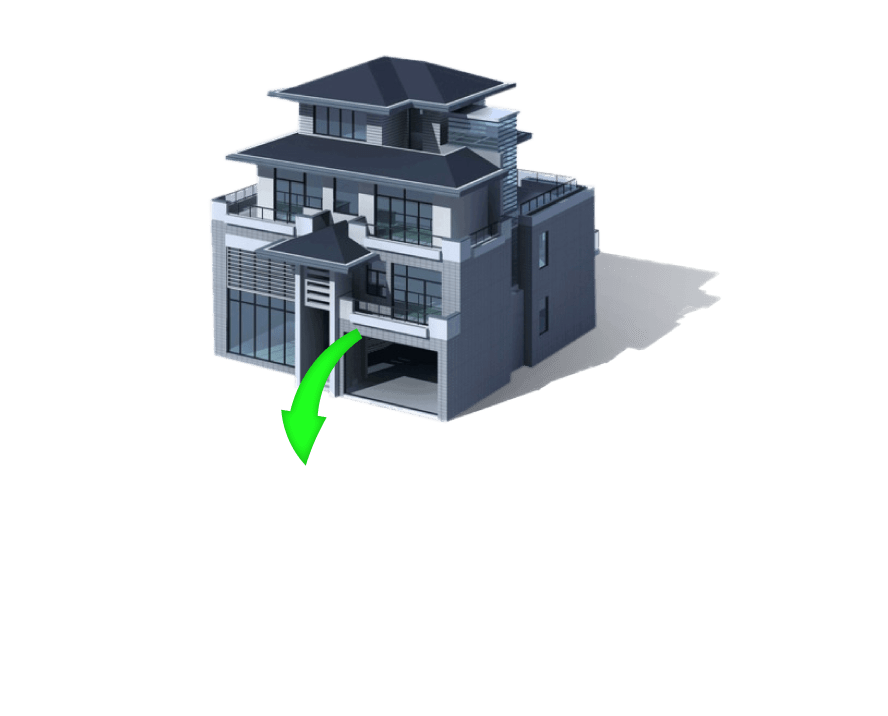
Geometry & Materials
Import JT models with geometries and materials preserved
JT to Blender Workflow for Industries
Automotive Design
Import JT files from Siemens NX, CATIA, and other automotive CAD systems directly into Blender for visualization, rendering, and design review workflows.
Aerospace Engineering
Convert complex JT tessellation models from aerospace CAD workflows into Blender for technical analysis, documentation, and presentation materials.
Manufacturing Visualization
Transform JT manufacturing data into Blender for assembly animations, instruction manuals, and quality inspection visualizations.
Product Marketing
Convert CAD models from JT format to create stunning product visualizations, marketing renders, and interactive 3D presentations in Blender.


Pricing - JT to Blender Plugin
Professional JT Importer
Convert JT CAD
to Blender

Installation Guide: How to Import JT Files to Blender
- Step 1: Open Blender (version 2.8 or newer).
-
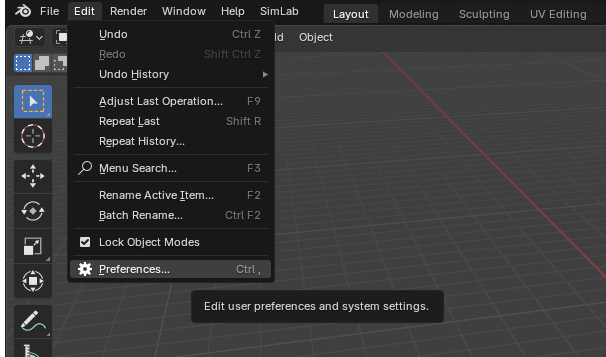
Step 2: Navigate to Edit > Preferences.
-
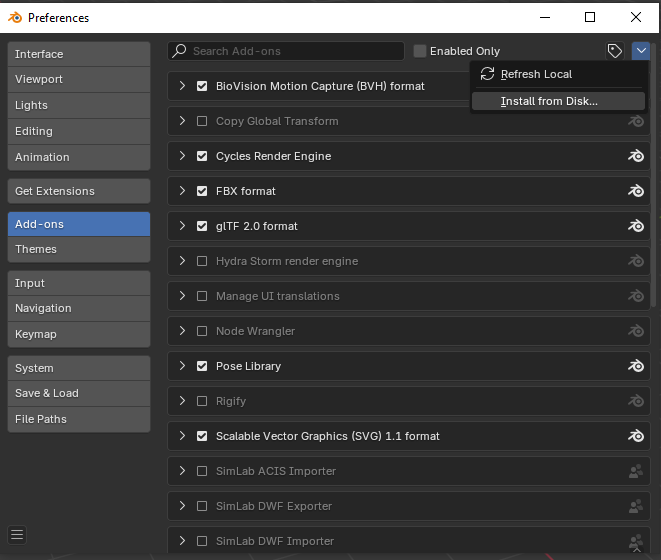
Step 3: Click on Add-ons, then select the dropdown arrow at the top right and click
Install from Disk.
-
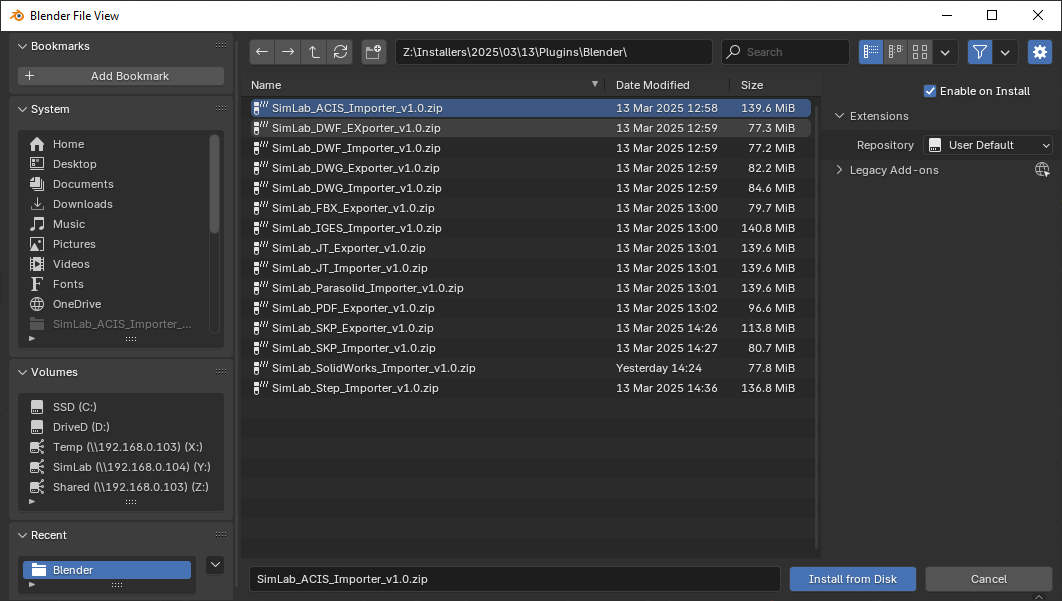
Step 4: Locate the downloaded ZIP file and click Install from Disk.
-
Step 5: Go to the SimLab tab and locate the JT Importer section.
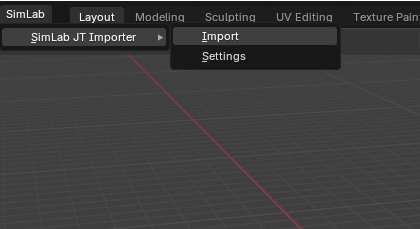
- Step 6: To import a JT file, go to File > Import > JT (.jt)
- Step 7: For trial activation, open Settings and follow these license steps .

Frequently Asked Questions
What JT file versions can I import to Blender?
Our plugin supports all major JT versions including JT 8.0, 9.0, and 10.0+ created by Siemens NX, CATIA, and other CAD systems used in automotive and aerospace industries.
What information is imported from JT models to Blender?
The JT to Blender importer transfers geometries, materials, tessellation data, and maintains the original CAD structure for professional visualization workflows.
Which versions of Blender support the JT importer?
The plugin supports Blender 5 and all older versions back to Blender 2.8. It works on both Windows and macOS operating systems.
How do I control the imported JT model in Blender?
The plugin provides professional transformation controls including scale multipliers, up vector settings, and rotation corrections optimized for CAD-to-Blender workflows.
What CAD systems export JT files compatible with this plugin?
The plugin works with JT files exported from Siemens NX, CATIA V5/V6, SolidWorks, Creo, and other major CAD systems that support JT format output.
Subscription License Benefits:
Will I get updates with a subscription license?
Yes, subscription licenses include all updates and new features. You'll always have access to the latest version compatible with new Blender releases and JT format updates.
What happens when my subscription expires?
You can renew your subscription (auto-renewal available) or let it expire. The plugin will continue working with the last version you had access to during your subscription period.
How do I activate my JT to Blender plugin license?
After purchase, you'll receive a license key. Follow the step-by-step activation guide. For support, email license@simlab-soft.com
Free Trial Information:
How long is the free trial for the JT importer?
The trial license is valid for 14 days or 30 uses, whichever comes first. No credit card required. Get your trial license here.
What is JT format and why is it used in CAD?
JT (Jupiter Tessellation) is a lightweight 3D file format created by Siemens PLM Software. It's widely used in automotive and aerospace industries for CAD data exchange, visualization, and collaboration workflows.
How does JT format compare to other CAD formats?
JT files are optimized for visualization with smaller file sizes than STEP or IGES, while maintaining high-quality tessellated geometry. They're ideal for design review and collaboration workflows.
Can I import large assemblies from JT files?
Yes, the plugin handles large automotive and aerospace assemblies efficiently. It optimizes geometry during import and maintains performance even with complex multi-part JT models.
Start Converting JT CAD Files to Blender Today
Join automotive and aerospace professionals using our JT importer
Download Free TrialNo credit card required • 14-day trial • Full CAD feature access