





Supports
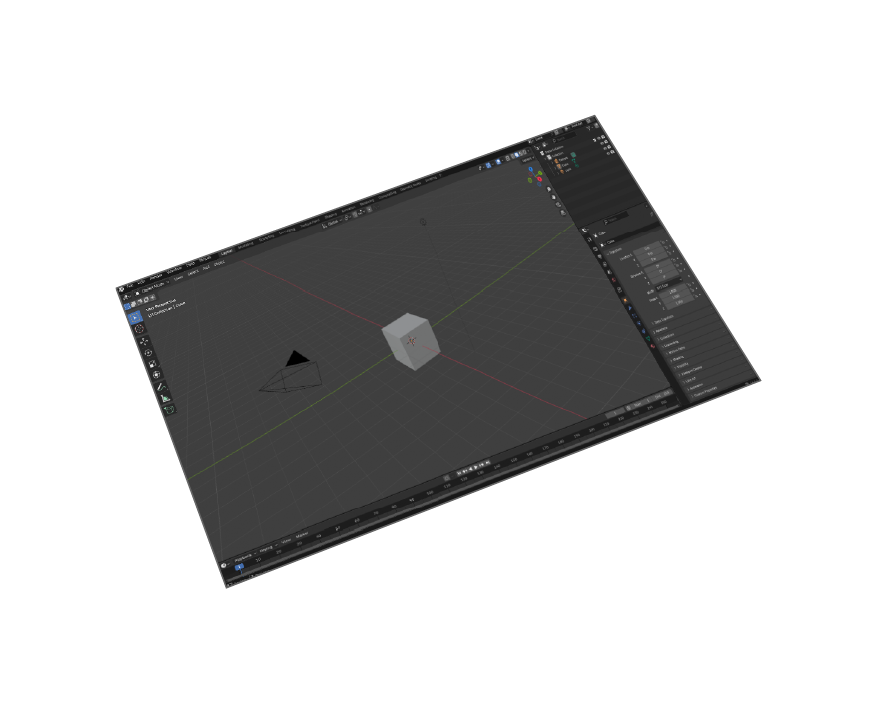
Blender 5 and earlier versions
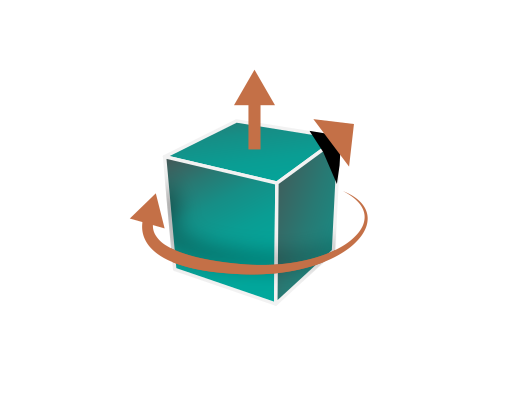
Transformations
Corrections(Up Vector,Rotate by, Scaling Multiplier)

Ease Of Use
Quality outputs in minimal steps
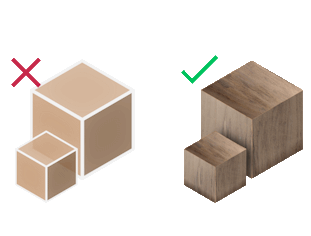
Materials Support
Export models with materials for PLM systems
Professional Blender to PLM Workflow
Why Export JT from Blender?
Bridge creative 3D modeling in Blender 5 with enterprise PLM systems like Teamcenter. Essential for manufacturing teams who need to integrate Blender models into existing product lifecycle management workflows.
Siemens JT Format Advantages
JT (Jupiter Tessellation) is Siemens' industry-standard format for large assembly visualization, supporting precise geometry, materials, and metadata. Optimized for manufacturing visualization and collaboration across global teams.
Manufacturing Use Cases
• Automotive design visualization and review
• Aerospace component documentation
• Industrial machinery presentation
• Product development collaboration
• Manufacturing process visualization
PLM System Integration
Direct integration with Teamcenter, NX, Solid Edge, and other Siemens PLM solutions. Enables seamless workflow from creative design in Blender to enterprise product data management systems.


Pricing
Blender JT Exporter
Blender
JT Exporter

How to Install and Use the Plugin
- Open Blender.
-
Navigate to Edit > Preferences.
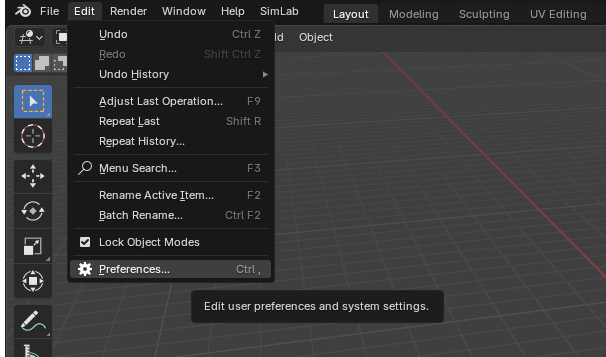
-
Click on Add-ons, then select the dropdown arrow at the top right and click
Install from Disk.
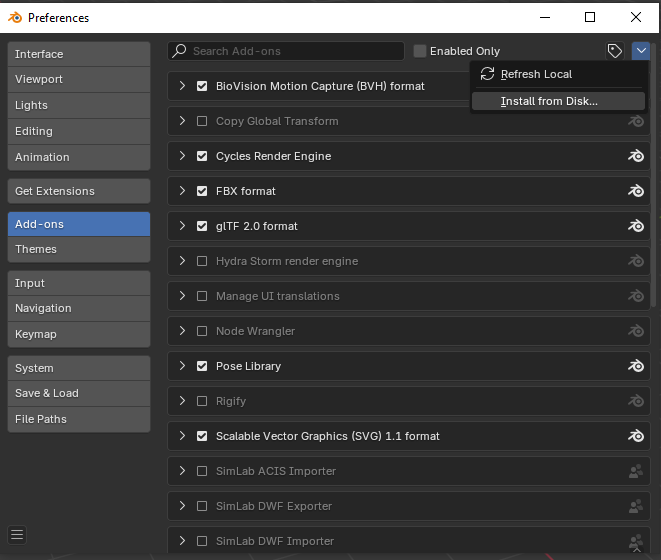
-
Locate the path where the ZIP file was downloaded , then click Install from Disk.
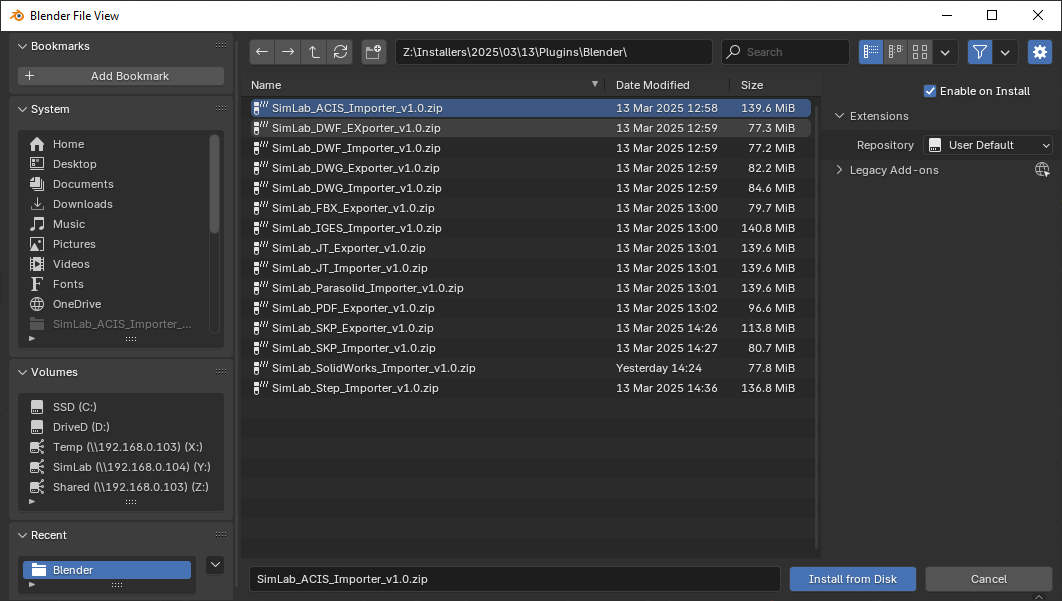
-
Go to the SimLab tab and locate the JT Exporter section, as shown in the image.
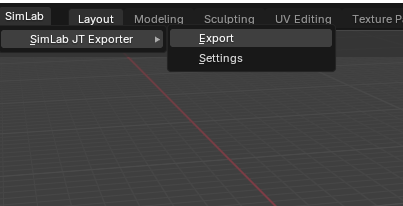
- To obtain a trial license, open Settings and follow the steps provided here.

FAQ
- What information is exported from Blender to JT format?
The plugin exports 3D geometries, materials, textures, and metadata from Blender models to Siemens JT format with full precision for PLM systems.
- What versions of Blender are supported?
The plugin supports Blender 5, 4.0, 3.6 LTS and all earlier versions. Compatible with Windows and macOS systems for professional PLM workflows.
- What control do I have over the exported JT?
Smart defaults work automatically for most models, but the plugin settings provide full control over export scale, coordinate system orientation, unit conversion, and geometric transformations for specific PLM system requirements.
Subscription licenses:
- Will I be able to install the latest version while I have a subscription license?
Yes, a subscription license will make you always up to date with the latest version.
- What happens when my subscription ends?
You can renew your subscription ( auto renewal option is available ), or you can cancel it.
- How can I activate my license?
After buying a subscription you will get a key, follow the steps described on the licensing page.
If you face any problem, please send an email to license@simlab-soft.com
Trial licenses:
- How to request a trial license? and for how long it would be valid?
Check this page for step by step instructions on how to request and activate a trial license.
Trial licenses are valid for 14 days or 30 trials whichever comes first.