




Materials Support
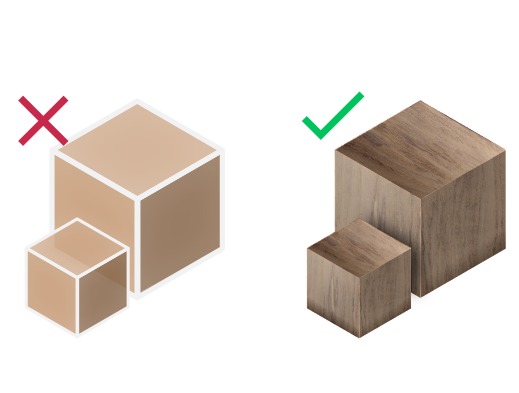
Export Rhino 3D models with full materials, textures, and surface properties preserved in interactive PDF format
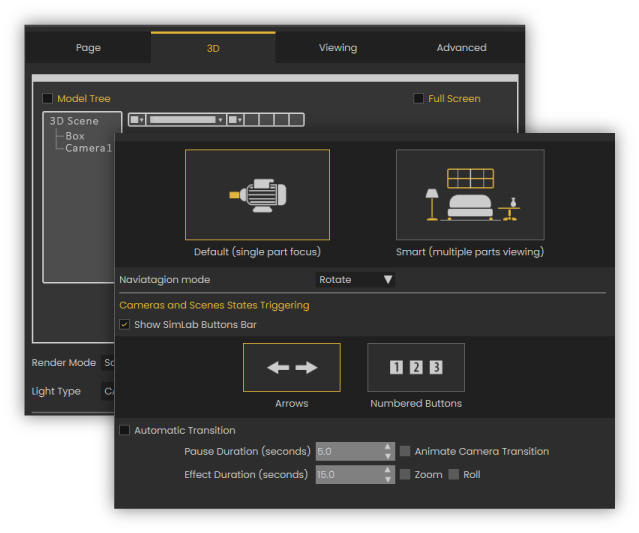
Multiple Scenes & Cameras
Export multiple viewpoints and perspectives from your Rhino CAD model into a single 3D PDF document with switchable camera angles
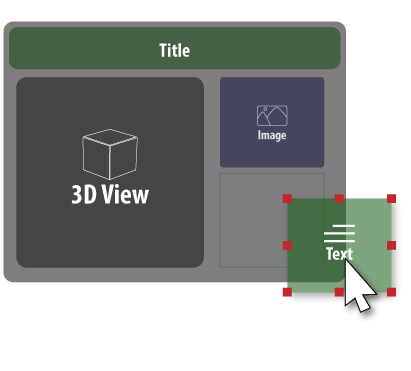
PDF Template Designer
Create custom PDF layouts and page templates to match your brand identity and presentation requirements
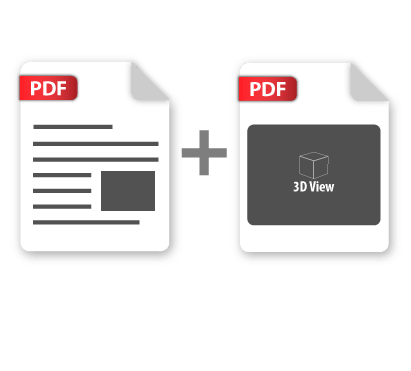
PDF Portfolio Creation
Combine multiple 3D PDF files into comprehensive project portfolios and presentation packages

Streamlined CAD Workflow
Professional-quality 3D PDF output with minimal steps - directly from Rhino's interface to shareable documents


Professional 3D PDF Exporter Subscriptions
Rhino 3D PDF Exporter
Rhino
3D PDF Exporter

Installation and Setup Guide for Rhino 3D PDF Exporter
- Download the plugin and install it.
- Run Rhino.
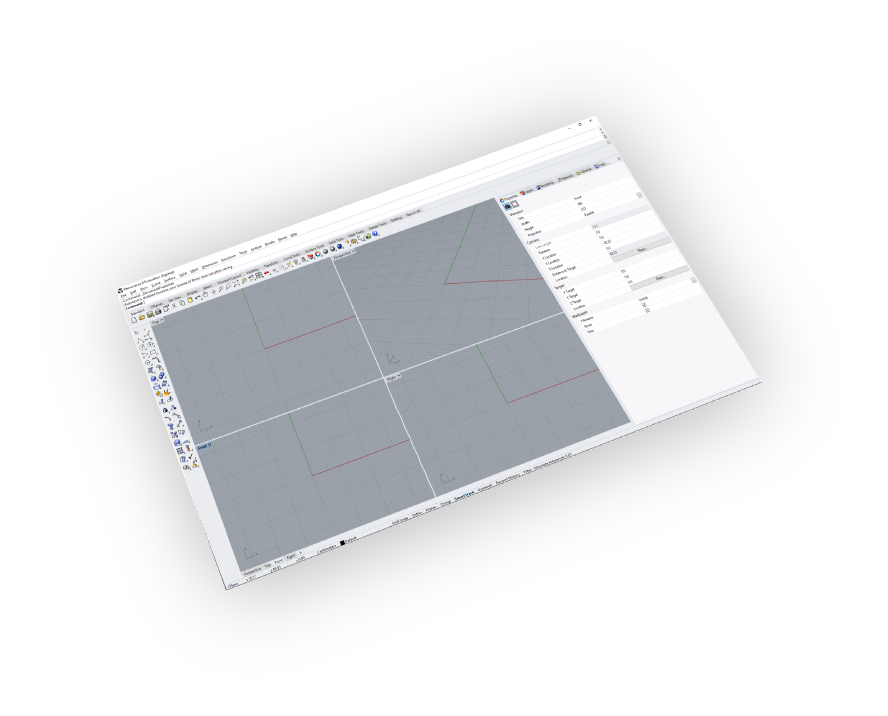
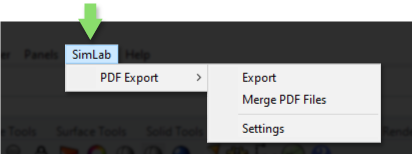
- Go to SimLab Tab and find 3d pdf Exporter Tab as shown in the image.
- To obtain a trial license, open settings then follow the steps shown here.
Convert Rhino CAD Models to Interactive 3D PDF Documents
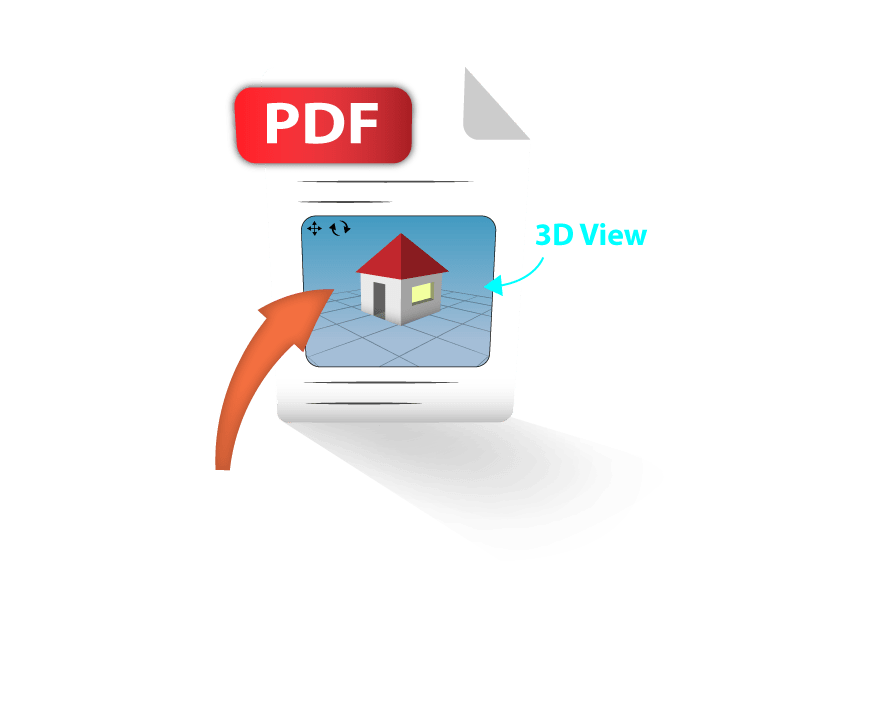
Transform your Rhino 3D designs into professional interactive PDF documents that clients can view, rotate, and explore using the free Adobe Acrobat Reader. Perfect for architectural presentations, product showcases, and design reviews without requiring specialized CAD software.

FAQ
- Do I need specific software to open 3D PDF files
The 3d pdf files are natively supported on the official free Adobe Acrobat Reader.
- Does 3D PDF files support texture?
Yes, it supports material and textures.
- How can I customize a 3D PDF file?
-
Go to SimLab Tab and find 3D PDF exporter Tab and then click on Settings
-
Click on Setting in the image below.
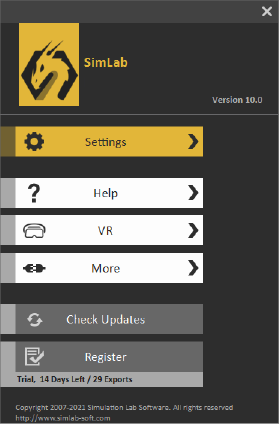
-
The 3d pdf settings can be customized from the panel below
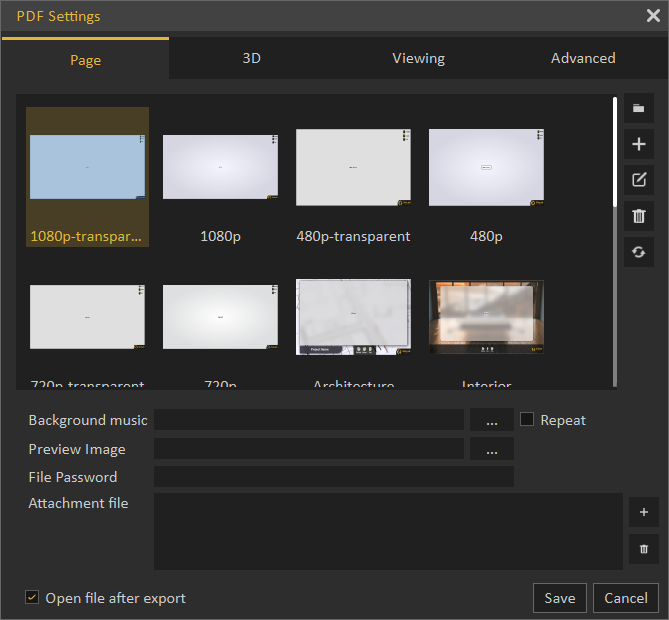
- Does it support U3D or pre-based files?
Yes, it supports both.
- What information is exported from Rhino to 3d pdf model?
The plugin transfers geometries, materials, and textures.
- What versions of Rhino are supported?
The plugin supports Rhino 5 - 8, it works on Windows.
- What control do I have over the exported 3d pdf?
Defaults should work automatically for most of the models, the setting of the plugin still allows you to control the scale of the model, and the up vector to be used.
Trial licenses:
- How to request a trial license? and for how long it would be valid?
Check this page for step by step instructions on how to request and activate a trial license.
Trial licenses are valid for 14 days or 30 trials whichever comes first.
Professional licenses:
- Requesting and activating a professional license?
Check this page for step by step, instructions on how to activate a professional license upon receiving a software key that can be used for activating the Plugin.